How to Fix When Safari Cannot Open the Page Because the Address Is Invalid

Deep linking is the key to successful app marketing. When we say a deep link is working, we expect it to take users smoothly to the app, or use fallback behaviors to redirect them to an app store or a web page, minimizing churn. However, the world is not perfect and it is not easy to create deep links that meet app marketers’ high standards.
Previously, we took a look at the three types of deep links and the difficulties of handling them. URI schemes, in particular, have no built-in fallback option. This means that users without the app will see an error message or nothing upon clicking the link. In response, the two biggest mobile operating systems - Android and iOS - each came up with its own solution.
Nevertheless, you might have noticed that in iOS Safari, scheme-based deep links lead to unexpected alert dialogs at times. How can app marketers overcome such trouble and build a seamless user journey?
URI scheme fallback for Android
When deep linking with URI schemes in Android, you have two ways to redirect users to a fallback page.
JavaScript
You can use iframes to load the deep link and redirect the user to Google Play with a delayed JavaScript. This popular option involves the process of setting an iframe src’s attribute. Below is an example code snippet of which airbridge:// is the custom scheme. If the app is installed on the user’s device, the app will open and JavaScript won’t run.

However, this is only available in Chrome for Android 18 and earlier and in Android browsers. For Chrome 25 and later, the JavaScript solution stopped working.
👉 Learn more from Chrome Developers documentation
Android Intent
Chrome versions 25 and later don't support JavaScript and URI schemes won’t work even if the user has the app installed. Instead, you should use the “intent:” syntax.
When a clicked link or programmatic request invokes a web URI intent, the Android system tries each of the following actions, in sequential order, until the request succeeds:
- Open the user's preferred app that can handle the URI, if one is designated.
- Open the only available app that can handle the URI.
- Allow the user to select an app from a dialog.
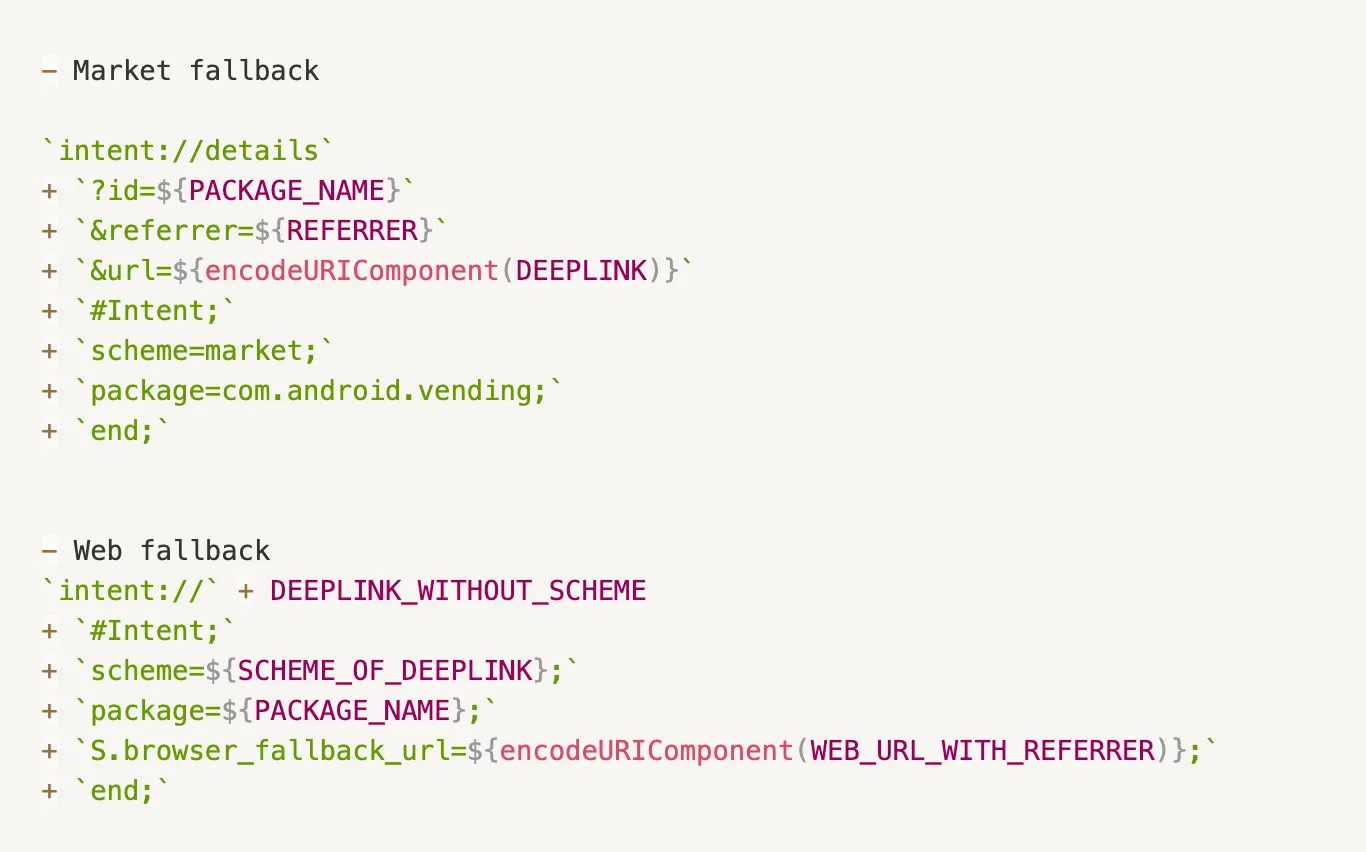
Below is an example code. To learn how to add intent filters, check out Android Developers documentation.
Want to see how Deep linking works with your data?
Get hands-on with Airbridge and see real results.
Try It Free →URI scheme fallback for iOS
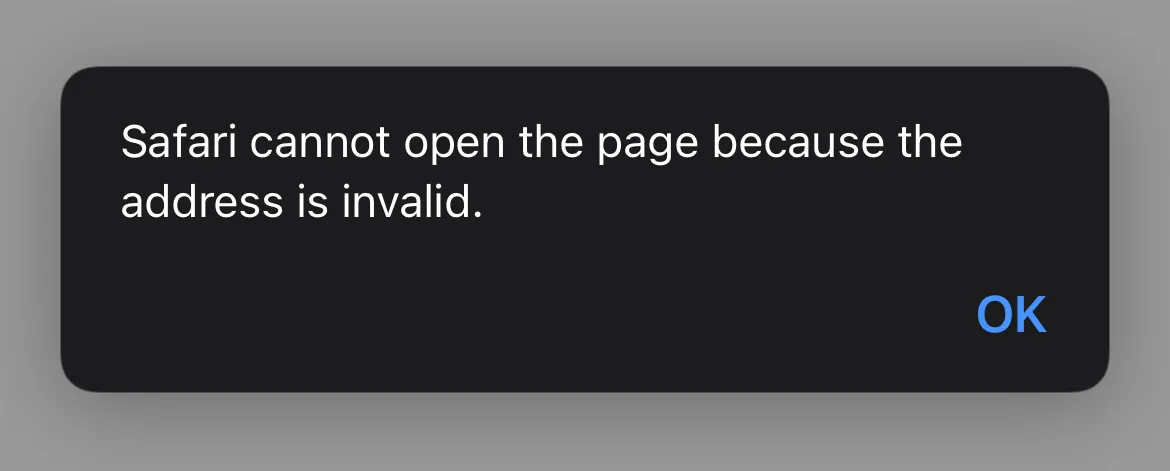
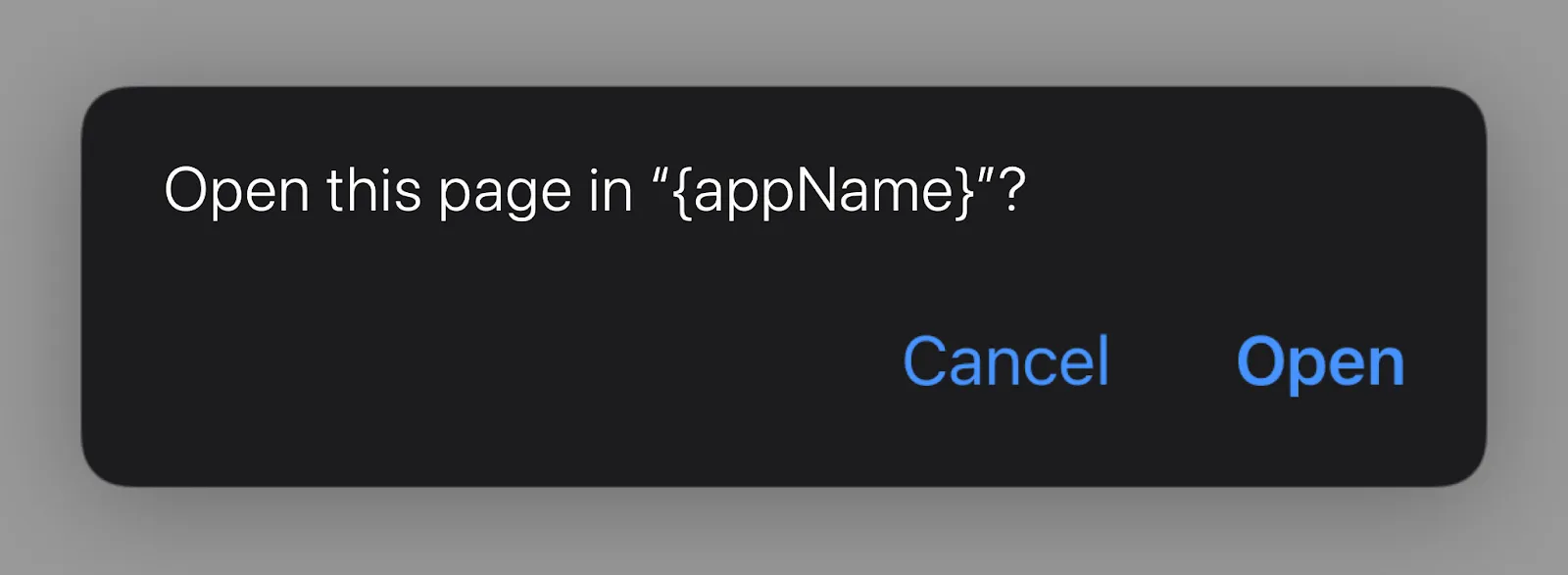
You may assume that the same smooth process applies to iOS. However, as of iOS 9.2, URI schemes for deep linking bring users to an abrupt halt when triggered from Safari. Bypassing the problem with JavaScript was a valid option for iOS 7 and iOS 8, but the good old days are gone and now all users clicking on a scheme-based deep link in Safari are shown an alert dialog as below.
If the app is not installed, the error message reads, “Safari cannot open the page because the address is invalid.”
If the app is installed, the error message reads, “Open this page in ‘{appName}’?”
Apple has taken such measures mainly due to security reasons; given that it is impossible to prove ownership of or reserve a particular scheme, multiple apps may register the same scheme and create URI conflicts. In addition, routing users from Safari to an external app by triggering a deep link with JavaScript could bring unintended results. This is why Safari shows an alert dialog when a scheme-based deep link is used.
This causes inconvenience not only to many of the users who use Safari as their default browser, but also to marketers who are trying to benefit from deep linking. Obviously, alert dialogs act as a barrier, and users will leave if they can’t get straight to the in-app content of their interest.
As an alternative to URI schemes in iOS, you can use the verified URLs - Universal Links. However, as Universal Links can’t send a user to the App Store, the deep link may not work as the marketer intended if the user doesn’t have the app installed.
Airbridge’s team of experts are putting continuous efforts into solving the problems explained above. If you want to take your app marketing to the next level with deep linking, contact us today.



Ready to transform your mobile growth?
Learn how Airbridge helps leading brands measure and optimize every touchpoint.