Best UGC Creator Campaign Tracking Tools for Mobile Apps in 2026
See how Airbridge tracks creators and videos to paid subscriptions, compares conversion and ROAS, and where link-based tracking misses organic views.
Key Takeaway
- Airbridge Core Plan lets subscription app teams measure UGC and creator campaigns down to the individual creator and video, from app installs to the first paid subscription.
- As of October 2026, the plan is priced at $40+/mo after a 30-day free trial, includes 500,000 data points, and requires no annual contract.
- Measurement relies on custom-channel tracking links, meaning only link-driven creator traffic is captured while unclicked organic post views and installs are not measured.
When you are running a consumer subscription app with a lean team, paying creators to post short-form videos is exciting until you try to figure out which video actually brought in paying subscribers. Viral view counts look great in a spreadsheet, yet they rarely tell you if a creator's audience converted past the free trial. If you are searching for the right way to evaluate UGC creator campaigns in 2026, the core job is connecting link clicks to downstream subscription events without getting locked into an enterprise contract. Instead of guessing which partnerships are worth renewing, you need a workflow that ties every link click to real trial starts and subscriber revenue.
Pricing and Usage Terms for App Campaign Attribution
Testing creator marketing on a startup budget is nerve-wracking when attribution tools demand upfront annual commitments before you even know if UGC works for your app. You might test five creators one month and pause the next to rework your onboarding flow. Paying thousands of dollars for an inflexible contract makes no sense when you are still looking for repeatable creator formats.
To fit how small subscription app teams actually test and scale, Airbridge Core Plan is priced at $40+/mo following a 30-day free trial, with no annual contract so you can cancel anytime. That base rate includes 500,000 data points, and if your campaigns take off and exceed that allowance, extra usage is billed at $0.0001 per additional data point. That flexibility lets you pause your creator experiments or shift your budget whenever your roadmap changes.
Connecting Creators and UGC Videos to Paid Subscriptions
If you have ever had a creator's video rack up hundreds of thousands of views while your subscription revenue stayed completely flat, you already know the trap of vanity metrics. Some creators are great at entertaining viewers who never pay for apps, while a smaller creator with a sharp hook might quietly bring in users who convert right after their trial. You need to see the entire journey to know the difference.
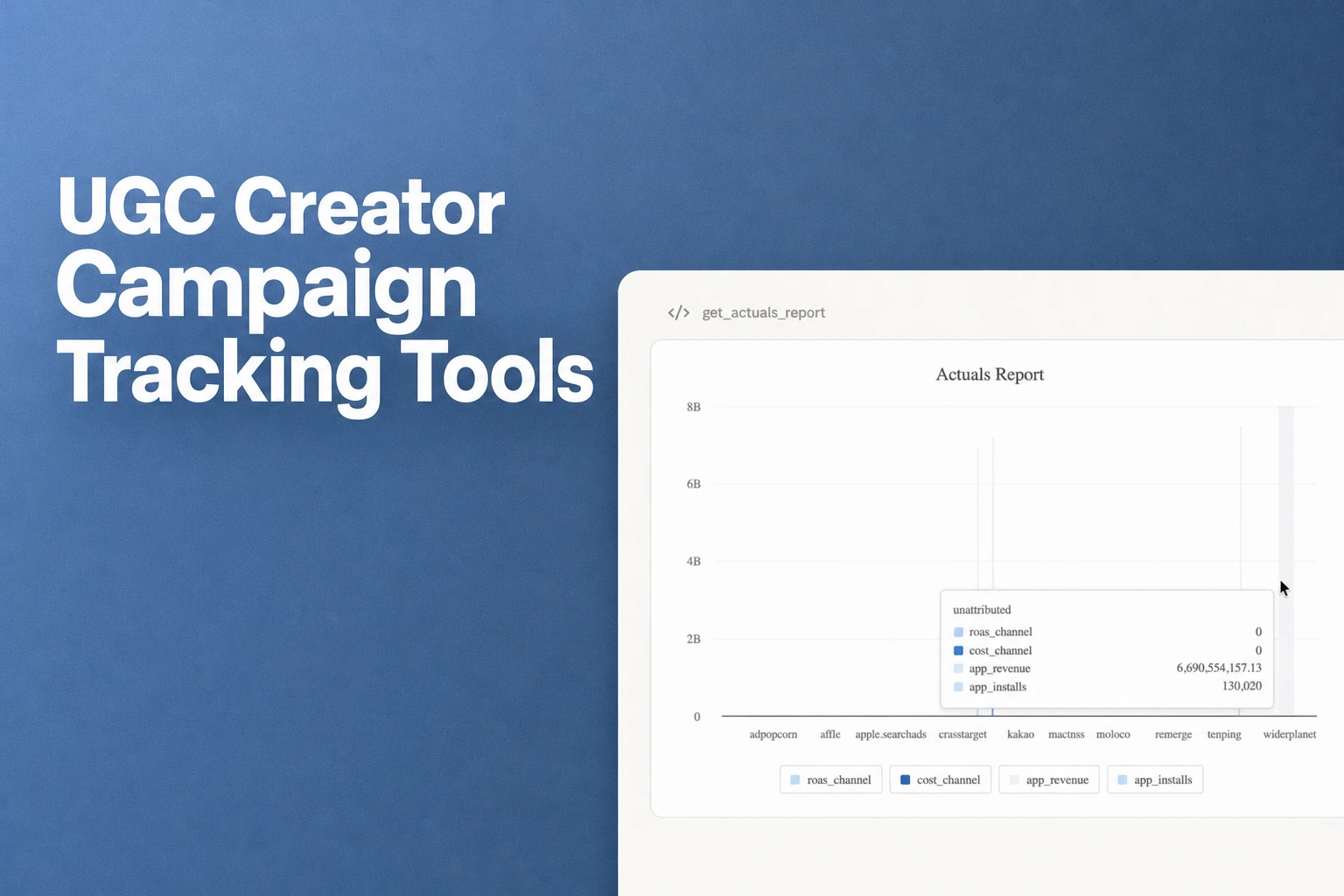
Airbridge Core Plan gives subscription app teams a way to measure UGC and creator campaigns at both the creator level and the individual video level, covering the path from install to the first paid subscription. Inside the Actuals report, your performance metrics—installs, trial starts, First Subscribe (App), and subscription revenue—are grouped across three distinct tiers: the creator (Campaign), the angle or hook (Ad Group), and the specific video (Ad Creative). Instead of guessing which talking point worked, you can look at the report and see whether a specific hook or video variation actually drove people to subscribe.
Structuring Creator Tracking Links for Video-Level Reports
When you are managing ten or twenty creators at once, messy link setups will ruin your reporting before the posts even go live. If you hand every creator a generic link, all that traffic blends into one bucket, leaving you blind to which specific video angle did the heavy lifting.
A clean way to organize this is to issue each creator their own Airbridge tracking link under a custom channel, setting the creator as the Campaign, the angle or hook as the Ad Group, and the video as the Ad Creative. While this 'Campaign = creator, Ad Group = angle, Ad Creative = video' hierarchy is the naming convention recommended by the Airbridge UGC playbook rather than a rigid product requirement, using it keeps your reporting structure tidy and easy to read. Plus, when you generate these custom-channel tracking links in Channel Types, Airbridge supports link short IDs, social share previews, QR codes, and Airpage.
Comparing Trial-to-Paid Conversion, Creator Cost, and ROAS
Even when two creators drive the exact same number of trial starts, one might attract bargain hunters who cancel immediately while the other brings in loyal subscribers. Furthermore, because creator fees are usually paid via direct invoices or direct transfers rather than through an automated ad platform, your cost data often sits in a separate spreadsheet. Without combining conversion rates and creator fees, you cannot tell who is actually profitable.
To compare user quality across partnerships, the Funnel report maps out the progression from install to trial start and subscription by Campaign, allowing you to compare trial-to-paid conversion rates side by side for each creator. To bring your spending into the picture, you can enter creator fees that were not paid through an ad platform by using Cost Data Upload under Integrations > Cost Data > CSV File Upload. You should make sure your CSV file uses the exact same Campaign, Ad Group, and Ad Creative names as your creator tracking setup, as matching those names is what calculates cost per install and ROAS per creator.
Once your costs are uploaded, ROAS is calculated as revenue divided by cost and reported per channel, campaign, or creative. If you also want to see exactly what you are paying for each new subscriber, you can set a custom metric to cost divided by subscriptions and read it right beside CPI and ROAS in the same table.
Understanding Tracking-Link Limits for Organic Posts
Before you set up your dashboards, it is important to be realistic about how mobile attribution works on social platforms where users rarely click links. When someone watches a UGC video, closes their social app, and types your app's name directly into the app store search bar, no link click happens. No tool should promise you magic visibility into unclicked organic views if it relies on link tracking.
In Airbridge, custom channels are designed to cover owned media, earned media, and paid ad channels that are not integrated with the platform, such as social platforms, official webpages, and email. You can use custom channel tracking links to track and measure channel performance across those placements. However, Airbridge only measures creator traffic that comes through a tracking link, and it does not measure views or installs from organic posts where nobody clicked a link. Setting expectations around this link-click requirement upfront helps your team evaluate creator links honestly without expecting unclicked organic views to show up in your attribution tables.
FAQS
FAQ
How should I decide on a naming structure for my creator links?
Choose a naming hierarchy that reflects the actual decisions your team makes every week, such as separating the creator's name from the creative concept and the specific video variation. Agreeing on exact spelling and formatting in a shared spreadsheet before generating links prevents fragmented rows when you review your reports later.
What is the cleanest way to prepare off-platform creator payments for reporting?
Keep a single tracking sheet where every creator invoice is logged alongside the exact campaign and video labels you used when creating their links. Auditing those labels for typos or trailing spaces before you export your cost sheet saves you from mismatched rows when comparing spend against subscriber revenue.
How should we evaluate creators when viewers search for our app directly instead of clicking links?
Treat link-based numbers as your verifiable baseline for direct response rather than the entire footprint of a creator's reach. When a video goes viral without driving link clicks, you can pair your link reports with onboarding surveys or promo codes to see if organic search traffic spiked during that creator's posting window.
See which videos pay off
Measure creator links from app install to the first paid subscription.


