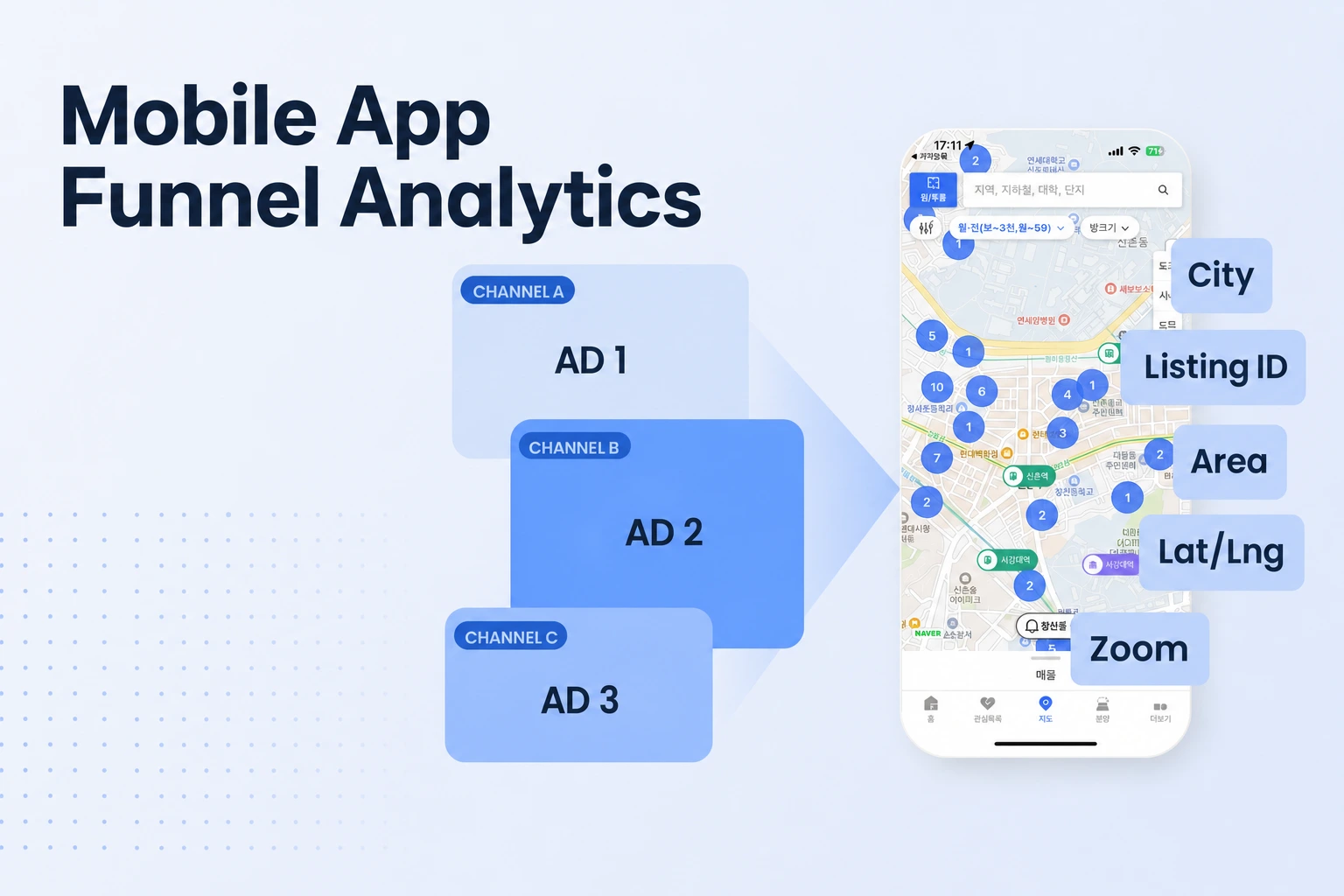
Mobile App Install Attribution: Step-by-Step Trial Conversion Guide
Mobile app install attribution compares equally mature campaign cohorts from install through trial and paid conversion, with checks for event gaps.

Find the campaigns that bring trial starters.
- Follow the path from attributed install to activation, trial start, and paid conversion.
- Compare trial starts per attributed install across equally mature campaign cohorts.
- A low trial count can reflect an event gap, so verify the event path before changing campaigns.
- Keep aggregate iOS postbacks distinct from user-level event reports.
Mobile app install attribution connects an app install to a campaign, then shows whether users from that campaign reach events such as activation, trial start, and payment. To find which ads bring trial starters, verify those events, group attributed installs by campaign, and compare each group over the same time after install.
1. What install attribution shows beyond the install
In AppsFlyer’s attribution model, attribution identifies the media source associated with an install or later action, and model rules assign credit to touchpoints in the conversion path. In practice, an attributed install answers, “Which campaign receives credit for this install under the reporting rules?”
When the app records a user’s activation or trial start and the attribution system associates that action with an attributed install, you can compare downstream outcomes by campaign instead of stopping at download volume. For a subscription app, the useful path is campaign, attributed install, meaningful activation, trial start, and paid conversion.
Campaign credit and incremental impact answer different questions. Production attribution reports paid-attributed conversions at fine granularity and with little delay, supporting campaign diagnosis and budget allocation. A study titled “Attributed, But Not Incremental” explains that production attribution is observational and does not identify the counterfactual contribution of a channel; incrementality experiments offer a more direct way to estimate that causal lift. Use campaign attribution to find where observed trial starters came from, then use a properly designed experiment when the decision depends on whether advertising caused additional trials.
A campaign with many installs and few trials points to a different funnel question than a campaign with few installs and a strong trial rate. Attribution gives you the campaign grouping; the events and rates show where users progress after installation.
2. Set events that reveal where users stop
A short event map is enough to locate the largest gaps in the journey. Choose one activation action that reflects real product use, and record the trial only when the subscription flow confirms that a user has started one.
| Funnel stage | Event to record | What the count helps you see |
|---|---|---|
| Acquisition | Attributed install, grouped by campaign | Which paid campaigns receive credit for installs |
| Early product use | One app-specific activation event | Whether new users reach a meaningful first action |
| Paywall | Paywall view, recorded in your product analytics (not an Airbridge standard event) | Whether users reach the offer screen |
| Subscription intent | Trial started | Which attributed users begin a free trial |
| Revenue | First paid subscription or trial conversion | Which trial cohorts become paying subscribers |
A workout app might record a first completed workout; a budgeting app might record a first budget created. The event should reflect a user reaching useful product value, rather than a screen loading or a session beginning.
Keep paywall views and trial starts as separate events. A paywall view shows that a user reached the offer. A trial start shows that the subscription system accepted a trial. If paywall views are steady while trial starts fall, inspect the offer, eligibility, and purchase flow. If both fall after activation, inspect the product path that leads users to the paywall.
Use consistent names and definitions across iOS and Android. Google Analytics for Firebase’s event guidance recommends logging suggested events that fit the app with their prescribed parameters, and explains that custom parameters can be included in BigQuery exports when the app is linked to a BigQuery project. Keep core event names stable, and put useful details such as placement or offer variant in parameters when your analytics setup supports them.
In the documented RevenueCat integration with Airbridge, TRIAL_STARTED maps to Start Trial, while INITIAL_PURCHASE, TRIAL_CONVERTED, and RENEWAL map to Subscribe. This separates trial initiation from paid subscription outcomes. Airbridge brings trial, purchase, renewal, and cancellation events from RevenueCat, Adapty, and Superwall into subscription attribution through its subscription integrations.
Define what counts as one user at each stage. For example, count each newly attributed user once in the trial-start rate, even if that person opens the app many times. Keep repeat renewals in a revenue or retention view rather than counting them as new trial starters.
3. Compare campaigns to find trial starters
Compare campaign cohorts by attributed install date and give each cohort the same amount of time to generate a trial. A cohort is a group of users who share a starting point, such as installing in the same week. Use the same event definitions and observation window for each campaign, then allow later cohorts to mature before making a decision.
- Choose the outcome and cohort window. Start with trial starts per attributed install. Set a window that fits your app’s time from install to trial, and apply the same elapsed time after install to every campaign cohort. Evaluate paid conversion in a separate window that gives trial users time to reach the end of the offer and pay.
- Group attributed installs by campaign. Use the campaign names and source fields available in your attribution reporting. Keep campaigns separate where the audience, creative, or offer differs enough to change the user journey.
- Count unique users at each stage. For each campaign, count attributed installs, activation users, trial starters, and paid subscribers. Deduplicate repeat events so one user does not inflate the funnel.
- Calculate the rates. Trial-start rate equals unique trial starters divided by unique attributed installs. Trial-to-paid rate equals users who become paid subscribers divided by trial starters in the same eligible cohort.
- Use the rates with volume and spend. A high trial-start rate from a very small cohort is an early signal, while a high number of attributed installs with a lower trial rate may be worth investigating for funnel friction. Add campaign cost to calculate cost per trial starter when cost data is available.
For example, suppose Campaign A brings 400 attributed installs and 40 trial starters in the chosen window. Its trial-start rate is 10%. Campaign B brings 250 attributed installs and 35 trial starters, a 14% rate. Campaign A supplies more trial starters in total, while Campaign B converts a larger share of attributed installs into trials.
Read the funnel from the top down instead of ranking campaigns on one number. If a campaign has a lower activation rate, its users may be reaching the app but not finding value quickly. If activation is similar and fewer users start a trial, inspect the transition from activated use to paywall or trial acceptance. If trial starts are similar but paid conversion differs, compare the trial cohorts after they have had the same opportunity to convert.
Airbridge’s Web & App Attribution shows which Meta, Google, Apple Search Ads, and TikTok campaigns convert free-trial users into paying subscribers. That makes Airbridge a relevant option when those are the campaign sources you need to connect to trial and paid outcomes.
4. Check whether low trial counts reflect a broken connection
Trace one known test journey through each system before diagnosing a product drop-off. A single verified path helps locate the first point where expected campaign or subscription data disappears.
- Confirm the campaign and install record. A successful test install appears under the expected campaign source in attribution reporting. For a controlled test, use a registered test device and a test method supported by your attribution provider.
- Confirm that the app sends its events. Complete the activation, reach the paywall, and start a test trial. Check that each event fires once at the intended moment, with the correct event name and any required parameters.
- Confirm the billing-side trial. A missing billing-side trial points toward the purchase or eligibility flow; a billing-side trial with no analytics event points toward event forwarding or mapping.
- Compare identity and timestamps. Check that the app event and subscription record can be associated with the same user or device under your integration’s rules. Compare event times and time zones so a late-arriving server event does not appear outside the report window.
- Inspect the reporting view and date range. Events outside the selected date range fall outside the report, and recent cohorts have had less time to generate trials. Firebase’s Events report shows how many times each event fires and how many users trigger it.
- Repeat with a fresh test path. Keep the test separate from production reporting where possible, and check one new install from campaign click through trial. Then compare that result with the live campaign cohort.
The AppsFlyer SDK Integration Tests page covers tests for organic and non-organic installs, in-app events, and deep linking. Its Android test instructions also use an attribution link to simulate an ad click, a registered test device, and a check of conversion data. The same diagnostic principle applies across providers: verify the source, install, app events, and subscription record in order, then fix the first missing handoff.
Once a test journey succeeds, inspect live campaign cohorts using the same event definitions. If the data path is intact and users reach activation but not the paywall or trial, the pattern points to a real funnel stage for the product team to investigate. If the trial exists in the subscription platform but disappears from reporting, repair the event connection before reallocating campaign spend.
5. Read iOS campaign results with privacy in mind
Keep the report type visible in your campaign comparison rather than treating every row as a user-level path.
In Apple’s SKAdNetwork documentation, an ad impression can qualify for an install-attribution postback when the user launches the app within the attribution time window. It also explains that signed postbacks contain no user- or device-specific data. Values from the ad network or advertised app may appear when sharing them meets Apple’s privacy threshold.
Starting with iOS 16.1, apps can update conversion values during three windows for version 4 ads, resulting in up to three postbacks.
Use the aggregate iOS view to compare the campaign outcomes available in its postbacks, and use app or subscription analytics to inspect trial events where those systems provide them. Label the source and reporting method in your analysis.
For a mixed iOS and Android view, keep the common event definitions and cohort windows consistent, then separate platform-level results when the attribution details differ. That lets you spot a campaign pattern without mistaking privacy limits for a broken event or assuming every platform offers the same level of detail.
FAQ
What is mobile app attribution?
Mobile app attribution assigns campaign credit to an app install or later action under a set of reporting rules. Post-install events such as activation, trial start, and paid conversion show what attributed users do after installing.
Get Started Free
See how these criteria hold up on the real thing.