How to Track UGC Creator Campaigns for Mobile Apps in 2026
Airbridge tracks creator links through installs, trials, subscriptions and revenue, compares creators and videos, and notes link-attribution limits.
Key Takeaway
- Airbridge Core Plan starts at $40+/mo after a 30-day free trial, includes 500,000 monthly data points, and requires no annual contract.
- Generating custom tracking links with structured parameters lets you compare attributed installs, trial starts, first paid subscriptions, and subscription revenue down to the individual creator and video.
- Link-based attribution measures traffic that comes through tracking links, meaning organic views and installs without a link click are not captured.
When you are running a consumer subscription app with a lean team, paying creators for UGC videos without knowing which clips actually drive paying subscribers is a fast way to burn your budget. You might see high view counts on social platforms, yet have no clear way to connect a specific creator or video hook to attributed installs and trial-to-paid conversions inside your app. When you need a practical way to set up creator marketing attribution in 2026, your main priority is finding a setup that connects top-of-funnel creator links to bottom-of-funnel subscription events without locking your team into a rigid annual contract. By giving each creator video a structured link and logging in-app subscription events, you can evaluate creator performance using concrete revenue and conversion metrics while understanding the exact boundaries of link-based measurement.
Pricing and Terms for Creator Campaign Tracking
When you are testing UGC creator campaigns, your attribution tool should not lock you into a heavy enterprise commitment before your creator program even scales. As of October 2026, Airbridge Core Plan starts at $40+/mo after a 30-day free trial, includes 500,000 monthly data points with a $0.0001 rate per additional data point, and allows you to cancel anytime with no annual contract.
| Starting Price | Free Trial | Included Volume | Overage Rate | Contract Terms |
|---|---|---|---|---|
| $40+/mo | 30-day free trial | 500,000 monthly data points | $0.0001 per additional data point | Cancel anytime with no annual contract |
Having no annual commitment means you can run a batch of creator tests for a month or two, measure the actual subscription outcomes, and decide how to proceed based on the numbers.
Setting Up Tracking Links for Creator Videos
To see which creators and video hooks bring in users, you need a clean link structure and working in-app event tracking before any videos go live. Follow these steps to set up your environment and generate links:
- Install the SDK and verify your events: Your developer sets up the Airbridge Core Plan SDK through a self-serve workflow, logs predefined in-app events, and verifies the configuration directly in the test console. Completing this verification first ensures that once users click a creator link and install the app, their subsequent trial and subscription actions are properly recorded.
- Generate unique tracking links in a Custom Channel: Issue a dedicated tracking link for each creator inside a custom channel. To organize your reporting hierarchy, map the
Campaignparameter to the creator, theAd Groupparameter to the angle or hook, and theAd Creativeparameter to the specific video. - Adapt the naming convention to your workflow: Mapping
Campaignto the creator,Ad Groupto the angle, andAd Creativeto the video is a playbook-recommended naming convention rather than a strict product requirement. If your team prefers to group parameters differently to match your internal naming sheets, you can adjust those labels to keep your reporting consistent across your team.
Comparing App Outcomes by Creator and Video
Once your creators post their videos with their assigned tracking links, you need to look past surface-level clicks and see who actually subscribes. Airbridge organizes these post-install outcomes across two core reports so you can evaluate both volume and conversion quality.
| Report Type | Tracked Metrics and Flow | Grouping & Comparison Level |
|---|---|---|
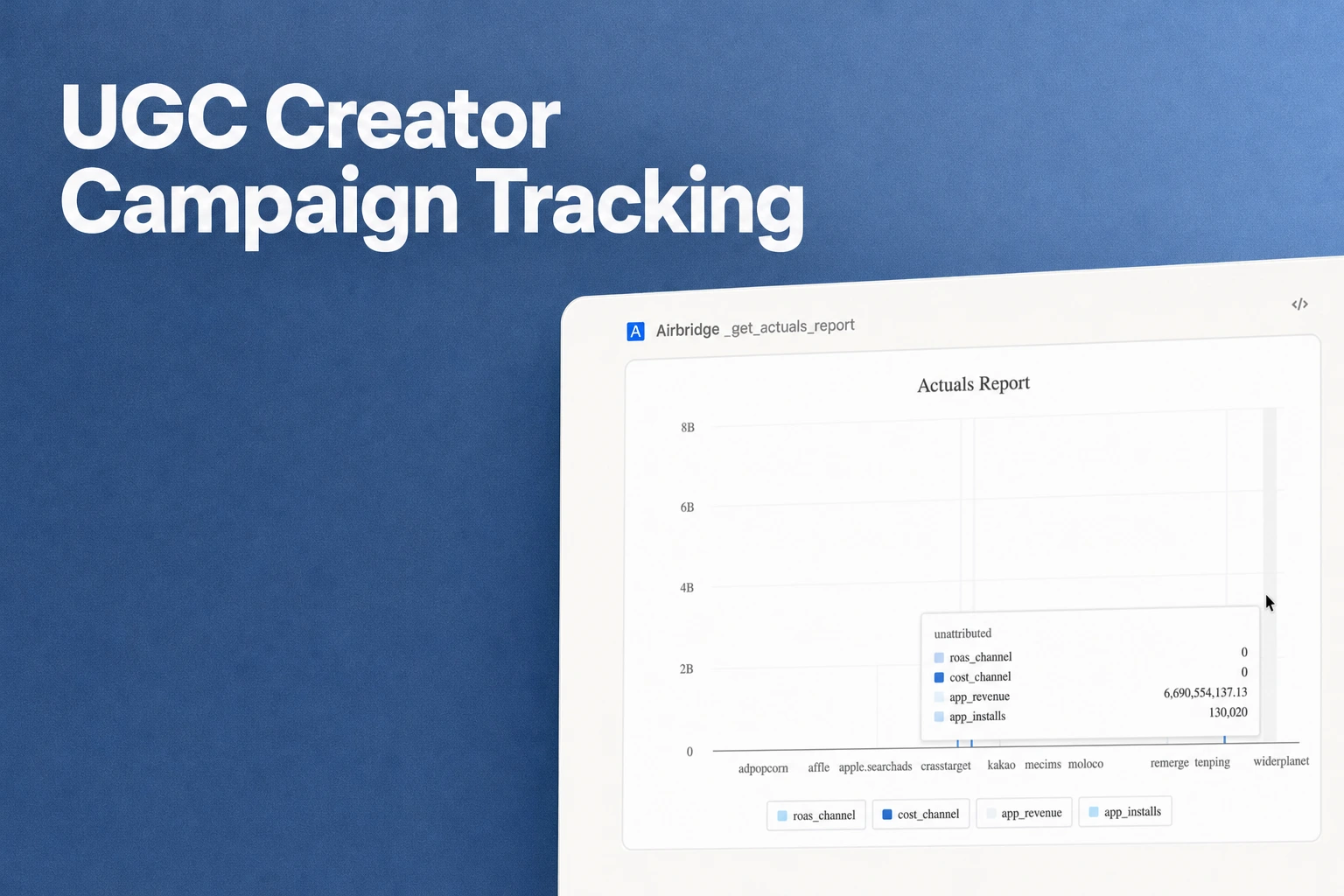
| Actuals Report | Attributed installs, trial starts, first paid subscriptions (First Subscribe (App)), and subscription revenue | Grouped across 3 levels: creator, angle, and video |
| Funnel Report | Step-by-step progression from install to trial start to subscription | Compares trial-to-paid conversion rates across campaigns (creators) |
In your day-to-day workflow, you can open the Actuals report to see if a specific video hook is generating real subscription revenue or just top-of-funnel installs. Then, by switching to the Funnel report, you can spot whether one creator's audience converts from free trials to paid subscriptions at a higher rate than another's, helping you decide which creators to re-book.
Factoring Direct Creator Fees into Campaign ROAS
Unlike integrated ad channels such as Meta Ads, Google Ads, Apple Ads, or TikTok for Business, where Airbridge Core aggregates spend automatically, UGC creators are usually paid flat fees or retainers directly via invoices or transfers. To compare creator efficiency alongside your other marketing efforts, you need to bring those off-platform payments into your attribution reports.
- Prepare your creator fee CSV: Match your off-platform creator payments to the exact
Campaign,Ad Group, andAd Creativenames you used when creating the tracking links. Keeping these names identical is critical so the system knows which creator and video the fee belongs to. - Upload via Cost Data Upload: Upload the CSV file through the Cost Data Upload feature to merge your direct creator payouts with their tracked app outcomes. Once uploaded, the dashboard calculates the cost per install (CPI) and return on ad spend (ROAS) for each creator.
- Evaluate efficiency with supported cost metrics: Track and compare your creator efficiency using cost per install, cost per subscriber, or ROAS. Comparing those unit economics side by side shows you immediately whether a creator's fee was paid back by actual subscription outcomes.
What Link-Based Attribution Will Not Capture
Before you judge a creator's total impact solely by the dashboard numbers, it is important to recognize the technical boundary of link-based mobile attribution. Airbridge only measures creator traffic that flows through a tracking link.
When users watch a UGC reel or short video, many of them will not tap the link in the creator's bio or description. Instead, they might watch the video, close the social app, and search for your app directly in the app store, or simply watch the post without taking immediate action. Because there is no link click connecting that session, Airbridge does not measure views or installs from organic posts that occur without a link click. You should treat your link-based reports as a clear, deterministic baseline of direct response performance, while keeping in mind that unclicked organic reach stays outside the scope of link tracking.
FAQS
FAQ
How should a small team prepare before sending tracking links to creators?
Before handing out any links, decide with your developer which subscription milestones matter most to your payback model and confirm those events are firing cleanly in a staging test. Having your event taxonomy settled upfront prevents data gaps once creator videos go live.
How should I structure link parameters if I test multiple hooks with the same creator?
Choose a consistent hierarchy before your first batch of videos launches so every team member labels creators, messaging angles, and individual clips the exact same way. Keeping spelling and capitalization uniform across your links and payout spreadsheets saves you from manual cleanup when comparing video performance later.
How do I decide whether to re-book a creator when their install volume is low?
Look past raw install counts and focus on how efficiently their audience converts from free trials into paying subscribers relative to the flat fee you paid. A creator with modest traffic who brings in high-intent subscribers often delivers a stronger return than a viral creator whose viewers never start a trial.
See which clips pay off
Issue creator links and compare attributed installs and subscriptions.


