Mobile App ROAS Tracking Setup for Meta and TikTok
Set up Airbridge for Meta and TikTok ROAS tracking: connect events, revenue and ad costs, then validate campaign reports and data refresh timing.
Key Takeaway
- The Airbridge Core Plan SDK gives you 25 standard events that you can test in the Test Console alongside preconfigured channel integrations.
- Airbridge combines ad-cost data with attribution and revenue metrics so you can view ROAS broken down by channel and campaign.
- SDK-collected events update in near real time, while cost data imported via ad-channel APIs refreshes every four hours.
When you are running paid acquisition on a tight budget, looking at attributed installs in one tab and checking subscription receipts in another makes it hard to know which ads actually pay for themselves. You might be wondering how to wire up mobile app ROAS tracking for your social ad channels without spending weeks building custom data pipelines. Getting accurate ROAS numbers down to the campaign level comes down to collecting the right post-install events, syncing your ad spend, and knowing what data latencies to expect before you move budget around.
Setting Up Mobile App Attribution and Event Postbacks
Getting your tracking foundation right from day one prevents painful debugging later when you are trying to scale a winning ad set. Here is the step-by-step path to configure your SDK, connect your ad channels, and get your event mappings ready.
- Start your workspace and install the SDK. As of October 2026, the Airbridge Core Plan provides a 30-day free trial and no annual contract, followed by $40+/mo for 500,000 monthly data points and $0.0001 per additional data point. Once you integrate the self-serve Airbridge Core Plan SDK, you have immediate access to 25 standard events (including Start Trial, Subscribe, and Unsubscribe) and preconfigured GMAT channel integrations that can be validated in the Test Console.
- Configure your iOS privacy measurement. If you are running iOS campaigns, you do not need a separate tier to handle Apple's privacy framework. The Core Plan includes a conversion value manager, SKAN 4.0 reporting, and SKAN overlap tools so you can map early user actions to conversion values right inside the dashboard.
- Connect your ad channels and cost integrations. To measure return on ad spend, your attribution tool needs to pull spend from your ad accounts. Airbridge provides dedicated, separate cost-integration guides for both Meta ads and TikTok For Business in the Integration Overview. Turning on the Channel Integration - Meta Ads lets you measure ad performance across Facebook and Instagram while forwarding your Airbridge-collected in-app events back to the network for campaign optimization and retargeting.
- Map your in-app events for postbacks. When configuring your postbacks in the Channel Integration - Meta Ads settings, you will map the specific Airbridge events you want to forward to their corresponding ad network events. Click “Add Event” to build your mapping list. Keep in mind that you must configure at least one mapping to save your settings, and you cannot map a single network event to multiple Airbridge events.
Revenue Signals to Track Beyond Attributed Installs
Counting attributed installs tells you if your creative hooks users, but it tells you nothing about whether those users actually convert into paying subscribers. When you are building a consumer subscription app, the real dynamics happen further down the funnel. You need to see how many users start a free trial, how many convert to a first paid subscription, and whether your app generates ad monetization alongside subscriptions.
With the Airbridge Core Plan, you do not have to pay extra add-on fees to see the full financial picture. Cost and ad spend aggregation, subscription revenue aggregation, ad revenue aggregation, and Predictive LTV are all included in the Core Plan at no extra cost, along with two included third-party integrations. Here are the specific revenue signals and report views you can use to monitor your unit economics:
- Trial starts and initial conversions in Actuals reports: Instead of stopping at the install, Airbridge Actuals reports track and group installs, trial starts, First Subscribe (App), and subscription revenue so you can monitor daily volume across each lifecycle stage.
- Stage-by-stage drop-off in Funnel reports: If a campaign brings in plenty of installs but zero revenue, you need to know where the leak is. Airbridge Funnel reports lay out the install to trial start to subscribe conversion rate broken down by Campaign, showing you whether the issue is onboarding friction or paywall conversion.
- Cohort performance and unit economics in the Revenue report: To see how user value compounds over time, the Revenue report gives you cohort-based Revenue, ROAS, ARPU, and ARPPU, pulling aggregated subscription revenue from your connected billing platform (RevenueCat, Adapty, and Superwall subscription revenue aggregation is included in the Core Plan).
Connecting Campaign Ad Costs to App Revenue
Knowing that your app made $5,000 yesterday is helpful, but knowing which specific campaign and creative generated those subscribers is what lets you allocate tomorrow's budget with confidence. Airbridge turns raw ad spend into actionable revenue metrics by directly attributing paid subscribers and their revenue back to the exact campaign that brought them in.
Behind the scenes, the data pipeline connects three distinct pieces of information: Airbridge tracks which campaign acquired each individual user, syncs the corresponding ad-cost data from your connected ad accounts, and ingests subscription revenue events from your billing platform. By matching that imported ad-cost data directly with user-level attribution and revenue events, Airbridge reports your ROAS broken down by both channel and campaign. You do not have to export CSVs or maintain fragile spreadsheets just to compare campaign spend against cohort returns.
When you are optimizing subscription campaigns, another common headache is sending dirty conversion signals back to the ad network. If a user starts a trial or subscribes and then cancels or asks for a refund a few hours later, firing an immediate postback teaches the ad algorithm to find more users who churn immediately. To keep your optimization signals clean, Airbridge Signal Hold holds Meta Ads conversion postbacks for up to 24 hours and automatically discards them if a matching cancellation event comes through during that window.
Checklist for Validating Reports and Checking Data Freshness
Before you pause an ad set or double a campaign budget based on early ROAS numbers, you should verify that your events are not double-counting and that your cost data has finished syncing. Ad networks and attribution platforms process data on different schedules, so comparing dashboards without accounting for refresh cadences can lead to false alarms. Walk through this checklist to validate your setup:
- Turn off duplicate SDK logging: Make sure you disable event logging in the Meta SDK as noted in the Channel Integration - Meta Ads guide; leaving it on alongside Airbridge can create duplicated events and cause data discrepancies between Airbridge and Meta Ads.
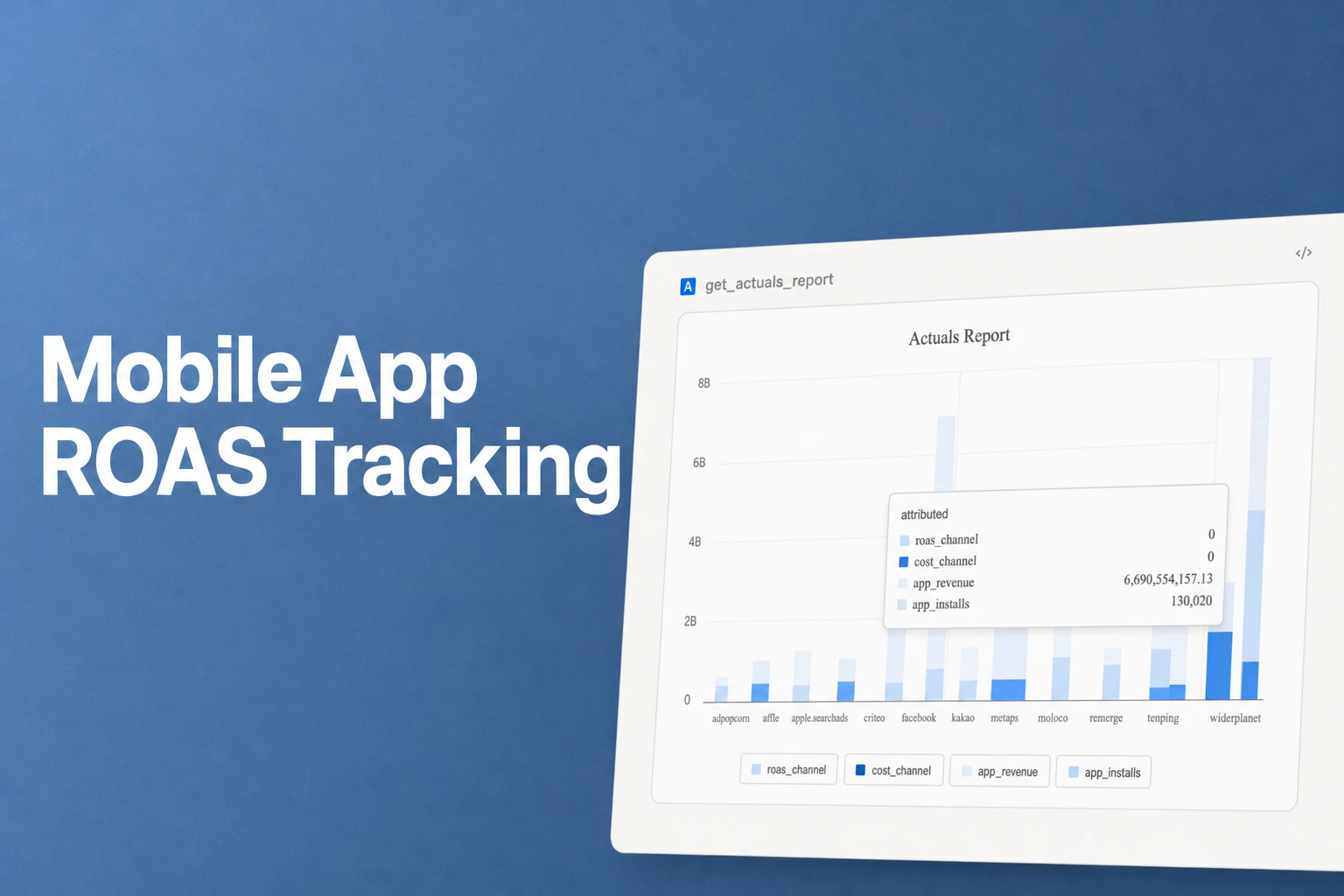
- Check near-real-time event ingestion: When validating user actions in Marketing Analytics, remember that the Actuals Report displays collected campaign events with near-real-time updates, while user-count metrics refresh on an hourly basis. Similarly, the FAQ - Airbridge Reports Overview confirms that all data collected directly through the Airbridge SDK refreshes in near real time.
- Account for the four-hour cost sync window: Spend numbers do not arrive at the same speed as SDK events. Data imported through ad-channel APIs—including your campaign cost data—refreshes every four hours.
- Know the specific pull schedule for Meta Ads: According to the Cost Integration - Meta Ads documentation, for Meta Ads, Airbridge pulls cost data from the past seven days every four hours, six times a day, starting at 3:00 PM UTC.
- Expect temporary reporting gaps on fresh spend: Because Meta cost updates are not real time, you may notice temporary discrepancies between Airbridge and the ad channel depending on when the data is reported.
- Allow a two-day buffer for cost adjustments: While most of your queried report data will remain unchanged once populated, keep in mind that data from two days prior (D-2) may still be adjusted.
FAQS
FAQ
Which report should I check first when a campaign gets attributed installs but weak ROAS?
Start with the Funnel report to see where users drop off between install, trial start, and subscription for that specific campaign, and then compare cohort ARPPU in the Revenue report to see if paying users are choosing lower-tier plans.
How should I select which in-app events to forward as ad network postbacks?
Focus on milestone events that reflect real monetization intent—such as trial starts and initial subscriptions—rather than every minor onboarding tap, so your ad channel optimizes around users who actually pay.
See which ads pay back
Connect your ad spend and subscription events to view campaign ROAS.


