How to Measure UGC Performance for a Mobile App
Set up Airbridge links to compare creators and videos by attributed installs, trials, subscription revenue, CPI and ROAS, and understand unclicked-post limits.
Key Takeaway
- Set up creator tracking links before videos go live by creating a custom channel and assigning creators to campaigns, angles or hooks to ad groups, and individual videos to ad creatives.
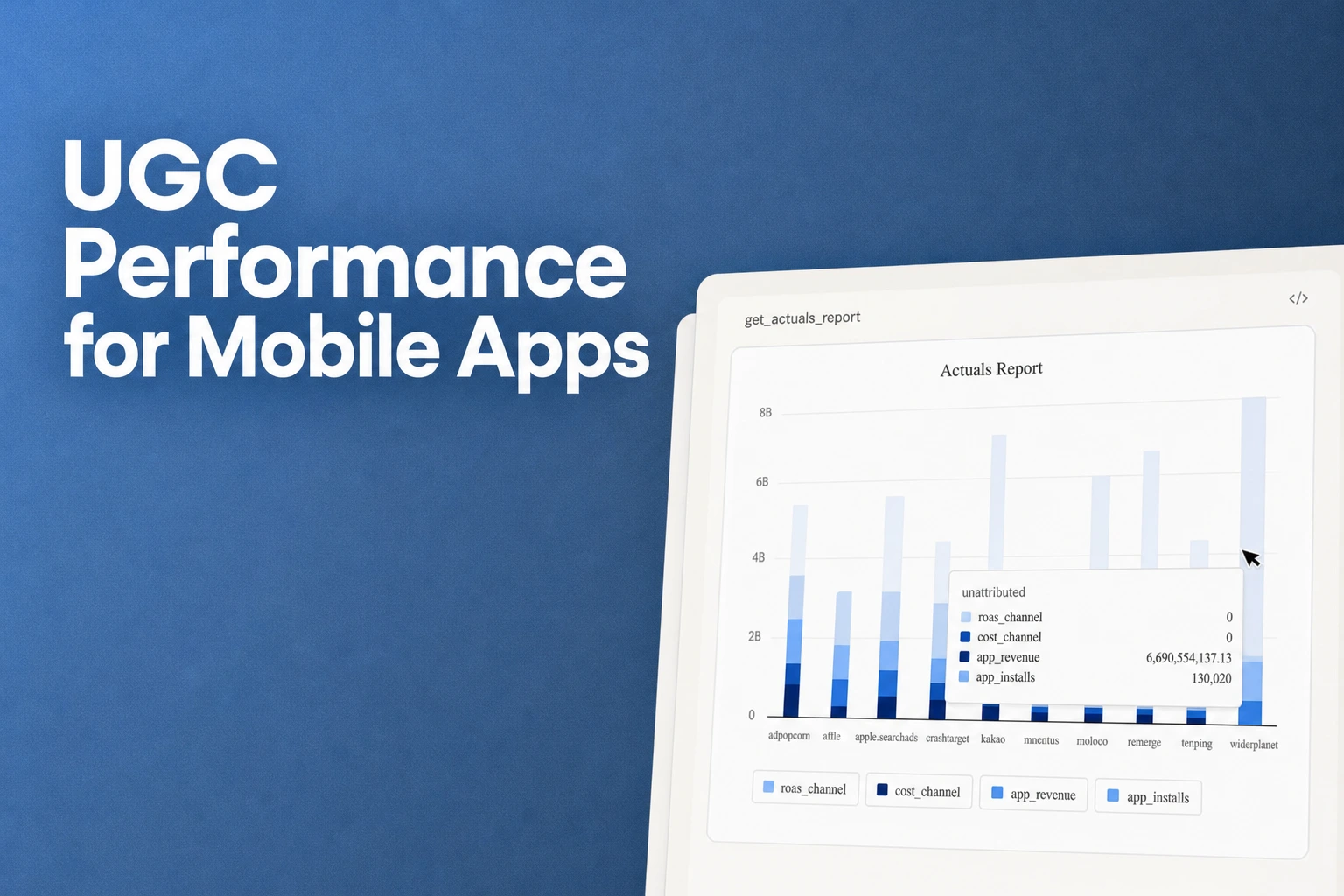
- Evaluate creator and video outcomes in Actuals reports by grouping installs, trial starts, First Subscribe (App), and subscription revenue across campaign, ad group, and ad creative tiers.
- Remember that Airbridge only measures creator traffic that comes through a tracking link click, meaning views or installs from organic posts without a link click are not measured.
Running creator marketing for a consumer subscription app gets frustrating fast when a video racks up views, installs tick upward, and you still have no idea which creator or video hook actually brought in paying subscribers. To connect creator traffic—including clicks from a link in bio—to attributed installs and downstream revenue, you need dedicated tracking links in place before a post goes live. When you structure your links across a clear campaign hierarchy before anyone publishes, you can trace initial clicks all the way through to trial conversions and subscription revenue. This setup shows you which partnerships pay off and which ones only generate surface-level engagement.
Setting Up Campaign Links for Creator and Video Attribution
When you work with multiple creators posting several videos a week, sharing a single generic app store link leaves you blind to what actually works. You might see a spike in installs, but you will not know whether it came from Creator A's morning routine hook or Creator B's problem-solution angle. Setting up structured tracking links before anyone hits publish gives every traffic source its own label so your reports stay readable as you scale.
- Create a dedicated custom channel for your creator program. Start by generating a custom channel to house all your creator traffic in one place. In the Give every creator and video its own link playbook checklist, this custom channel is named
ugc-creators. Keeping creator links inside a dedicated channel separates them from your paid ad networks so you can filter and analyze UGC performance cleanly. - Map your hierarchy to creators, angles, and individual videos. Treating Campaign as creator, Ad Group as angle, and Ad Creative as video is the naming convention recommended by the Airbridge UGC playbook rather than a rigid product requirement. However, sticking to this structure makes it much easier to compare whether a specific hook works across different creators or if one creator outperforms regardless of the script.
- Log every planned post in a naming sheet. Before generating links in bulk or handing them off, the creator-video playbook workflow specifies filling out a naming sheet where each planned video gets its own row. Writing down the exact campaign, ad group, and ad creative labels in advance prevents typos and mismatched naming once you start reviewing performance data or uploading creator fees later.
- Distribute separate links for bios and pinned comments. Viewers rarely convert in a single predictable way—some tap a link right in the comment section while others head to the creator's profile page. Following the creator-video playbook workflow, give each creator one bio link for the overall run and a distinct pinned-comment link for each individual video. That way, whether someone taps through immediately from a video's comments or visits the profile bio days later, you capture the click under the right creator bucket.
- Run a live test install before any video goes public. Broken or mislabeled links cannot be fixed after a video goes viral. As a pre-post check in the creator-video playbook checklist, tap a generated link on a test device, install the app, and verify that both the test click and the install show up in the proper
Reports → Actualsrow when grouped by Campaign and then Ad Creative. Doing this quick verification confirms your attribution plumbing works before you spend budget on creator deliverables.
Comparing Mobile App Conversion Metrics Across Creators and Videos
Once your links are live and traffic starts flowing, looking at download numbers alone will not tell you if a creator is bringing in users who actually pay for your subscription app. You need to see how store-level download reporting differs from full-funnel subscription tracking so you can judge each creator and video on real revenue impact.
| Option | Key Specifications | Measured Outcomes & Scope |
|---|---|---|
| Airbridge Core Plan | 3 grouping tiers and 25 standard events, including Start Trial and Subscribe | Self-serve SDK installation logs predefined events validated in a test console, reporting installs, trial starts, First Subscribe (App), and subscription revenue by Campaign, Ad Group, and Ad Creative in the Actuals report. |
| Store campaign links | 24 hours first-time download window | Generates campaign links to measure specific campaign performance and understand which marketing efforts drive app downloads, counting a First-Time Download when a user downloads the app for the first time within 24 hours of using the link or token (Campaign links - Acquisition - App Store Connect Analytics - Help - Apple Develo). |
Store-level campaign links stop at download volume, which leaves you guessing what happens after a user opens your app. For a subscription app team, a cheap download that never starts a trial or converts to paid is a vanity metric. By installing the Core Plan SDK—which is set up self-serve, verified through a test console, and pre-configured with 25 standard events, including Start Trial and Subscribe—you connect those initial link clicks to downstream subscription milestones. You can then break down your acquisition and revenue metrics across each hierarchy tier to spot which specific video or creator hook brings in paying users.
Analyzing Trial to Paid Conversion Retention by Creator
High install numbers and even strong trial start rates can sometimes mask low-intent audiences. One creator might convince hundreds of viewers to download your app and start a free trial out of curiosity, only for almost all of them to cancel before the billing date. Another creator with half the views might explain your app's value so clearly that their audience converts from free trial to paid subscription at double the rate.
To see which creators bring in users who stick around and pay, you can use the Airbridge Core Plan's Funnel report to track the install → trial start → subscribe progression grouped by Campaign and compare trial-to-paid conversion per creator. Lining up your campaigns side by side immediately highlights where each audience drops off. If a creator drives strong trial starts but poor subscription conversion, you know to either adjust the expectations set in their video script or shift budget toward creators whose audiences complete the full funnel.
Calculating Event Tracking Cost Per Install and ROAS for Creators
Unlike ad networks that pass spend data automatically, creator partnerships are usually paid via invoices, creator fees, or direct transfers outside of an ad platform. If that spend lives in a separate spreadsheet while your installs and subscription revenue sit in your analytics dashboard, calculating true profitability for every creator and video becomes a manual chore. You can pull your off-platform creator payments directly into your reporting workflow in a few steps.
- Match your creator fee CSV to your exact link hierarchy names. When creator fees happen outside of an ad platform, you can manually add them in the Cost Data Upload menu via CSV by matching the exact same Campaign, Ad Group, and Ad Creative names you used when building your tracking links. Keeping the naming identical ensures the spend attaches to the right creator, angle, and video without creating orphan rows.
- Upload the CSV in your Core Plan workspace. You do not need an enterprise add-on to unify creator payouts with subscription revenue; manually uploading cost data to check creator-level cost per install and ROAS is included by default in the Core plan.
- Break down your Actuals report using the uploaded cost dimensions. Once your cost data is uploaded, the row names from your file become available as metrics and GroupBys that you can apply inside Actuals reports.
- Evaluate creator efficiency using CPI and Total ROAS. In Report Metrics,
CPI (Channel)represents your Cost per Install and is calculated asCost (Channel) / Installs (App). Right alongside it,Total ROAS (Channel)measures your Return on Ad Spend as a percentage, calculated asTotal Revenue (App+Web) / Cost (Channel) * 100. Reviewing these two metrics side by side per creator shows you whether a high-fee creator actually pays back their cost in subscription revenue or if smaller creators deliver better unit economics.
Limits of Attribution Measurement for Untracked Organic Posts
A common trap in creator marketing is waiting until a video takes off organically before asking how many installs it drove. You might be tempted to look for a tool that can retroactively claim credit for views on an untracked post or attribute installs from users who watched a video without ever tapping a link. Here is the reality: Airbridge only measures creator traffic that comes through a tracking link click. Impressions or installs from organic posts where no link click occurred are not measured.
Even when you look at store-level referral measurement, attribution still depends on links being in place ahead of time and meeting minimum data rules. When campaign links are used as part of a referral workflow, store analytics can attribute individual campaigns and help identify which channels bring in high-intent users and downloads (Acquisition - Acquisition - App Store Connect Analytics - Help - Apple Developer). However, that campaign data only shows up in the dashboard after the campaign has generated first-time downloads from at least five individual users. And for each of those users to count as a First-Time Download, they must download the app for the very first time within 24 hours of using the campaign link or token.
Because neither link-based attribution nor store campaign links can manufacture click data after the fact, your measurement discipline has to happen before a creator publishes. Setting up your custom channel, assigning links for both the profile bio and pinned comments, and verifying a test install upfront ensures that when a video does gain traction, every link tap is captured and tied to downstream trial starts and subscription revenue.
FAQS
FAQ
How should I structure link labels if my team tests multiple hooks with the same creator?
When you want to compare which messaging resonates best, keep the creator's name at the top level and use the middle tier to label the specific hook or script angle. This makes it easy to filter your reports by a single creator to see which angle wins, or group by the angle itself to see if that same hook performs consistently across your entire creator roster.
What can I do to capture more measurable traffic when viewers do not tap the video link right away?
Viewers often watch a video on their feed and decide to look for the app later by visiting the creator's profile page or scrolling through the comments. Placing dedicated links in both the profile bio and the pinned comment gives interested viewers two clear tap targets, reducing the chance that they abandon the click path and search for your app manually.
When should I check store campaign analytics versus my full-funnel attribution dashboard?
Store-level reports are a quick way to check basic download volume from a referral link once a campaign gains enough traction to populate in the dashboard. When you need to decide whether to renew a creator contract or scale your budget, switch to your full-funnel reports so you can weigh creator fees against actual trial conversions and subscription revenue.
See which videos pay off
Connect creator link clicks to attributed installs and subscriptions.


