How to Measure UGC Performance for a Mobile App and Attribute Creator Installs
Measure UGC with Airbridge creator links, funnel reports and uploaded fees to compare installs, subscriptions and ROAS; promo codes capture no-click discovery.
Key Takeaway
- Issue individual tracking links under a custom channel like
ugc-creatorsand mapCampaignto the creator,Ad Groupto the angle or hook, andAd Creativeto the individual video to measure UGC performance down to the video level. - Combine Actuals and Funnel reports with CSV cost uploads to evaluate each creator on attributed installs, trial starts,
First Subscribe (App), subscription revenue, trial-to-paid conversion, cost per install, and ROAS. - Link-based attribution measures only traffic that clicks a tracking link; views or installs from no-click organic posts are recorded as
unattributedunless you pair links with a fallback like promo codes.
When you are running a consumer subscription app with a lean team, paying creators without knowing which video brought in paying subscribers is a fast way to burn your budget. You might see views climb on social media and downloads bump in the App Store, yet have no clear answer on whether Creator A's product demo or Creator B's storytelling hook actually generated subscription revenue. Instead of guessing which partnership paid off, you need a clean way to follow the user journey from install to first paid subscription and compare off-platform creator fees against your actual return. At the same time, setting realistic expectations around attribution means understanding both what tracking links capture and where link-based measurement stops when viewers search the App Store without clicking a link.
Setting Up Campaign Links for Event Tracking and Attribution
If you want to know which creator and which specific video drove not just attributed installs, but also trial starts and paid subscriptions, you need two things working together: in-app subscription event tracking and structured tracking links. Without consistent parameter naming, all your creator traffic blurs into a single bucket. When you structure your links systematically before creators post, every click carries the metadata needed to break down downstream revenue in your reports.
- Install the SDK and log pre-configured subscription events. The Airbridge Core Plan provides 25 standard events, including
Start Trial,Subscribe, andUnsubscribe, so your developer can install the SDK and start recording predefined lifecycle actions without designing a custom event taxonomy from scratch. Having these events firing in your app is what connects an initial link click to later subscription milestones. - Navigate to custom tracking link generation. In the Airbridge dashboard, begin creating your custom-channel tracking link by going to
[Tracking Link] > [Link Generation] > [Custom Channels](DeepLink - Create Tracking Links in the Airbridge Dashboard). - Create a dedicated custom channel and issue individual links per creator. You can set up creator campaigns under a custom channel such as
ugc-creatorsand issue a separate tracking link for each creator. Separating creator traffic into its own custom channel keeps your UGC efforts distinct from paid ad networks. - Define your campaign, ad group, and creative parameters. In the
[Advertiser]section of the link generator, enter the information you want to collect when the content or ad using the tracking link is clicked or viewed. You can populate fields such as[Campaign],[Ad Group], and[Ad Creative], where the field names serve as tracking-link parameter names and the text you enter becomes their parameter values. - Map parameters to creators, angles, and individual videos. To get granular visibility, map
Campaignto the creator,Ad Groupto the content angle or hook, andAd Creativeto the individual video. While this hierarchy is a recommendation from the Airbridge UGC playbook rather than a rigid product requirement, adopting it lets you isolate whether a creator's performance comes from their overall audience or a specific hook and video asset.
Mobile App Metrics and Conversion Analytics for UGC Performance
Counting attributed installs alone will mislead you if a creator drives high download volume from viewers who never start a trial or convert to paid subscribers. Once your links are live and your app is sending standard subscription events, you can evaluate creator quality by looking at full-funnel outcomes and conversion rates across two core reports.
| Report Type | Grouping Levels Available | Tracked Outcomes & Metrics |
|---|---|---|
| Actuals Report | Campaign, Ad Group, Ad Creative | Attributed installs, trial starts, First Subscribe (App), subscription revenue |
| Funnel Report | Campaign | Step-by-step progression from install to trial start to subscription, trial-to-paid conversion rate |
Using both reports side by side prevents common budgeting mistakes. When you want to pinpoint which concept or video format resonates with paying users, start by drilling down into the deeper grouping levels. If a creator tests three different hooks across five videos, you can see exactly which asset drove paying users and how much revenue it produced.
Once you know the raw volume and revenue, look at the drop-off between each stage of the user journey to judge audience intent. A creator whose audience converts from free trial to paid subscription at a steady clip is often far more valuable to a subscription app than a creator who generates cheap downloads that churn before the trial ends.
Adding Off-Platform Creator Fees to Measure Cost and ROAS
Unlike ad networks where spend is pulled automatically via API, creator partnerships usually involve flat fees or retainers paid via invoice or creator marketplaces. If that spend stays trapped in a spreadsheet, you cannot see your true return inside your attribution dashboard. By uploading those off-platform payments and matching them to the exact parameter names you used during link setup, you can evaluate creator efficiency right alongside your other acquisition channels.
- Know the cost metrics used in reports. Airbridge reports do not use a metric labeled CAC; instead, you should refer to and evaluate
cost per install,cost per subscriber, orROASwhen analyzing your spend efficiency. - Prepare your off-platform spend in a CSV file. To account for costs that were not collected through tracking links or channel integrations—such as influencer marketing spend or outdoor advertising—Airbridge accepts cost data uploads in CSV format (Cost Data Upload).
- Format the CSV columns according to the required schema. The Cost Data Upload CSV schema requires
date,channel,currency,campaign,impressions,clicks, andcost. Specifically,date,channel, andcampaignmust be formatted as strings,currencyas a three-letter code,impressionsandclicksas integers, andcostas a float. - Match your campaign, ad group, and creative naming, then upload the CSV. For creator fees not paid through an ad platform, go to
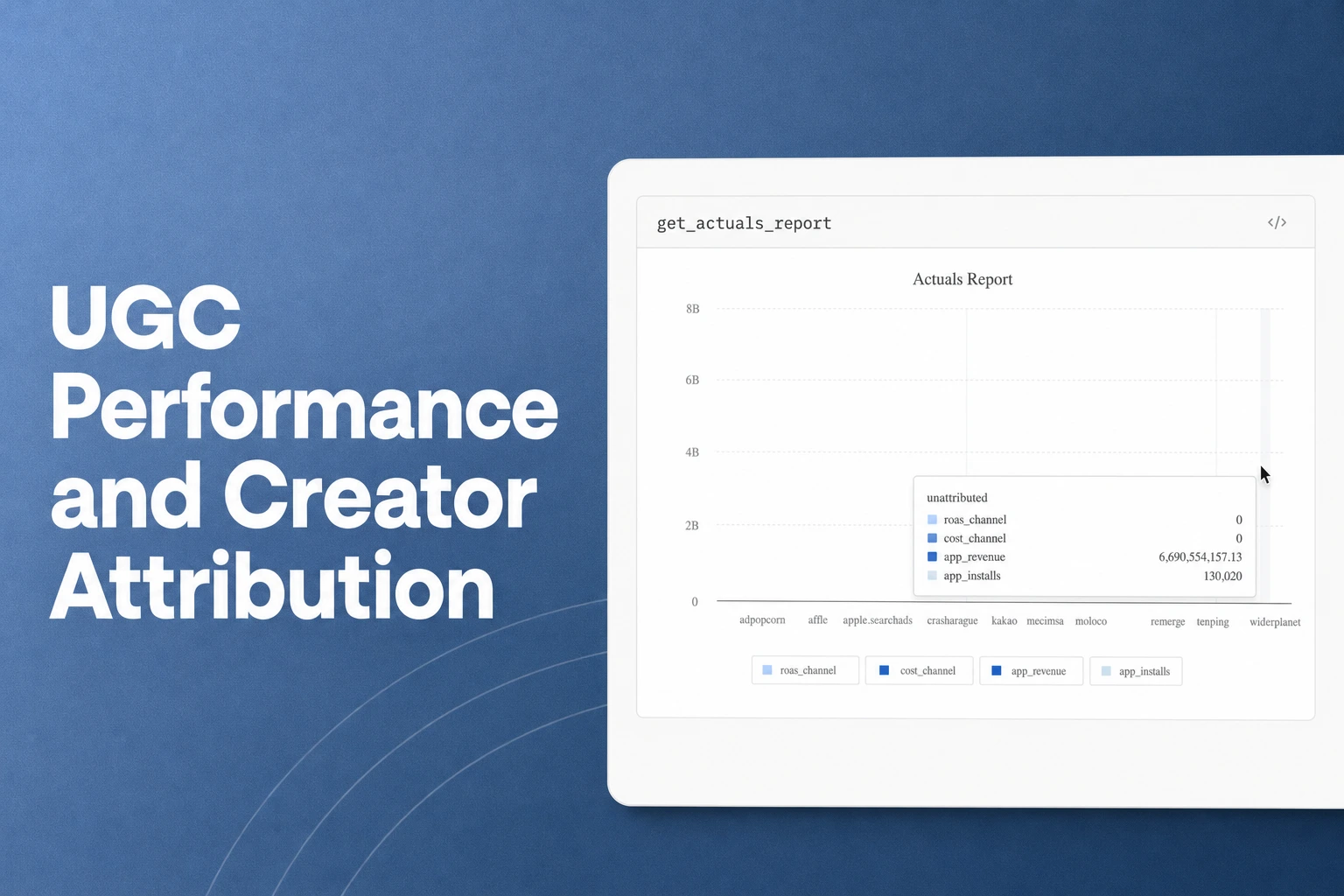
Integrations > Cost Data > CSV File Uploadand use the exact sameCampaign,Ad Group, andAd Creativenames from your tracking links so Airbridge can reportcost per installandROASper creator. - Analyze cost and return in Actuals reports. Once the file is uploaded, the row names become available as metrics and GroupBys that you can apply directly inside Actuals reports. You can then filter by your custom creator channel and compare what you paid each creator against the installs and subscription revenue their videos generated.
Limits of Link Attribution for App Store Downloads Without Link Clicks
A common frustration with UGC campaigns happens when a creator's organic video takes off, you see a noticeable spike in App Store downloads, and yet your attribution dashboard shows very few attributed installs for that creator. Understanding why this happens comes down to how link-based measurement works across the mobile ecosystem.
Airbridge measures only creator traffic that flows through a tracking link; it does not measure views or installs generated by organic posts when no link is clicked. By default, when users install your app without interacting with an advertisement or tracking link, Airbridge categorizes them as unattributed, and only limited information is available for those installs (Organic Referrer Attribution).
Even Apple's native campaign measurement relies on link interaction. When a user clicks an App Store campaign link, they are redirected to the app's App Store product page, and App Store Connect Analytics captures impressions, product page views, downloads, usage, sales, and subscriptions tied to that campaign token (Campaign links - Acquisition - App Store Connect Analytics). Furthermore, Apple counts a download as a First-Time Download only when the user downloads the app for the first time within 24 hours of using that campaign link or campaign token (Manage Campaigns - App Store Connect Help). Because short-form video platforms often restrict clickable links in video captions or require users to navigate to a bio link, many viewers simply watch a video, open the App Store on their own, and search for your brand name directly.
When a user does not click a tracking link and instead searches the App Store directly, a promo code can work as a fallback (Influencer Attribution Tracking: Promo Codes vs Tracking Links). You should treat creator-specific promo codes as a second measurement layer alongside link attribution. While tracking links give you automated, video-level funnel data for everyone who clicks through, promo codes redeemed during onboarding or checkout help you capture credit for the viewers who discovered your app through an organic video but bypassed the link.
FAQS
FAQ
How much does it cost to get started with Airbridge for a small subscription app team?
As of October 2026, the Airbridge Core Plan starts at $40+/mo after a 30-day free trial, with no annual contract required so you can cancel anytime. The plan includes 500,000 data points per month, and any additional data points are billed at $0.0001 per point.
Can we measure paid social ads and third-party tools alongside our creator links on the Core Plan?
Yes, the Airbridge Core Plan includes ad network attribution for four major channels—Google, Meta, Apple Ads, and TikTok—as well as up to two third-party integrations. This lets you run paid campaigns on channels like TikTok or Meta while sending event data to your connected tools under the same plan.
See which video pays off
Issue custom creator links and measure attributed installs and ROAS.


