How to Measure TikTok Spark Ads for a Mobile App
See how to measure TikTok Spark Ads for a mobile app with Airbridge, comparing organic and paid video rows on trials, subscribers, revenue and ROAS.
Key Takeaway
- With the Airbridge Core plan, you can track performance down to the individual creator and video level, following users from attributed installs all the way to their first paid subscription.
- Before putting ad spend behind an organic post, wait a day or two while organic reach is strong and look for videos hitting three to five times your account's average views.
- Connecting your TikTok ad account lets cost and creative names flow into your reports, so you can compare an organic creator row directly against its paid Spark Ads row using trial starts, paid subscribers, and ROAS.
If you are trying to figure out how to connect a creator's TikTok video to actual app subscriptions—and see whether paying to boost it as a Spark Ad actually brings in paying users—you need a clear measurement workflow. When a creator's post starts taking off, it is tempting to throw budget behind it right away. Without linking that specific video to down-funnel app events first, though, you will only see surface-level views and clicks. Setting up creator-level and video-level attribution before you spend gives you a side-by-side view of how the free post performed versus what your paid budget actually delivered.
Screening Organic Posts Before Boosting as Spark Ads
When you are running a small subscription app team, every dollar you put into paid social needs to earn its keep. Guessing which creator video will convert as an ad is a fast way to burn through your testing budget. Instead of boosting posts at random, you can use organic performance as a filter before spending a cent. In our own workflow, the Airbridge team looks for an organic post that reaches three to five times the account's average views before putting money behind it. That benchmark is our internal practice rather than an official TikTok rule, and it gives you a practical signal that the hook is already working on its own.
Timing matters just as much as view volume. When a video starts taking off, hold off for a day or two before turning on paid spend. Boosting a video preemptively can cut into the momentum it is already building for free, so waiting while organic performance is still strong lets the post run its natural course first.
Once you have a few high-view candidates that have had a day or two to breathe, narrow them down by looking at how people actually react in the feed. Our approach for ranking candidate posts looks at comment sentiment first, and then checks the engagement rate. To calculate that engagement rate, add up the likes, comments, saves, and shares, then divide that total by the video's views. High view counts might just mean people paused for a second, whereas positive comment sentiment paired with saves and shares tells you the message actually landed with viewers.
If you decide to make any edits to the video before running it as an ad, our playbook's recut checklist points to two practical habits: keep the opening seconds identical to the organic cut that already proved itself, and boost the post directly from the creator's account instead of reposting it from your brand account. Keeping those first few seconds intact preserves the exact hook that stopped scrollers in the first place, and running the ad from the creator's handle keeps the native feel that makes creator content work.
Setting Up TikTok Attribution for Mobile App Events
To know whether a specific video brings in subscribers, you have to wire up your measurement before the post goes live. Tracking how a user moves from a TikTok video to an app store download and finally into a paying subscriber requires combining custom tracking links for organic posts with an official ad network integration for paid boosts.
- Set up your tracking structure before any creator post or campaign goes live, and configure your app to send
Start TrialandSubscribeevents to Airbridge so you can follow what users do after the install. - Issue a custom channel tracking link to each creator, mapping the campaign level to the creator, the ad group level to the content angle, and the ad creative level to the individual video.
- Keep the boundaries of link-based tracking in mind when you review your numbers. If someone watches an organic TikTok post and searches for your app in the store without clicking the creator's tracking link, our platform does not measure those unclicked organic views or installs.
- Connect your TikTok ad account through the official partner integration. TikTok's Self-Attributing Network (SAN) is an attribution integration with mobile measurement partners (MMPs) that gives you clearer visibility into how TikTok contributes to app campaign performance and enables more accurate conversion measurement and reporting inside TikTok Ads Manager TikTok Ads Manager User Guide. We maintain official partnerships and certifications with major ad platforms including TikTok, allowing your paid campaign data and network attribution to sync reliably.
Setting up both the custom link hierarchy and the SAN integration ensures that when an organic post transitions into a paid Spark Ad, you are not losing the thread on which creative is actually driving trials and revenue.
App Events and Metrics That Show Spark Ads Value
When you put paid budget behind a video, the view count is guaranteed to climb, which makes views a poor metric for judging success. You should not hand the next $500 of your budget to a video by default just because it racked up the most views. A viral clip might entertain millions of people who have zero need for your subscription app. Instead of stopping at top-of-funnel volume, shift your focus to the boosted row's trial starts and paid subscribers.
Looking at paid subscribers per video—with the organic row sitting right next to the boosted row in your report—shows you whether your ad spend is actually buying revenue. As you compare those two rows, check whether the trial starts and paid subscribers coming from the boosted ad resemble the ones that came from the organic post. Paid distribution pushes your video out to cold audiences beyond the creator's followers. If that paid reach starts bringing in a completely different kind of user who installs the app but never starts a trial or converts to paid, it is a signal that your recut or your audience targeting needs another pass.
When you evaluate the financial efficiency of those conversions, use the exact cost and return metrics built into your dashboard. Because our platform does not have a metric called CAC, you will evaluate efficiency using cost per install, cost per subscriber, and ROAS. On the Core plan, cost and ad spend aggregation, subscription revenue aggregation, and ad network attribution are all included for major channels including TikTok. Looking at your spend and subscription revenue together lets you judge each video on actual return rather than surface-level install volume, without stitching spreadsheets together.
Comparing Organic Posts and Paid Spark Ads Performance
An organic post is free and reaches the creator's own audience, whereas a boosted post is that exact same video running from the creator's account with paid ad spend behind it—what TikTok calls Spark Ads. Because it is the same piece of creative running through two different distribution paths, your reporting needs to line both paths up side by side so you can see what your budget actually bought.
- Connect the TikTok ad account you are using for the boost so that campaign costs and ad names flow into your dashboard automatically.
- Open
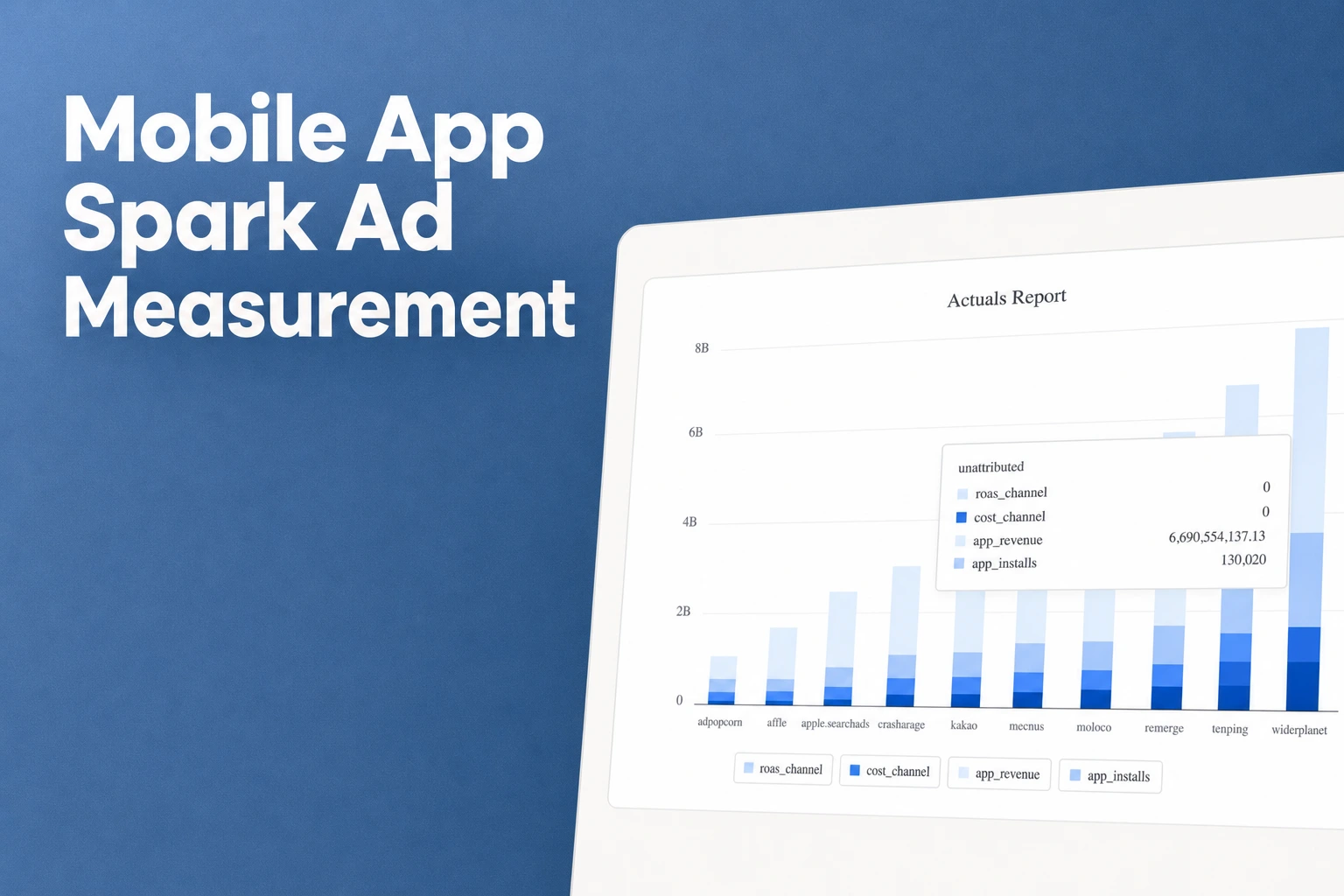
Reports → Actualsto build your comparison view for the boosted post. - Add
Installs,Start Trial,Subscribe,Revenue, andTotal ROAS (Channel)as your metrics, then group the report byChannelandAd Creative. - Make sure the video is identifiable under both the organic creator channel and the paid ad channel. When the names match up, the report displays the same video side by side under both channels, letting you compare the free organic row directly against the paid row.
- Review the two rows together: trial starts and paid subscribers will show up in both the organic row and the paid row, while return on ad spend (ROAS) appears automatically on the boosted row because the cost data is flowing in from your connected ad account.
- If you pay creator fees outside of the ad platform and want to factor them into your efficiency numbers, go to
Integrations > Cost Data > CSV File Uploadto use Cost Data Upload. By matching the Campaign, Ad Group, and Ad Creative names in your upload to your tracking setup, you can see the cost per install and ROAS per creator with those production fees included.
Looking at the organic row and the paid Spark Ads row next to each other takes the guesswork out of creator marketing. You can see right away whether paying for reach kept bringing in trial starts and paying subscribers at a profitable ROAS, or if the video only worked when it was free.
FAQS
FAQ
What should I do if a boosted Spark Ad gets plenty of installs but far fewer trials than the organic post?
When paid reach brings in users who install the app but do not convert into trials or paid subscribers the way the organic audience did, treat it as a cue to revisit your video recut or adjust your audience targeting before spending more budget.
How should I structure creator links if I want to test multiple hooks or concepts with the same creator?
Assign the creator to the campaign level, use the ad group level for the specific angle you are testing, and map each individual video to the ad creative level so you can see which concept actually drives trials and subscriptions.
When is the right time to put paid budget behind a creator's organic video?
Hold off for a day or two while the post is still gaining traction on its own, and look for clear signals—like view counts reaching three to five times your account average alongside positive comment sentiment—before turning it into a Spark Ad.
See which videos convert
Compare organic creator posts and paid Spark Ads by trials and ROAS.


