How to Set Lookback and Attribution Windows in Airbridge for Subscription Campaigns
Airbridge explains pre-event lookback and post-event attribution, where to set each window, and how lengths affect subscription campaign reports.
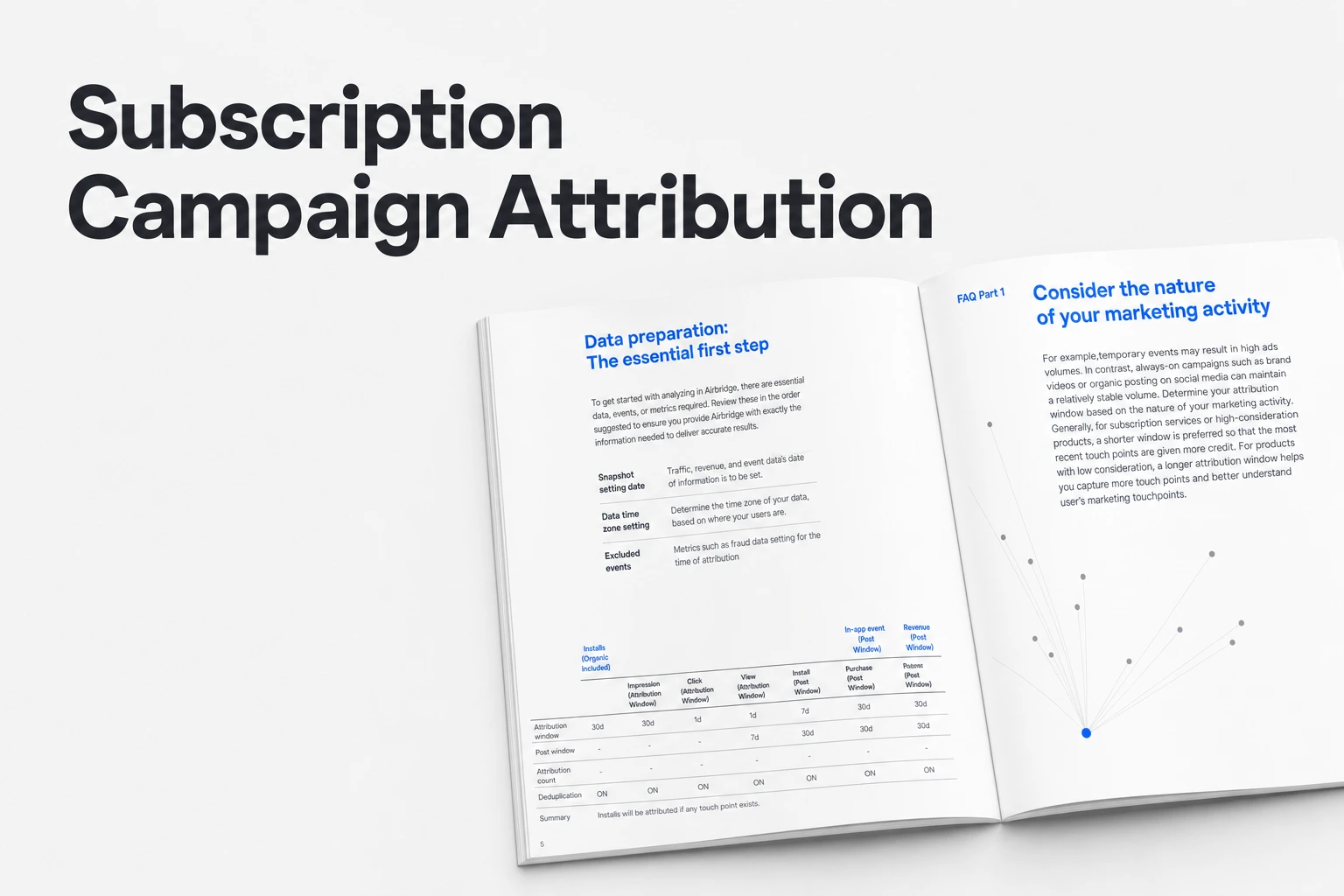
Key Takeaway
- Configure your lookback window in the Airbridge dashboard by going to Rules > Attribution Rules and opening the Install tab.
- The lookback window measures touchpoints before a target event, while the attribution window measures subsequent events after that target event.
- Default attribution windows are set to 30 days for app installs and 3 days for deeplink opens.
When you run paid ads over a weekend and check your subscription numbers on Monday morning, the time boundaries in your attribution tool dictate which ad gets credit for an event. Subscription apps rarely convert in a single instant: someone sees an ad on Tuesday, installs the app on Thursday, starts a trial, and pays days later. Knowing where those time cutoffs sit—and how to adjust them—keeps you from misreading which campaigns actually bring in revenue.
Lookback vs. Attribution Windows
In the Airbridge Attribution Model, the lookback window is the period before a target event during which a touchpoint can still be considered related to that event. The attribution model only measures touchpoints that happen inside this lookback window set prior to the target event. Once that target event occurs, the second timer starts. The attribution window is the period after a target event during which a subsequent event can still be considered related to that target event. Similarly, the model only measures post-install or post-open events that fall inside the attribution window set after the target event.
Thinking about a subscription funnel makes the distinction concrete. The lookback window answers how much time can pass between an ad interaction and an app install for that ad to claim the install. The attribution window answers how much time can pass after the install for subsequent events to still be tied back to the original ad.
You can set the lookback window in the Airbridge dashboard under Rules > Attribution Rules, inside the Install tab, as shown in Lookback and Attribution Window Setup. You set the attribution window in the same menu under the In-App Event tab. The default lookback window varies depending on the touchpoint type and the identity matching method used. However, you cannot edit the lookback window for Deeplink Open and Deeplink Pageview touchpoints, and Airbridge does not provide a lookback-window setting for them because deep linking occurs almost simultaneously with the user's ad click, making the winning touchpoint clear without additional analysis.
How Credit Gets Assigned
The Airbridge Attribution Model is built on the Last Touch Attribution model. Under Last Touch Attribution, an event is credited to the single touchpoint that happened most recently before the conversion event. To determine that winning touchpoint, Airbridge ranks ads in a user journey from highest to lowest priority and then attributes the event to the ad that occurred closest to the outcome.
For app attribution, the target events are Install (App), Deeplink Open (App), and Deeplink Pageview (App). Once a touchpoint wins one of those target events, subsequent events that occur within that target event's attribution window are credited to the same touchpoint as the target event, according to Attribution Scenarios. By default, the attribution window is 30 days for app installs and 3 days for deeplink opens.
If you run re-engagement ads alongside user acquisition campaigns, these two windows can overlap. When a deeplink open happens inside the app install attribution window, the deeplink open attribution window applies first. Suppose a user installs your app from an acquisition ad, and four days later taps a re-engagement ad that triggers a deeplink open before subscribing. Because the deeplink open occurred during the active install window, the deeplink open attribution window takes priority for the events that follow.
How Windows Shift Reported Numbers
Changing the length of either window changes how many attributed installs and downstream events show up in your reports, even when user behavior has not changed at all.
On the pre-install side, as detailed in Lookback Window: What It Is and How to Set It, a lookback window that is too short can classify genuine ad-driven installs as organic, which understates campaign performance. Conversely, a lookback window that is too long can credit conversions to interactions that had minimal influence, overstating campaign effectiveness. If you shorten a click lookback window mid-month, people who take an extra few days to download your app after clicking an ad can be classified as organic installs rather than paid ones.
On the post-install side, in-app user actions tracked within an attribution window are credited to the winning touchpoint, as outlined in the Attribution Window: Definition & Setup Guide. Compared with a longer attribution window, a shorter attribution window lowers the risk of over-attributing events to older touchpoints. A longer attribution window can capture delayed user behavior that still reflects ad influence. In Airbridge, attribution windows are set per channel, with a Global default, and the default length differs by target event. If your app offers a 7-day or 14-day free trial, the post-install attribution window determines whether the conversion from trial to paid subscriber still links back to the install touchpoint.
Keep a Change Log Before Comparing Periods
Before you change a window setting or wonder why your MMP report does not match an ad channel's self-reported numbers, record the exact date and previous duration in a team change log.
Different lookback windows between your MMP and an ad network or self-attributing network can create attribution discrepancies, including disagreements over conversions that happen outside the MMP window. When you check your numbers across channels, a mismatch in window lengths is one of the first places to look.
Rather than guessing at a cutoff, you can review historical data to understand the typical time from first ad exposure to install; for instance, if most installs follow a click within two days, a 7-day window captures the vast majority of attributed installs without unnecessary extension. Keeping a written log of when you adjust these thresholds helps you track whether a shift in paid conversions across month-over-month cohort metrics came from a new creative test or a rule change in your dashboard.
FAQS
FAQ
Why can't I edit the lookback window for Deeplink Open touchpoints?
Airbridge does not offer a lookback-window setting for Deeplink Open and Deeplink Pageview touchpoints because deep linking happens almost simultaneously with the ad click, making the winning touchpoint clear without additional analysis.
Which ad channels are included in the Airbridge Core Plan?
The Airbridge Core Plan includes ad network attribution for Google, Meta, Apple Ads, and TikTok.
How much does the Airbridge Core Plan cost after the free trial?
The Airbridge Core Plan starts with a 30-day free trial and then costs $40+/mo, which includes 500,000 data points per month, charges $0.0001 per additional data point, and can be canceled at any time.
Related reading
Get Started Free
Set lookback and attribution windows that match how your subscribers convert.