How to Validate Campaign Properties in Mixpanel Acquisition Cohorts
Trace one known acquisition into Mixpanel and check that campaign and identity properties support the intended cohort.
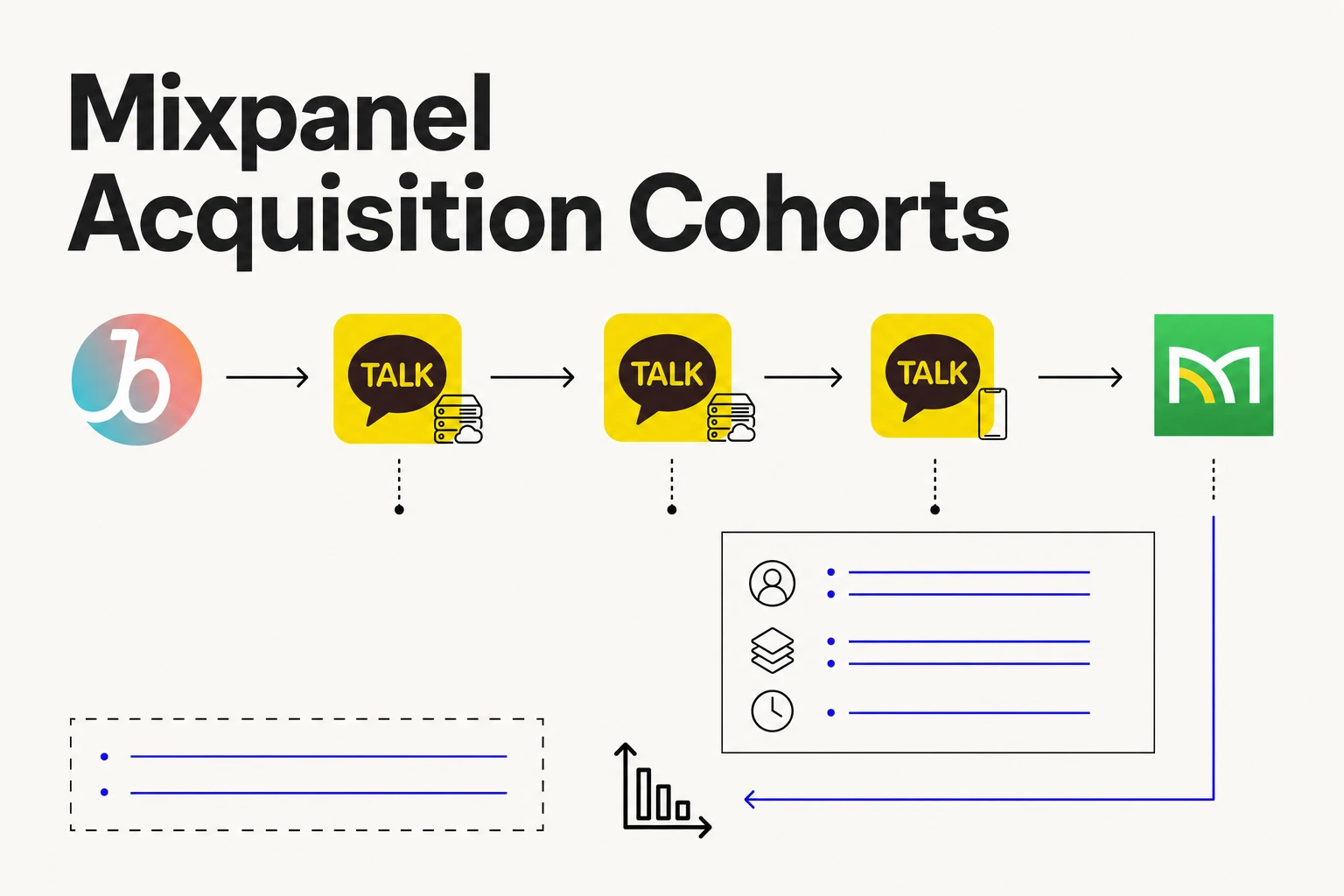
Before using Mixpanel to compare retention by acquisition source, verify that the campaign information is arriving on the right event or profile. An event can appear in Mixpanel while the property needed for your report is still missing.
Trace one test acquisition
Choose a new test user and a campaign with a distinctive label. Follow the expected acquisition path, open the app, and find the test user in Mixpanel. Check the first acquisition event and compare its campaign and channel values with the source record. Follow the Airbridge Mixpanel guide for the event and property options available in the integration.
Separate event properties from user properties
An event property describes that occurrence. A user property describes the profile as it is maintained by your implementation. If the question is which campaign first acquired the user, decide where that original value should live and verify that later events cannot accidentally overwrite it. Check Mixpanel's mobile attribution guide for its event property approach.
Test the transition from anonymous use to a signed-in account using your documented identity setup. Then build a small cohort using the verified field and check that the known test user appears. Report the scope you verified; a working new event does not prove that historical profiles were backfilled.


