How to Measure an Invite-a-Friend Program for a Subscription App in Airbridge
See how to assign each referrer a tracking link, measure installs, trials and subscriptions in Airbridge reports, and understand attribution limits.
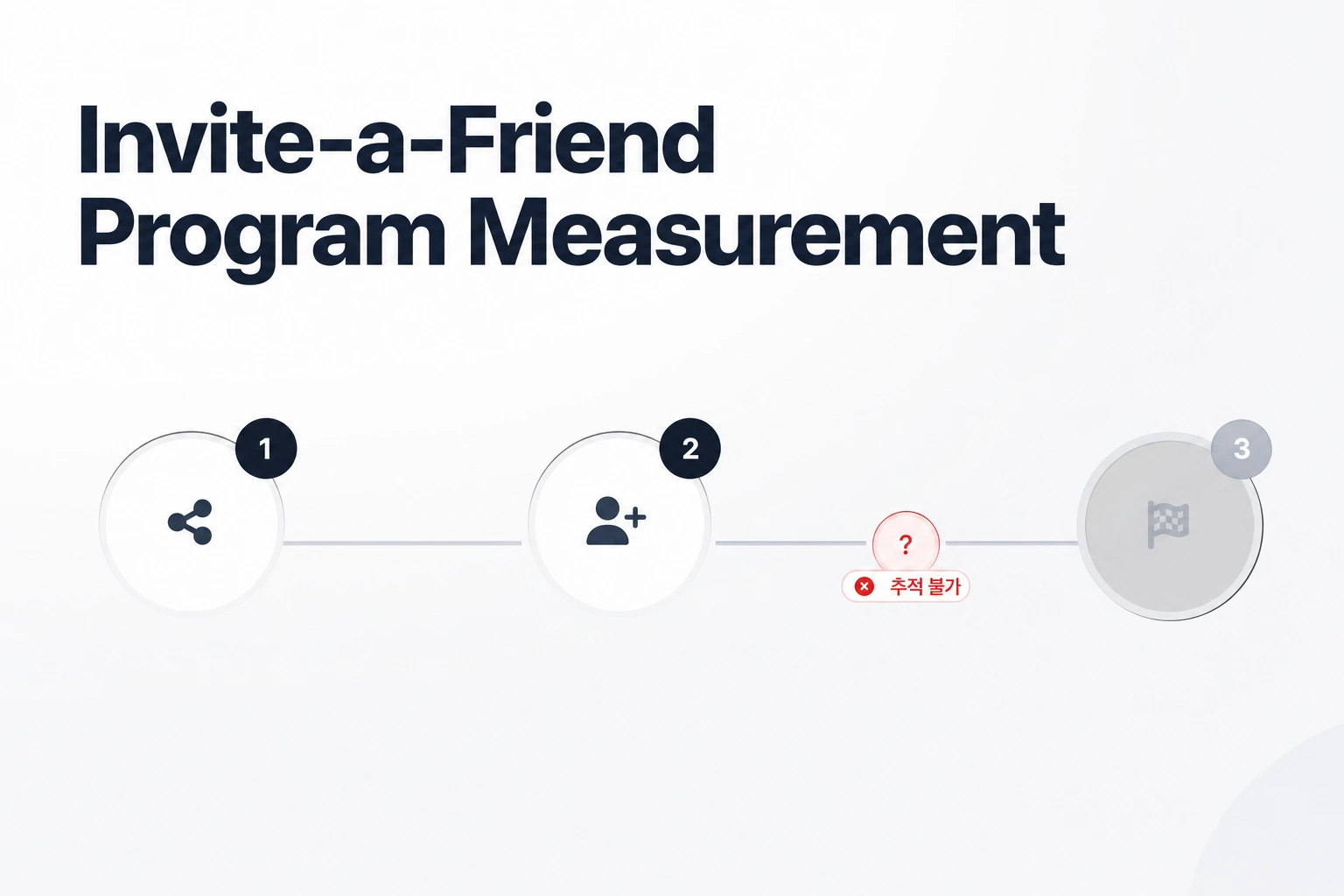
Key Takeaway
- Airbridge's referral guide creates a tracking link for each invite through the Tracking Link API.
- Actuals reports group installs, trial starts, and subscriptions by Campaign, Ad Group, and Ad Creative, while the Funnel report shows the flow by Campaign.
- Sharing actions are not collected on their own, so collect invite button taps as the standard Share event (
airbridge.share).
You built an invite-a-friend button into your subscription app, and existing subscribers are starting to share links over text messages and group chats. When a referred friend installs the app and starts a paid plan, you need to know two things right away: whether the referral program is actually bringing in paying subscribers, and which specific person sent the invite so your team can credit them.
Per-User Referral Links
Setting up individual tracking links for referrers starts with how parameters are structured.
In Create Tracking Links in the Airbridge Dashboard, tracking-link field names become parameter names, and the entered values become parameter values; for example, entering spring_campaign in Campaign adds campaign=spring_campaign to the link. According to Tracking Link Parameters, tracking-link parameters are key-value pairs formatted as parameter_name={parameter_value}, and when a user clicks an ad, the ad channel fills the value with touchpoint data and the link delivers it to Airbridge.
For an invite-a-friend or ambassador workflow, you can map your hierarchy directly to these fields. Airbridge's referral guide has your developer call the Tracking Link API when a user taps the invite button, with a custom channel name (such as in_app_referral), campaign parameters such as campaign, ad_group, and ad_creative, and a deeplinkUrl that includes the referrer's user ID (for example, ?referrer_id=1668). Share the shortURL from the API response as the invite link.
Installs to Subscriptions
Counting app opens is rarely enough for a subscription business. If an invite program drives hundreds of downloads from people who never start a trial or convert to a paid plan, giving out referral rewards on installs alone can strain your margin. You need visibility into how invited friends move through your paywall.
Among the 25 standard events preconfigured, only Start Trial, Subscribe, and Unsubscribe are subscription events. Once your app sends these standard events, you can evaluate referral performance alongside the rest of your acquisition efforts. The Airbridge Core Plan includes Actuals, Funnel, Retention, and Revenue reports.
When you open your dashboard to review weekly referral numbers, two reports do the heavy lifting for conversion tracking. Actuals reports group installs, trial starts, Subscribe events, and subscription revenue by Campaign, Ad Group, and Ad Creative. This view lets you see side by side whether a batch of invites generated real revenue or stopped at the install step. If you notice a drop-off between the app download and the subscription step, the Funnel report shows install to trial start to subscribe by Campaign. Checking both views helps you decide whether you should reward referrers when their friend starts a trial or wait until the Subscribe event fires.
Identifying Referrers
In Create Tracking Links in the Airbridge Dashboard, the value spring_campaign can be found in Airbridge reports by selecting Campaign as a GroupBy. To identify who sent each invite, configure the deep link callback in your app to parse referrer_id from the deep link, then use that user ID to reward the referrer.
Choosing the right parameter slot depends on what metadata your backend or marketing team wants to pass through the invite link. According to Tracking Link Parameters, the available keys fall into three groups:
- Key campaign parameters include
campaignandcampaign_id, along withad_group,ad_group_id,ad_creative,ad_creative_id,content,term, andterm_id. - Key channel parameters include
click_idandsub_id, as well assub_id_1,sub_id_2,sub_id_3,ad_id,gaid_raw,ifa_raw,ip,user_agent, andlanguage. - Key Airbridge parameters include
deeplink_urlandrouting_short_id, alongsidead_type,tracking_template_id,og_tag_id,fallback_android,fallback_ios, andfallback_desktop.
Deep link information is registered in [Tracking Link] > [Deep Links].
Limits to Note
Before you finalize your referral link schema and launch the campaign, keep a few platform boundaries and technical constraints in mind.
Sharing itself is not collected automatically. To measure invite button taps, collect them as the standard Share event (airbridge.share).
Also watch the length of the strings you pass into custom parameters. If your engineering team encodes long internal user UUIDs, referral tokens, or campaign metadata into the URL, remember that in FAQ - Creating Tracking Links, tracking links for custom channels allow up to 128 characters per parameter.
Finally, consider how your web landing pages and external tools fit into your stack. The Core Plan Web SDK supports web-to-app tracking only. In addition, Airbridge Core Plan includes up to 2 third-party integrations. If you are already sending data to a subscription management tool and an analytics workspace, factor that two-integration cap into how you plan your stack.
FAQS
FAQ
How much does Airbridge Core Plan cost?
The Airbridge Core Plan starts with a 30-day free trial, then costs $40+/mo with 500,000 data points included each month and $0.0001 per additional data point. There is no annual contract, and you can cancel anytime.
How many data points are included in the monthly allowance?
The Airbridge Core Plan includes 500,000 data points per month, and each additional data point is billed at $0.0001.
Related reading
See who drives paid subs
Create custom tracking links and follow referrals to subscriptions.