What Is Deep Linking? Definition and Examples in Mobile Apps
Deep linking routes users to specific app pages; compare URI schemes, App Links and Universal Links, plus deferred links that retain destinations after install.
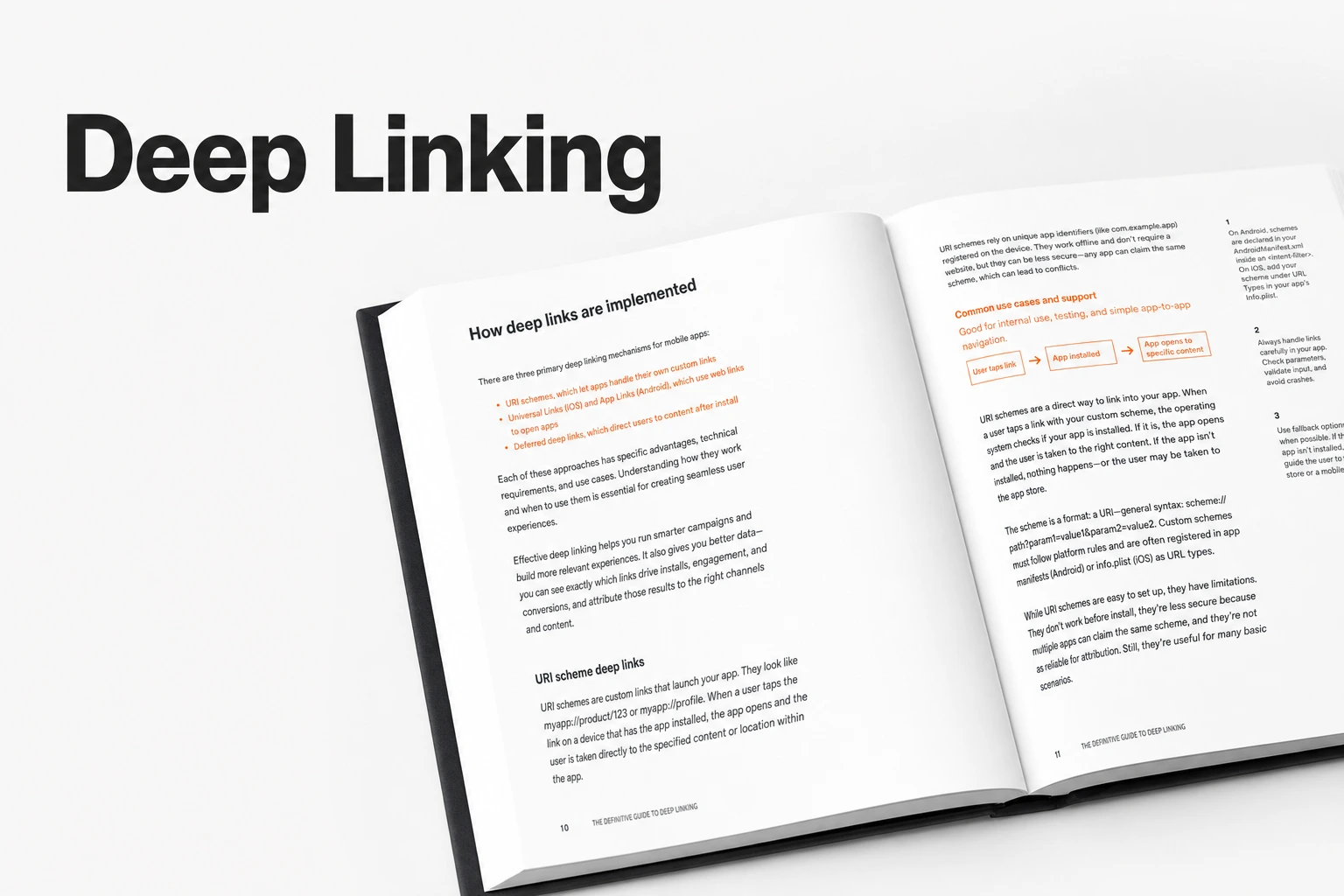
Key Takeaway
- Airbridge defines a deep link as a URL that points to a specific page inside an app, while deep linking is the action of sending users to those exact destinations.
- Instead of dropping someone on the generic app home screen, deep linking routes them straight to specific in-app content.
- When deep linking is applied for someone who doesn't have the app yet, clicking the link sends them to the app store first, and then opens the exact target page the first time they install and launch the app.
If you are building a consumer subscription app with a lean team, every click you pay for or earn on social media matters. You might be wondering what actually happens under the hood when someone taps a promotional link on their phone, and why some links drop users onto a generic welcome screen while others open the exact workout, recipe, or paywall they tapped on. When you are trying to turn casual clicks into trial starts without a massive engineering team, untangling how mobile links behave across different devices and install states can feel unnecessarily confusing. Getting this routing right is the difference between a user immediately finding what they came for and a user bouncing because they have to search for it themselves.
Deep Linking Definition, Universal Links, and App Links
When you share a link on the web, a standard URL tells the browser which webpage to load. On mobile devices, deep links act like URLs built for mobile environments, carrying extra data so they can guide users straight to targeted destinations inside an app. To keep the terminology straight as you set up your own routing, it helps to separate the noun from the action: a deep link is the actual URL pointing to a particular in-app screen, whereas deep linking is the mechanism of sending users to that specific destination.
When you configure these links in your codebase and attribution tool, you will run into three main technical formats depending on the operating system and how you want the link to look.
First, there is the URI scheme, which is a traditional method for deep linking where your app registers its own custom scheme, such as airbridge://. Because it uses a custom prefix instead of a standard web address, the device knows it is looking for an app protocol rather than a webpage.
On Android devices, the platform-specific method is called App Links, which uses a standard web format like https://host/path. On iOS devices, the platform-specific method is called Universal Links, which also follows the https://host/path format. Understanding which format your campaign links use is the first step in making sure your users don't hit dead ends when moving from mobile web browsers into your native app experience.
Routing to In-App Examples Instead of the Home Screen
Imagine a user taps an ad for a 7-day trial on a specific meditation track, or clicks a push notification about a newly unlocked feature. If that tap just opens your app's main dashboard, the user has to remember what they clicked on and hunt through your navigation tabs to find it. Deep linking is the mobile technology that prevents this friction by directing people to specific content inside the app and bypassing the app's home screen altogether.
In practice, deep links build direct user journeys from outside channels—like push notifications, social media posts, or paid ads—straight into the relevant content inside your app. When you are setting up tracking links for your campaigns, applying deep linking ensures that anyone who clicks your content or ads lands on the target page you intended rather than getting dumped on the home screen.
How the phone knows where to go depends on the structure of the link. For example, when someone taps a URI scheme link, their mobile operating system reads the custom scheme to identify which target app to open, and then uses the path specified in the link to navigate to that exact location inside the app.
What happens if you run a campaign without this setup? If a user does not have your app on their phone when they click a link without deep linking applied, they will still go install and open the app for the first time, but they will simply land on the home screen instead of a specific destination. For a small team trying to convert new installs into active subscribers, losing that initial context right at the first session can quietly drain your conversion rates.
How Standard and Deferred Deep Links Handle App Installs
When you put a link out in the wild, your audience is always split into two groups: current users who already have your app on their phone, and prospective users who haven't downloaded it yet. How your link behaves across those two scenarios comes down to whether you are using a standard (or direct) deep link, a traditional URI scheme, or a deferred deep link.
If the person clicking your link already has your app installed, both standard and deferred deep links will open the app to the intended in-app page. Specifically, a standard or direct deep link is built to work only when the app is already on the device; the moment a user clicks it, the link checks the phone for the app and immediately opens the specific content if the app is found.
The trouble starts when someone clicks a link and does not have your app installed. If you rely on traditional URI schemes, they require the app to be installed on the device and cannot handle fallback scenarios gracefully when the app is missing. That means a prospective user tapping a bare URI scheme link will often just see an ugly browser error instead of a path to download your app.
To capture users who don't have the app yet without losing their intended destination, you need deferred deep linking. When deep linking is applied to a campaign and someone without the app clicks the link, they are routed to the app store first; then, once they install and open the app for the very first time, they are deep linked straight to the specified destination page.
Behind the scenes, deferred deep linking makes this handoff work by saving the in-app destination data on a server while the user is completing the app download. As soon as the download finishes and the user opens the app, the link matches that saved server data with the user ID and takes them directly to the intended app page. You should audit your primary acquisition links before launching a new paid channel to confirm that uninstalled users are being routed through deferred deep links rather than hitting broken URI schemes. Setting this up properly means both returning subscribers and brand-new installs get a clear, direct path to the exact screen you promoted.
FAQS
FAQ
What features are included in the Airbridge Core Plan for managing links?
The Airbridge Core Plan comes with direct and deferred deep links, branded short links, QR codes, web-to-app CTA banners, custom domains, and Airpage.
How should I choose between direct deep links and deferred deep links for a campaign?
If you are running a re-engagement campaign strictly for existing users who already have your app on their phones, direct deep links will open the target screen, whereas acquisition campaigns reaching new users require deferred deep links so they still land on the promoted page after installing the app.
Route clicks to your app
Set up direct and deferred deep links with the Airbridge Core Plan.


