How to Track Creator Links and Revenue in One Report
See clicks, attributed installs, trials, subscribers, revenue and ROAS by creator and video in one report, using unique links to separate partners.
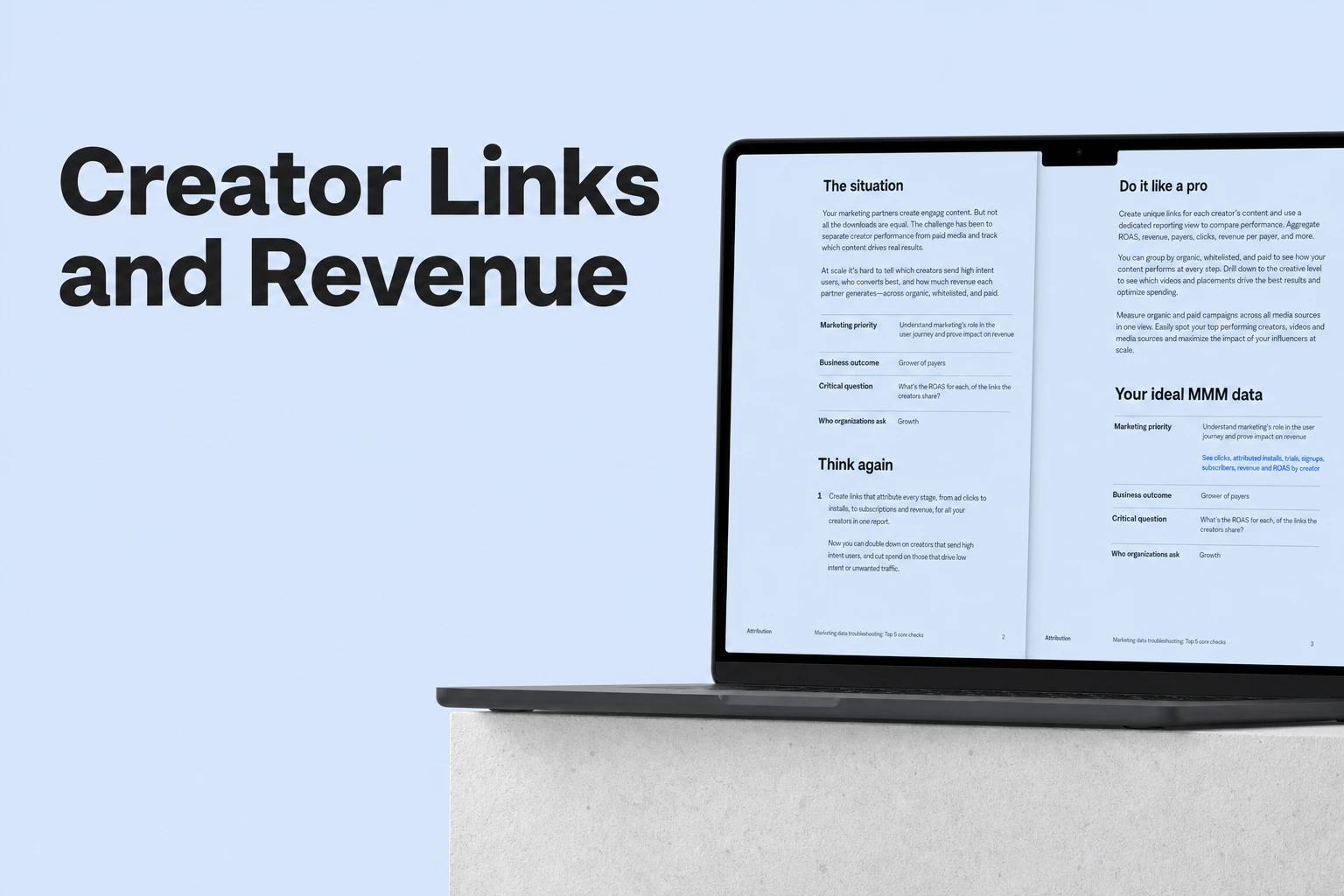
Key Takeaway
- The Actuals Report displays clicks, attributed installs, trials, subscribers, and revenue for individual creators and videos in a single view.
- Issuing a dedicated tracking link per creator under a custom channel separates each partner's performance so their results do not blend together.
- When a user interacts with multiple ads before converting, Airbridge uses Last Touch Attribution to credit the prioritized touchpoint closest to the outcome within the event's lookback window.
If you are building a consumer subscription app, you know the frustration of sponsoring creator videos and watching revenue climb without knowing which specific video paid for itself. You might be stitching together link click exports and subscription dashboards just to see if an influencer sponsorship actually drove paying users. Instead of guessing which partnership worked, you can connect each clicked link directly to downstream trials and subscription revenue in one unified table.
Connecting Acquisition Links to Campaign Revenue in the Actuals Report
When you are evaluating creator sponsorships, surface-level click counts are not enough to justify your spend. You need to see which partnerships bring in users who actually start trials and convert into paying subscribers. On the Airbridge Core Plan starting at $40+/mo as of October 2026, the Actuals Report brings your acquisition link data and downstream monetization events into the same table, showing attributed installs, trials, subscriptions, revenue, and ROAS side by side for every campaign.
The report groups your funnel performance—including attributed installs, free trial starts, First Subscribe (App), and subscription revenue—across three hierarchy levels so you can inspect results from the creator level down to the individual video. This means you do not have to export CSVs to calculate whether a creator's fee was covered by the subscribers they brought in.
To customize how you view this data, you can configure an Actuals Report setup using a date range, a date option, metrics, GroupBys, and a filter. You can organize your selected metrics by a GroupBy to compare creators or videos, or apply a filter to narrow the view down to specific GroupBys when inspecting a single partnership. The metrics available in the Actuals Report are quantified indicators built from data that Airbridge collects across tracking links, SDKs, and APIs. You can pick anywhere from 1 to 20 metrics for your view, and any metric that has no collected data will simply not appear in the report.
One technical boundary is worth keeping in mind before you review your numbers. Airbridge measures creator traffic that comes through a tracking-link click, and it does not measure views or installs from organic posts where no link click occurred. If someone watches a video, closes the social app, and searches for your app directly in the store without tapping the link, that install will not be tied to the creator's link.
| Report Component | Configuration & Scope | What It Shows You |
|---|---|---|
| Hierarchy Levels (GroupBys) | Three-level grouping from campaign down to creative | Funnel outcomes broken down by each creator and individual video |
| Funnel & Revenue Metrics | 1 to 20 selectable metrics from tracking links, SDKs, and APIs (uncollected metrics are hidden) | Clicks, attributed installs, trials, subscribers, revenue, and ROAS |
| Report Controls | Date range, date option, GroupBys, and filter | Metrics grouped by selected GroupBys or narrowed down to specific GroupBys |
| Measurement Boundary | Traffic arriving via a tracking-link click | Clicked link outcomes only, excluding organic post views or installs without a link click |
Setting Up Campaign Links for Individual Creator Attribution
To see creator-level and video-level revenue in your report, the data has to be separated at the link level before the videos go live. If two creators share the same URL, their traffic and revenue will merge into a single row. Setting up distinct links takes a few minutes and gives you clean comparisons later.
- Issue a dedicated Airbridge tracking link for each creator under a custom channel, setting the Campaign parameter to the creator, the Ad Group parameter to the content angle or hook, and the Ad Creative parameter to the specific video.
- Treat this parameter structure as a flexible naming convention recommended by the Airbridge UGC playbook rather than a rigid product requirement. If your team prefers to organize parameters differently, the tool will still work, though following the playbook keeps your hierarchy clean when testing multiple hooks with the same creator.
- Place a unique influencer marketing deeplink URL directly into each creator's brief, and make sure the link is shortened by the platform itself rather than a third-party URL shortener that strips out attribution parameters. Losing those parameters during a redirect breaks the connection between the click and your report.
- Give your creators clear, platform-specific placement instructions in the brief: ask them to put the link in their bio for TikTok and Instagram, and use both the video description link and an on-screen QR code for YouTube.
- Let creators know they can place the tracking link anywhere viewers can tap it, such as a link in bio, a video description, an Instagram Story link sticker, or a newsletter. Making the link easy to spot and tap is what turns viewer interest into measurable subscription revenue.
How User Attribution Works Across Multiple Ad Touchpoints
Your prospective subscribers rarely live in a vacuum. A user might tap a creator's link in bio on Tuesday, see a paid ad on Meta or TikTok on Wednesday, and finally install and subscribe on Thursday. When multiple ads are involved in the same user journey, you need to know how your attribution model decides which channel gets the credit.
Airbridge relies on Last Touch Attribution. When a target event occurs, Airbridge evaluates the ads in the user's journey, ranks those touchpoints by priority, and attributes the outcome to the ranked touchpoint that happened closest to the target event. However, an ad interaction does not stay eligible forever. To be included in this ranking, a touchpoint must fall within the lookback window configured for that target event.
The lookback window defines how far back in time before a target event a touchpoint can be considered related to that outcome. Airbridge only measures touchpoints that happen inside the window set for that specific event. For example, if a user installs your app at 2 PM on January 4 and the event is set with a three-day lookback window, Airbridge only measures touchpoints that occurred between 2 PM on January 1 and 2 PM on January 4. Any ad click prior to 2 PM on January 1 is outside the window and will not receive credit for the install.
There is one specific exception to lookback window configuration when you are working with deeplinks. You cannot edit the lookback window for Deeplink Open and Deeplink Pageview touchpoints. Airbridge does not provide a lookback window setting for these two touchpoints because deeplinking happens almost simultaneously with the ad click, making the winning touchpoint obvious without further lookback analysis.
FAQS
FAQ
How should I structure my link parameters if I work with one creator across multiple videos?
When you book a creator for a multi-video package, keeping the top-level parameter consistent for that partner while separating the lower levels by topic and individual clip makes it easy to see both the overall partnership return and which specific message resonated with your audience. If you only run single-video tests, a simpler parameter naming structure is enough to keep your rows distinct.
What can I do to make sure viewers actually tap the link instead of searching the app store directly?
Viewers often forget to check a profile page after watching a clip, so matching the call-to-action to how people browse each social app makes a big difference. Having the creator verbally point viewers to the tappable area right when they mention your app's value helps capture the click while their intent is high.
How should I think about creator sponsorships when I am also running paid user acquisition ads?
When you run creator campaigns alongside networks like Meta, Google Ads, or TikTok, a viewer might discover your app through an influencer and later tap a retargeting or user acquisition ad before downloading. Checking the timing of your content drops against your paid ad schedules helps you interpret shifts in your numbers when multiple channels touch the same audience.
See which videos pay off
Connect your creator links to trials and revenue in one unified table.


