App campaign tracking before SDK integration: what to measure
App campaign tracking can start with UTMs, website events, and eligible store signals; learn what AI can prepare and when the Airbridge SDK is needed.
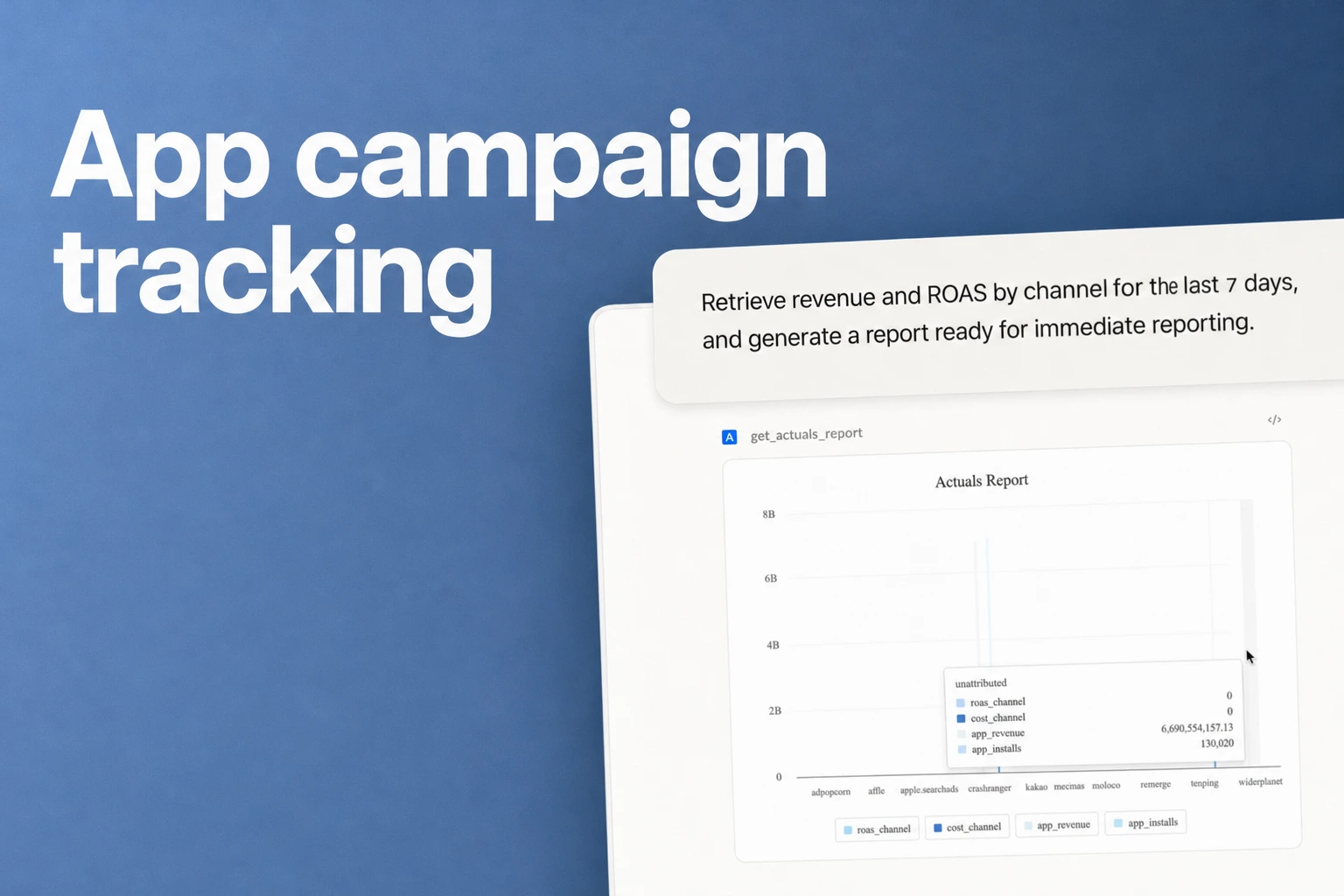
Start with web and store signals; add app measurement for app outcomes
- For Google Ads, the campaigns performance report includes Ads clicks and Ads cost.
- Use consistent UTM parameters to identify tagged campaign referrals in website Analytics.
- Apple campaign tokens can measure campaign effectiveness for specified App Store Connect Analytics and partner-program links.
- Use website referrals and verified website events for questions about the landing page or web signup.
- Choose app measurement when attributed installs or subscription outcomes will change the next budget or product decision. Airbridge Core lists Google, Meta, Apple Ads, and TikTok for paid-ad attribution.
App campaign tracking before an SDK can begin with tagged website referrals and eligible store-campaign signals; Airbridge campaign measurement and conversion attribution require its SDK in the app.
What can you measure before app instrumentation?
Before the app is instrumented, split the readout into three places: the ad account, the website analytics property, and the app-store campaign reporting available to you. Keeping those sources separate stops a click, a website signup, a store campaign signal, and an attributed app install from becoming one misleading number.
| Source | Before app-SDK work | What stays unmeasured by that source |
|---|---|---|
| Ad account | Delivery, spend, and clicks shown by the platform | A click does not by itself establish a first app launch or paid subscription. |
| Existing website analytics | Tagged referrals and verified signup or checkout events | Website events do not automatically become app-install attribution. |
| App Store Connect | Campaign links and eligible store reporting | Apply Apple’s reporting rules; store credit is distinct from an MMP’s app-event attribution. |
| Future app measurement | Prepare event names, owners, payloads, and QA cases | Record installs, trial starts, and payments only after the relevant measurement path is implemented. |
Google Analytics recommends including utm_source, utm_medium, and utm_campaign in campaign URLs; its URL builder guidance also notes that parameter values are case-sensitive, so use one capitalization convention across links and reports.
Create the store link through App Store Connect campaign-link guidance and retain the generated campaign token in the link inventory. The StoreKit SKOverlay campaignToken property configures an in-app overlay; it is not the procedure for creating an ordinary external App Store campaign link.
What can an AI assistant prepare for the first paid-ad test?
Give the assistant the campaign goal, landing-page URL, Analytics events already in use, and ad platforms involved, then ask it to draft a measurement brief, consistent naming scheme, UTM link templates, an event dictionary, report columns, and a QA checklist. A team member with access to the ad, website, analytics, and app accounts still applies the changes and confirms that the live setup behaves as intended.
1. Write the decision the test must support
Ask the assistant to make the test question specific. “Are our ads working?” is too broad to guide a short readout. “Does the short-form creative that promises a free trial bring more qualified landing-page visitors than the product-demo creative?” gives the team a comparison it can name and measure.
Choose the outcome that belongs to this first phase. For a web-only phase, that could be a completed signup on a web page or a click from the landing page to the app-store listing, if the site already records that action. For an app-outcome phase, define the app action separately, such as first launch, trial start, or paid subscription. An event name is useful only when its meaning and collection point are clear to everyone using the report.
2. Make one naming scheme before creating links
Ask for a table that maps the ad-account campaign name to the website campaign parameters and the reporting-sheet name. Keep values lowercase and use a consistent separator, such as underscores. Google Analytics says UTM values are case-sensitive, which makes one naming convention a practical data-cleanup safeguard.
Ask the assistant to generate one URL per campaign and creative, then check that each URL lands on the intended page and keeps the parameters intact. The assistant can flag missing source, medium, or campaign values and inconsistent capitalization. It can also make a link inventory with the final URL, campaign owner, destination page, launch date, and the human who approved it.
3. Define only the website events the team will use
An event dictionary prevents a team from treating different actions as the same milestone. For every proposed web event, write its plain-language meaning, the page or action that triggers it, the Analytics name currently in use, and how the owner will test it. Useful example definitions include “signup completed when the confirmation page appears” or “checkout completed after the payment confirmation.” Use the events your site can actually record.
Use GA4 recommended events where the action fits, including their required context and parameters. Create a custom event for a genuinely different action and plan how it will be reported. Test the implementation in DebugView instead of assuming that a named event is already collected.
4. Prepare the report before ads start
Ask the assistant to draft a spreadsheet with one campaign per row and a clear source for each column. A useful starting layout is campaign name, platform, creative, landing page, spend, delivery or click fields from the ad account, website sessions from Analytics, the selected website event count, and notes on QA. Add a separate store-campaign field if you have a configured App Store campaign token.
Add a short glossary to the sheet. Define what counts as a website conversion, whether a count is events or people, and the date range and time zone for the export. If a metric comes from a platform report, label the platform in the heading. If it comes from Analytics, label it as a website metric. These small labels help a founder reconcile reports without treating two platforms' numbers as interchangeable.
5. Run a QA pass before spending
Use the assistant to produce a test checklist and then execute it with the people who control the live accounts. Check that each link opens the right page, the campaign parameters stay in the browser address, and the campaign naming matches the reporting sheet. Submit a controlled test action on the site, then verify that the expected website event appears in Analytics.
Google's DebugView instructions say DebugView displays events and user properties Analytics collects from a user in real time, and that debug mode must be enabled to use the view. A teammate can enable debug mode on the test device or browser, open DebugView, run the website flow, and confirm that the expected event appears. This verifies the test path at the point the team needs it: before paid traffic begins.
Where web tracking ends and app attribution begins
- Ad to website: Give each campaign a stable UTM label so website Analytics can identify the tagged referral.
- Website activity: Choose a configured web event that matches the test, and verify it in the live Analytics property before using it.
- Website to store: A configured Apple
campaignTokencan support effectiveness measurement for specified App Store Connect Analytics and Apple Services Performance Partners Program links. - App activity: For Airbridge campaign measurement and conversion attribution, install the Airbridge SDK in the app; Google Ads also documents a separate SKAdNetwork reporting path for campaigns measured with SKAN.
What evidence should trigger a decision to add app instrumentation?
Add app measurement when an app-level result is part of the decision you need to make. The decision is about the evidence you need, not an arbitrary spend threshold.
Use this go/no-go checklist with your cofounder or growth owner:
- The decision uses a web outcome only. Keep the first phase focused on campaign visits and website events that your current site Analytics setup records and that you have tested.
- You need to compare paid campaigns by app installs. Plan an app measurement implementation that provides attributed installs before treating platform clicks as install results.
- You need to compare channels by trial starts or paid subscribers. Define the app or subscription event and the measurement path that will report it, then instrument and verify that path before using the number for budget allocation.
- The website-to-app handoff is the question. Keep the web and store signals separate, then add app measurement when the decision requires connecting the campaign to activity after install.
- You are choosing a measurement provider. For Airbridge, the required setup is its app SDK, and Core lists Google, Meta, Apple Ads, and TikTok as its paid-ad attribution scope.
The SDK choice should follow the evidence need. Airbridge's SDK documentation says the SDK is required to measure ad campaigns and attribute conversions with Airbridge. That makes the product a next-stage option when the test moves from basic ad and website signals to app campaign measurement with Airbridge. Your implementation checklist should name the app, platforms, events, account owners, and test action before the team schedules the work.
Prepare the events and decision questions first, install the SDK, and then verify the app actions the team needs in its measurement workflow. If a subscription system records trial starts or paid renewals, align those event definitions with the app measurement plan so the team reads the same outcome across its reports.
The handoff from a web test to app measurement
Deliver one brief to engineering: tested URLs, the existing website event definitions, the app outcomes needed next, the event owner, and the expected device-test result. Keep this pre-integration brief separate from an SDK implementation guide and from the channel-level CPI calculation.
FAQS
FAQ
What does campaign tracking mean?
Campaign tracking means labeling campaign links and recording the results in the reporting system used for the next decision. For a web test, campaign parameters can identify tagged referrals in Google Analytics; Airbridge campaign measurement and conversion attribution require installing the Airbridge SDK in the app.
Which platform supports campaign tracking?
Airbridge Core supports paid-ad attribution for Google, Meta, Apple Ads, and TikTok. Airbridge requires its app SDK for campaign measurement and conversion attribution, so Core is a fit when the team is ready to instrument the app as well as the campaign links.
Can I track app installs without an SDK?
You can measure tagged website referrals and eligible App Store campaign effectiveness before Airbridge SDK work. For Airbridge campaign measurement and conversion attribution, install the Airbridge SDK in the app.
Get Started Free
See how these criteria hold up on the real thing.


