RevenueCat integrations: options and Airbridge setup
RevenueCat integrations compares event forwarding with Apple Ads attribution data, then gives Airbridge setup steps for matching IDs and verifying events.
Choose the integration route that matches the reporting job.
- Use an MMP connection when you need subscription lifecycle events alongside campaign attribution.
- Use Apple Ads attribution data when your question is about Apple Ads campaign details.
- Use a direct ad-platform connection for events intended for that platform’s own reporting or optimization.
- Use a custom route when your app needs to map events through its own backend or event pipeline.
- Airbridge publishes this guide and documents its RevenueCat event forwarding, ID matching, and setup steps.
Airbridge’s RevenueCat integration forwards subscription lifecycle events, including trials, purchases, renewals, and cancellations, into Airbridge. Choose an MMP when you need subscription outcomes alongside acquisition reporting; choose Apple Ads attribution data when your question is which Apple Ads campaign details appear in the attribution response.
Which RevenueCat integration path fits your data need?
Start with the question you need to answer. A subscription event connection carries billing milestones from RevenueCat to another system. Attribution data identifies the campaign or channel associated with an install. A setup that sends events can support that analysis, but the event connection and the campaign match are separate parts of the measurement path.
Trial length also affects how an MMP can connect a trial start to a later paid conversion. A 14-day trial that converts on day 14 falls outside a 7-day attribution window, per Airbridge’s RevenueCat attribution guidance. For trial-to-paid reporting, set the attribution window to cover the full trial period.
| Route | Choose it when you need | What it connects | Example or practical fit |
|---|---|---|---|
| MMP event forwarding | Subscription events alongside acquisition reporting | RevenueCat subscription events to an MMP | Airbridge, Tenjin, Adjust, and Singular publish material describing RevenueCat integration paths. |
| Apple Ads attribution data | Campaign information for Apple Ads | Apple Ads attribution response to an attribution provider | Adjust’s documentation describes campaign details such as campaign, ad group, keyword, and creative-set name. |
Tenjin’s subscription reporting overview describes RevenueCat subscription events flowing into acquisition reporting. Adjust’s technology partner directory lists a RevenueCat integration overview. Singular’s implementation guide instructs teams to add a Singular SDK key in RevenueCat, pass Singular’s device ID before the first purchase, map events, and verify test events in its dashboard. Singular’s guide also specifies passing its device ID before the first purchase and testing that mapped events appear in its dashboard, illustrating why setup prerequisites vary by provider.
What Airbridge and RevenueCat handle together
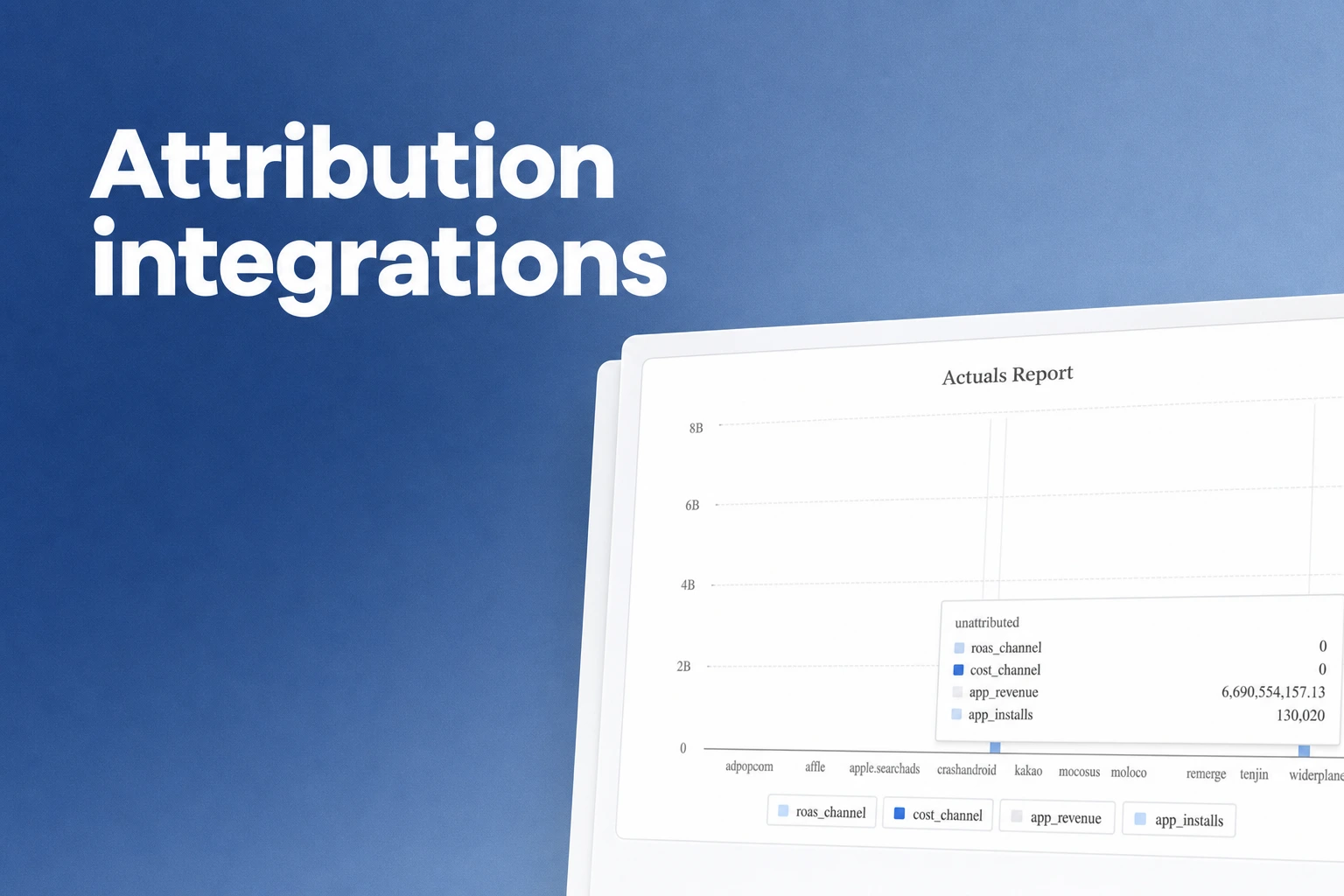
The Airbridge and RevenueCat connection sends subscription lifecycle events from RevenueCat into Airbridge, where the events can sit alongside the acquisition data used for campaign reporting. RevenueCat subscription events, including trials, purchases, renewals, and cancellations, enter Airbridge through this integration. Airbridge’s subscription overview ties subscription revenue to the user-acquisition source that acquired each subscriber.
The default mapping in the Airbridge RevenueCat integration guide sends these RevenueCat events as Airbridge standard events:
| RevenueCat event | Airbridge event |
|---|---|
TRIAL_STARTED | Start Trial |
INITIAL_PURCHASE | Subscribe |
TRIAL_CONVERTED | Subscribe |
RENEWAL | Subscribe |
CANCELLATION | Unsubscribe |
The default mapping also sends other RevenueCat events as custom events, which appear under their original RevenueCat event names with data in custom attributes.
Examples of custom-mapped events include TRIAL_CANCELLED, EXPIRATION, and SUBSCRIPTION_PAUSED. Airbridge displays these with their original RevenueCat event names and includes event data in custom attributes. Custom events are available on the Growth Plan only; on Core, only the standard-event mappings above are collected.
Prepare IDs and events before setup
Configure RevenueCat’s SDK before you connect the integration. Then confirm that the two systems can associate their records with the same app user and that subscription events will arrive once.
Use this setup checklist:
- Send Airbridge-collected device IDs to RevenueCat. Configure the RevenueCat SDK to send those device IDs, as specified in Airbridge’s integration instructions.
- Use the same app user ID in both systems. The Airbridge guide recommends sending RevenueCat’s App User ID to the Airbridge SDK with sign-up and sign-in events, which typically occur before a user subscribes. This gives the systems a shared identity to match.
- Prevent duplicate subscription events. When RevenueCat is the source of imported subscription events, configure the Airbridge SDK so it does not also collect those same subscription events. Airbridge flags that overlap as a cause of double counting.
These steps matter most when your app creates a stable user identity at sign-up, then records a purchase later. If the IDs differ at the two systems, an event can arrive without joining the expected subscriber record. If both RevenueCat and the Airbridge SDK send the same subscription event, a report can count it twice.
A practical example is a subscriber who creates an account before starting a trial. Send RevenueCat’s App User ID with the earlier sign-up or sign-in event, then keep that same ID in both systems when the subscription event arrives. Airbridge’s integration guide says unmatched IDs can create a random user ID and raise the displayed subscription-event user count above the actual count. That makes identity matching a useful first check when reported subscriber totals look unexpectedly high.
Connect RevenueCat to Airbridge
Once the SDK and identity setup are ready, configure the dashboard handoff in this order:
- In Airbridge, open Integrations > Third-party Integration, choose RevenueCat, and copy the Airbridge Subdomain and Airbridge Token.
- In RevenueCat, open Integrations, then select Airbridge under Attribution.
- Paste the subdomain and token into their matching fields.
- Under Event names, select Use default event names to fill in the mapped names.
- Select Add integration to complete the connection.
The defaults group initial purchase, trial conversion, and renewal under Subscribe, while trial start and cancellation use distinct standard event names. A standard-event report therefore groups several subscription milestones under Subscribe, which is useful for a broad subscription-activity view.
Verify event delivery and campaign attribution separately
Treat event delivery and campaign attribution as separate validation targets. Run a test subscription in the app store’s sandbox environment; Singular’s RevenueCat implementation guide recommends test accounts for both Google Play and the App Store.
For an event-delivery check, trigger a test trial or purchase, then inspect the receiving system for the mapped event name. Under Airbridge’s default mapping, a trial appears as Start Trial, while a renewal appears as Subscribe. Singular’s implementation guide recommends mapping the RevenueCat events to send and verifying that test events appear in its dashboard.
Singular’s test checklist also covers purchase amount and currency, trial start and end without revenue, renewal revenue, cancellation events, and restored purchases that could otherwise duplicate events. These are useful lifecycle cases to include in a test plan; the specific checklist comes from Singular’s implementation guide.
For the separate attribution check, use a test acquisition with a known source and review acquisition reporting independently from the incoming subscription event. Airbridge’s subscription overview describes attributing subscription revenue to the user-acquisition source that acquired each subscriber.
If the event appears under its expected name but acquisition reporting shows no expected source, review the shared IDs and the user’s acquisition data. Confirm that Airbridge-collected device IDs reached RevenueCat, that the same App User ID was sent with sign-up or sign-in events, and that the SDK did not resend a subscription event imported from RevenueCat.
Get Started Free
See how these criteria hold up on the real thing.