MMP SDK documentation comparison: a fair AI-coding-agent test
MMP SDK documentation comparison sets a fair AI-agent test, scoring documentation access separately from builds, event and link checks, fixes, and upgrades.
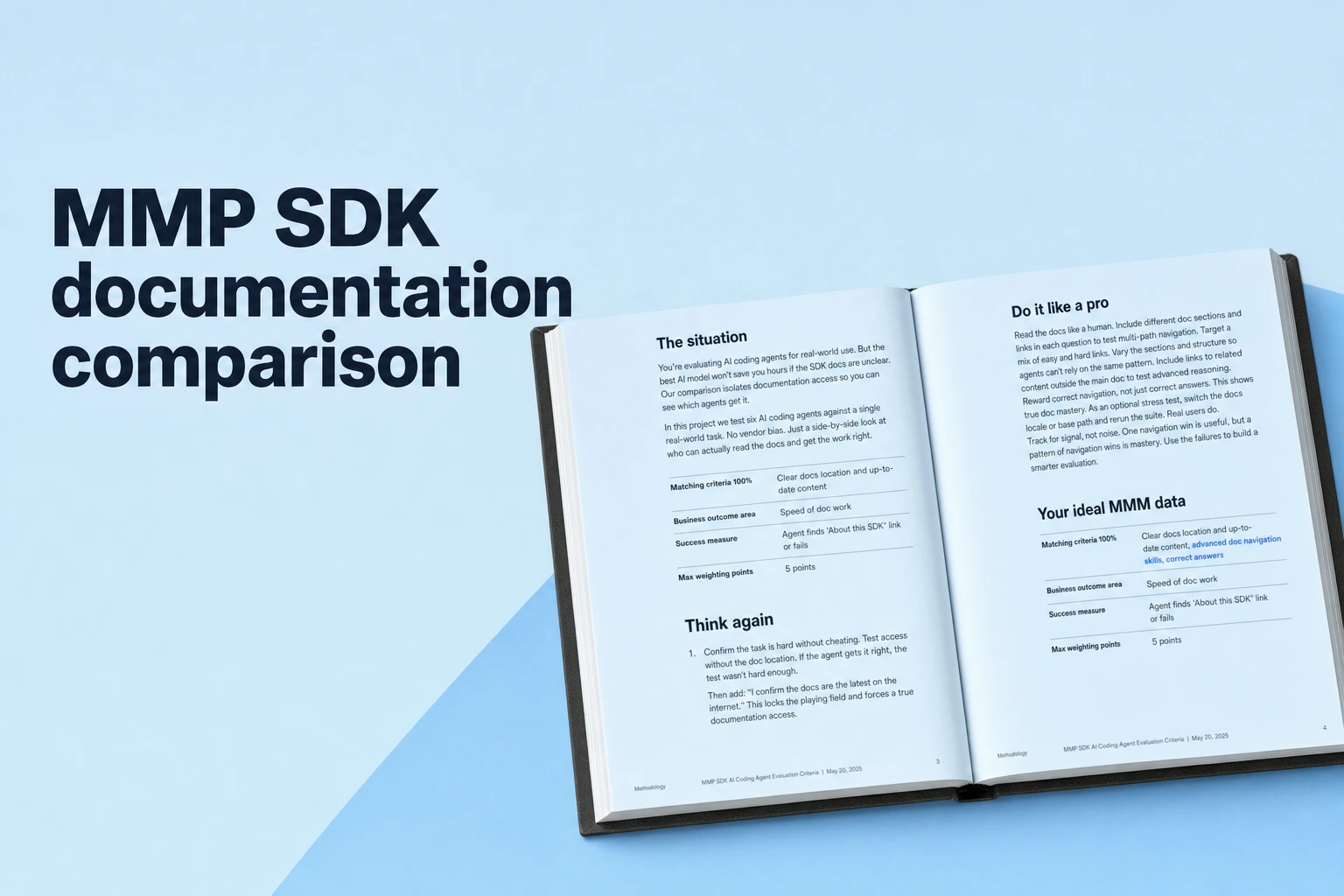
Compare MMP SDK docs by what your coding agent can ship and verify.
- Give every MMP the same Android app, agent, model, prompts, permissions, and time limit.
- Test setup, attribution and deep linking, a seeded bug, and an SDK upgrade.
- Score documentation access separately from builds, test results, corrections, and elapsed time.
- Choose from repeated results that match your own app’s stack and release work.
A mobile measurement partner (MMP) SDK documentation comparison works best when the same AI coding agent completes the same real integration tasks in the same app, and the resulting code builds and behaves as required. Airbridge publishes this guide, which describes how to test Airbridge, AppsFlyer, Adjust, Branch, and Singular on the same app tasks. It reports no test results.
Inspect the generated code's SDK initialization, required events, and deep-link routes against the vendor's instructions. Run the agent through the setup, event, link, and maintenance work your team handles in its release workflow.
What good MMP documentation means for an AI coding agent
Good documentation gives the agent findable, current instructions for your platform, SDK version, and task, and helps it produce code that passes checks you define. Evaluate two separate things: how well the agent can find and use the material, and how well the finished integration works.
Documentation access includes whether the agent can locate the setup guide, identify the relevant version, follow links to examples, and retrieve testing, troubleshooting, and migration instructions. Integration outcomes include successful builds, correct SDK setup, test events or attributed installs in the expected place, working deep links, and an upgrade that passes your checks.
The UTBoost study of SWE-Bench identifies cases where generated patches passed available tests without resolving the underlying issue. Pair compilation with behavior checks, such as confirming that a test event arrives and that a test link opens the intended in-app screen.
How to make the comparison fair
Run each candidate against the same repository state and evaluation rules. Choose a representative app, such as a small Android subscription app, and create an identical clean copy for each MMP so that one run’s code or agent history cannot influence another.
- Freeze the setup. Record the agent product, model and version, IDE or command-line tools, system instructions, repository commit, operating system, Android and Gradle versions, network access, permissions, and available credentials. Select the official SDK release for each MMP on the same date, record its exact version, and capture the documentation pages the agent used. Vendor SDK versions can differ, so keep each vendor’s release version explicit instead of treating unlike version numbers as equivalent.
- Write the prompts and pass criteria before running agents. Use the same task wording and constraints for every candidate. State the required code change and observable result in advance. Give each agent the same time budget, repository, tool access, and number of follow-up prompts.
- Start each run clean. Reset to the same app baseline and use the same declared test credentials and test devices. Avoid sharing code or conversation context between candidates. If a vendor task requires a different identifier or test-mode switch, document that vendor-specific value while keeping the task goal and verification rule constant.
- Repeat and log. Run each task at least three times from fresh repository copies when time permits. Record completion, build and test results, retries, manual edits, elapsed time, and the final diff. Mark infrastructure failures separately from agent failures, then rerun only the infrastructure-failure case using the same rule for every MMP.
The SWE-Bench Pro paper identifies diverse real-world tasks, challenging multi-file changes, and contamination prevention as benchmark design principles.
In the RuBench evaluation report, each of 25 tasks ran three times per configuration in fresh workspaces, with task-level confidence intervals, run-level scores, and per-task cost and time measures.
Four SDK tasks that reveal useful differences
Use these four tasks in order for each candidate. For fair attribution and deep-link testing, define the expected behavior before launching an agent, such as receiving a test install or event and routing a test link to a named screen in the sample app.
- Install and initialize the SDK. Ask the agent to add the selected SDK version, configure the required app identifiers or keys, initialize it at the correct app lifecycle point, and log one named test event. Pass the task when the project builds, the event reaches the vendor’s test view or another predeclared verification point, and the agent has not introduced unrelated changes.
- Handle an attribution and deep-link flow. Ask the agent to configure a test link and implement the matching route in the app. Pass it when the test link opens the correct screen and the test environment shows the expected attribution or event outcome. Keep the user journey and expected result identical across vendors, even when each SDK uses its own API names.
- Find and fix a seeded integration issue. Add one documented configuration error to a clean copy, such as a missing required initialization input or an incorrect app setting. Give the agent the same symptom and logs for each vendor. Pass it when the agent identifies the intended cause, applies a minimal repair, and restores the build and behavior checks. Record the exact seeded issue because vendor-specific fixes may take different steps.
- Upgrade an existing integration. Begin from a declared earlier SDK version and ask the agent to move to the selected target version using official migration guidance. Pass it when the code builds, the setup and event checks still work, and the agent resolves any documented breaking change required by the upgrade.
Use the Android version, build tools, and dependencies from your shipping app when you run these tests. If your team ships Android only, focus these tests on Android. If you support iOS or a cross-platform framework, repeat the same task pattern on that production stack before making an overall choice.
Score documentation separately from code results
Use a small rubric so the agent’s coding ability does not hide gaps in documentation, and strong documentation does not mask unverified code. One simple scale is 0 for unavailable or unusable in the run, 1 for usable after searching or clarification, and 2 for directly findable and sufficient for the task.
| Documentation trait | What to observe | Why it helps your team |
|---|---|---|
| Findability | Can the agent locate the correct vendor, platform, and task pages from the same starting point? | Shows the amount of prompting or manual searching your team may need. |
| Version clarity | Does the guide identify a release or explain how to select the current compatible SDK? | Helps prevent code that follows an outdated or mismatched setup. |
| Implementation detail | Are the required dependencies, initialization steps, identifiers, and relevant examples easy to identify? | Lets you compare how much of the task the written guidance covers. |
| Test guidance | Can the agent find a way to verify SDK startup, events, attribution, or links? | Connects implementation instructions to observable behavior. |
| Troubleshooting | Can the agent use documented symptoms, logs, or checks to diagnose the seeded problem? | Tests documentation usefulness during the debugging work small teams handle themselves. |
| Upgrade guidance | Can the agent find version history and steps for moving an existing app forward? | Reflects the maintenance task that follows the initial integration. |
Keep this documentation score separate from the outcome columns: task passed, build passed, behavior verified, number of agent turns, human corrections, elapsed time, and final diff review. Use a binary pass rule for required checks, and include the test output or log that supports each pass. Review code for the expected implementation and unrelated changes; a green build by itself does not verify attribution or routing behavior.
Official Android documentation to inspect before the run
| MMP | Official documentation evidence to put in the test record |
|---|---|
| Airbridge | Airbridge's English Help Center index lists an Android SDK guide, a separate Android SDK testing guide, and dedicated troubleshooting and SDK migration guides. |
| AppsFlyer | The Android SDK integration guide covers integration and testing, and links to manual testing instructions and an Android troubleshooting checklist. The installation guide shows 6.12.1 as an example dependency version. |
| Adjust | The Android SDK guide links to a testing guide with install, event, subscription, and device testing topics, plus Android migration guidance. Its documentation also exposes a version-cued v4 path, which is useful to record when you choose the test version. |
| Branch | Branch's Android SDK overview links to its Android testing guide, full reference, and version history. Its testing guide covers deep-linking and attribution scenarios, and Branch publishes a separate troubleshooting guide. |
| Singular | The Android basic integration guide labels its Android SDK download as version 12.17.0. Singular's SDK testing guide uses the Testing Console and test-device registration; for SDK 12.0.0 and later it directs testers to verify first-session data there, while older Android SDK versions require checking _InstallReferrer. |
Airbridge MCP belongs in a separate line of your product evaluation. Airbridge's AI product page describes Airbridge MCP for querying attribution data from Claude, Codex, Cursor, or ChatGPT. Score it only if querying attribution data is part of your decision, and keep its result outside the SDK documentation score.
Turn the scorecard into an MMP choice
Choose the MMP that meets your app’s required checks consistently and fits the documentation workflow your developers can sustain. Treat any essential task as a gate: a candidate that does not reliably build, record the required event, handle the test link, or complete your required upgrade needs further implementation work before it becomes a safe fit.
- Confirm each run used the same repository baseline, prompts, agent/model version, time budget, and verification rules.
- Compare repeated task passes, behavior checks, retries, manual edits, elapsed time, and documentation scores side by side.
- Read the final diffs and logs for a passing implementation, including event and deep-link outcomes.
- Match each result to your real platform, framework, and subscription workflow, then rerun any task where your production setup differs.
- Save the SDK versions, page links, run dates, prompts, test evidence, and score definitions with the decision so another engineer can reproduce the test.
The agent-benchmark reproducibility guide treats the same model run under materially different harnesses as separate configurations, so report tool and context differences with the task results.



Get Started Free
See how these criteria hold up on the real thing.