User acquisition vs traffic acquisition GA4: Choose a revenue report
User acquisition vs traffic acquisition GA4 clarifies source scope for revenue or first-user questions, and when Airbridge Core fits paid app subscriptions.
Choose the source scope that matches the revenue question.
- Use Traffic acquisition for Total revenue associated with sessions, grouped by session source, including visits from returning users.
- Use User acquisition to learn where new users first found your site or app.
- For paid mobile-app subscriptions, Airbridge Core shows installs, trials, subscriptions, revenue, and ROAS by campaign when its supported channels and subscription integrations fit your setup.
In a user acquisition vs traffic acquisition ga4 comparison, Traffic acquisition reports Total revenue with session-scoped dimensions, while User acquisition shows where new users first found your site or app. Airbridge publishes this guide for growth teams choosing between website acquisition reporting and paid-app campaign reporting. For paid mobile-app subscriptions, Airbridge Core fits teams whose campaigns use supported channels and whose subscription events flow through supported integrations.
1. Choose what “source” means for your question
A traffic source can describe either a particular visit or the first source that brought a user to the site. Google Analytics calls these scopes: its scope guide explains that the “Session” prefix refers to session-scoped information and “First user” refers to user-scoped information. Those labels answer different questions, even when both rows display a source such as Google or an email campaign.
Use a session source when you want to know which campaign brought the visit that produced activity or revenue. For example, a customer may first discover your app through an ad, then return to your website weeks later from an email. A session-scoped report credits the later visit to its own session source, so it can help you understand the channel that brought that return visit.
Use a first-user source when your question is where new users first came from. Google's User acquisition report documentation defines First user source as the publisher or inventory source for a user's initial acquisition and First user medium as the method used to acquire users to a site or app. That view keeps the user’s original acquisition source in focus when you examine activity from those users later.
Each report groups activity under source dimensions, so a row such as “newsletter” summarizes users or sessions assigned to that source. When comparing reports over time, keep the date range and conversion event consistent so each source view answers the same measurement question.
2. For a website, choose Traffic acquisition or User acquisition
For website decisions, the metric's value depends on the event scope used to assign its source.
| Your question | GA4 report and source dimension | What it tells you |
|---|---|---|
| Which source brought the session that generated revenue? | Traffic acquisition; use Session source / medium. | Total revenue associated with sessions assigned to that source, across new and returning users. |
| Which original source acquired these users? | User acquisition; use First user source / medium. | Where new users first found the site or app. |
For example, imagine 100 new users first arrived from paid search, and 40 returned later through email. User acquisition keeps the original paid-search source attached to those 100 users when you analyze their later behavior. Traffic acquisition separates the paid-search sessions from the email sessions, which is useful for measuring what each visit source contributed. The same purchase can appear under a different source grouping depending on the report’s scope, so read each row as the result of that report’s attribution question.
GA4’s Total revenue metric includes purchases, in-app purchases, subscriptions, ad revenue, and refunds as a subtraction, per the Traffic acquisition report metric definition. For an ecommerce site, that makes Total revenue a useful metric beside a session source. For an app or subscription service, it can include subscription events when those events are collected in GA4; choose the metric that matches the revenue outcome you want to compare.
An editor or administrator can customize the metrics in a GA4 detail report. Google's metric customization guide allows up to 12 metrics in a detail report.
3. For paid mobile-app subscriptions, use campaign attribution
GA4's Traffic acquisition report uses session-scoped dimensions; paid app acquisition calls for campaign-level reporting that shows installs and subscription outcomes.
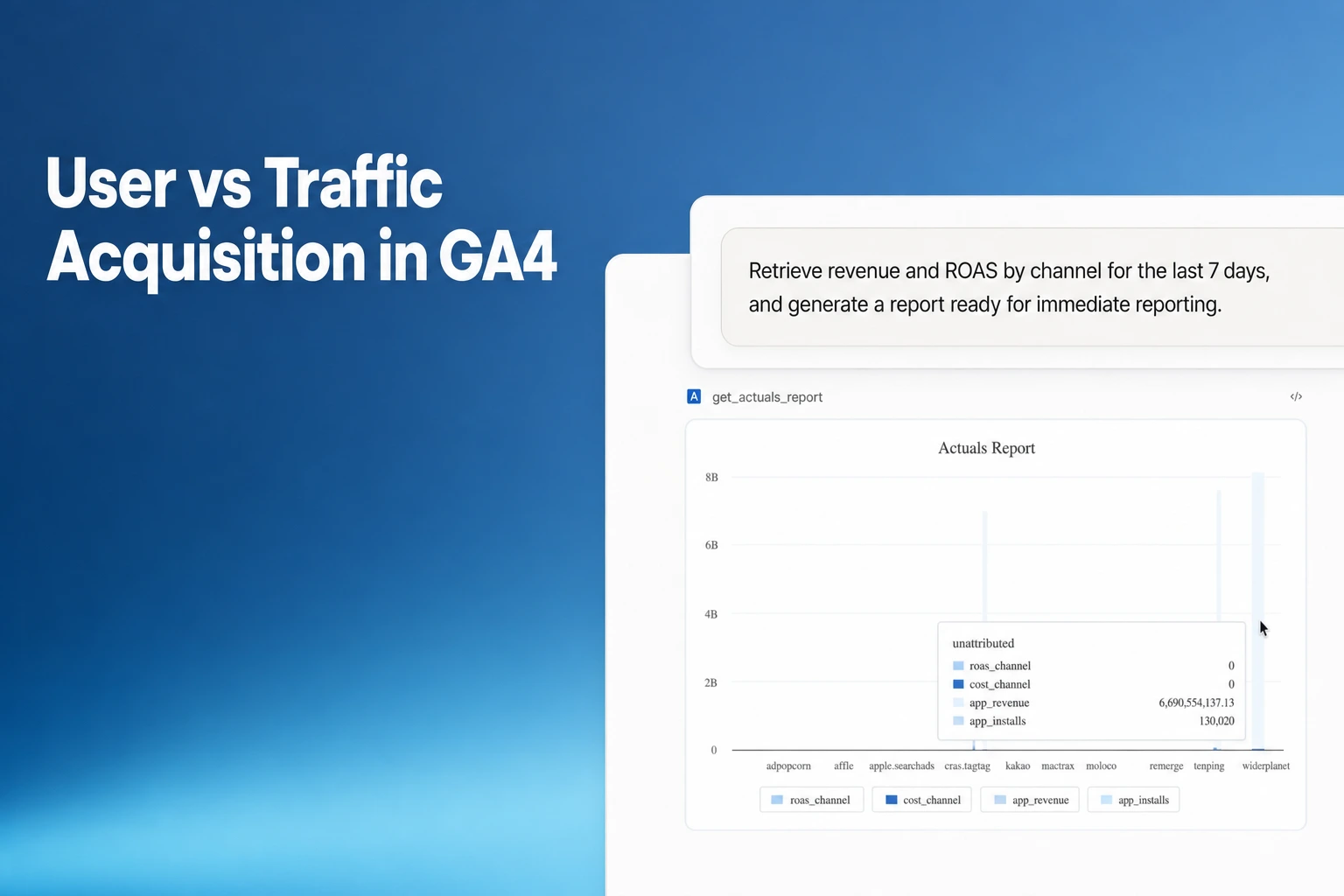
For a small subscription-app team buying mobile ads, Airbridge Core fits when its supported channels and subscription integrations match the setup. Its Actuals Report shows installs, trials, subscriptions, revenue, and return on ad spend (ROAS) side by side by campaign. Core supports attribution for Meta Ads, Google Ads, Apple Ads, and TikTok; it connects trials, payments, and renewals to campaigns through RevenueCat, Adapty, or Superwall, with up to two third-party integrations.
Reading these outcomes together helps a founder see whether a campaign's gap lies in install volume, trial starts, or paid subscriptions. Create campaign tracking links for ads or creators, install the Airbridge SDK in the app, and connect the subscription platform that records trials and payments. On a first app open, Airbridge matches the install to its channel, campaign, and creative; connected subscription events can then appear against those campaigns.
The report can group results by channel, campaign, ad group, or ad creative, which lets a founder move from budget allocation to creative review. The Core Plan includes a 30-day free trial, then costs $40+/mo, with no annual contract.
4. Set up source and revenue reporting before making a call
A reliable source-and-revenue view depends on consistent campaign tags and correctly sent revenue events. Google's URL builder guidance uses utm_source, utm_medium, and utm_campaign to label the referrer, marketing method, and promotion for campaign reporting. Use consistent names so that one campaign does not split across rows because its links use different spellings or labels.
For example, an email promotion can use utm_source=newsletter4, utm_medium=email, and utm_campaign=spring_sale, following Google’s own parameter examples. Google also recommends one unique medium for each distinct channel, which gives the team a stable way to compare email, paid social, or other traffic over time.
Google also cautions against adding manual campaign values such as UTMs to an existing Google Click ID (GCLID) unless those values reflect a new campaign interaction. Adding manual campaign values alongside an existing Google Click ID (GCLID) can assign events to the UTM source instead of the expected Google Ads source, google/cpc, as described in Google's traffic-source scope guide. Keep the tagging approach consistent across ads so a source row represents the channel you intended to analyze.
When sending value (revenue) data, set currency at the event level. Google's GA4 ecommerce measurement guide explains that currency is used for standard reporting in Analytics. If you use a subscription platform, check that its purchase or subscription events reach the analytics property with the value and currency needed for your reporting.
Then choose the report dimension that matches the decision:
- For GA4 purchase revenue: Confirm each purchase event includes
valueandcurrencybefore reading Total revenue by session source. - For first-user acquisition: Compare First user source / medium rows over an identical reporting window to evaluate where new users first came from. An editor or administrator can customize detail-report metrics; check whether Total revenue is available in this report before treating it as revenue grouped by First user source.
- For mobile-app campaign subscriptions: Set up the app campaign links and install attribution, connect the platform that records subscription events, then use the campaign report to compare installs, trials, subscriptions, and revenue.
For a weekly growth review, keep the reporting window and purchase event consistent across campaigns so revenue changes compare the same periods and outcome. For subscription campaign decisions, compare campaign revenue with the campaign’s trial and subscription counts, so the team can see whether a high install count also produced paying customers.
FAQS
FAQ
What is meant by traffic source?
A traffic source is the publisher or inventory source that brought traffic, such as Google Search or a campaign referrer. A traffic source is where a visit originated, such as organic search or referral traffic, per GA4's scope guide.
What does “user acquisition” mean?
User acquisition means bringing new users to a website or app. In GA4’s User acquisition report, First user source and First user medium group users by where and how they were first acquired.
Which GA4 report shows revenue by source?
Traffic acquisition reports Total revenue with session-scoped dimensions; User acquisition is the report for learning where new users first found your site or app.
What report connects a paid app campaign to subscription revenue?
Use a mobile campaign attribution report that links installs to subscription events. Airbridge Core presents campaign installs, trials, subscriptions, revenue, and ROAS, with subscription event connections through RevenueCat, Adapty, or Superwall.



Get Started Free
See how these criteria hold up on the real thing.