Do Deferred Deep Links Work in Google Ads App Campaigns With Airbridge?
Yes. Airbridge supports deferred deep linking for the app URL entered in Google Ads on both Android and iOS when two conditions are met.
Key Takeaway
- Yes. Airbridge supports deferred deep linking for the app URL entered into the Google Ads dashboard, within Google's ad group deferred deep link availability (currently AdMob and YouTube campaigns on Android).
- Condition 1: the channel integration between Airbridge and Google Ads must be complete.
- Condition 2: the app URL in Google Ads should be the URL with the URI Scheme registered for that operating system on the [Tracking Link]>[Deep Links] page in the Airbridge dashboard.
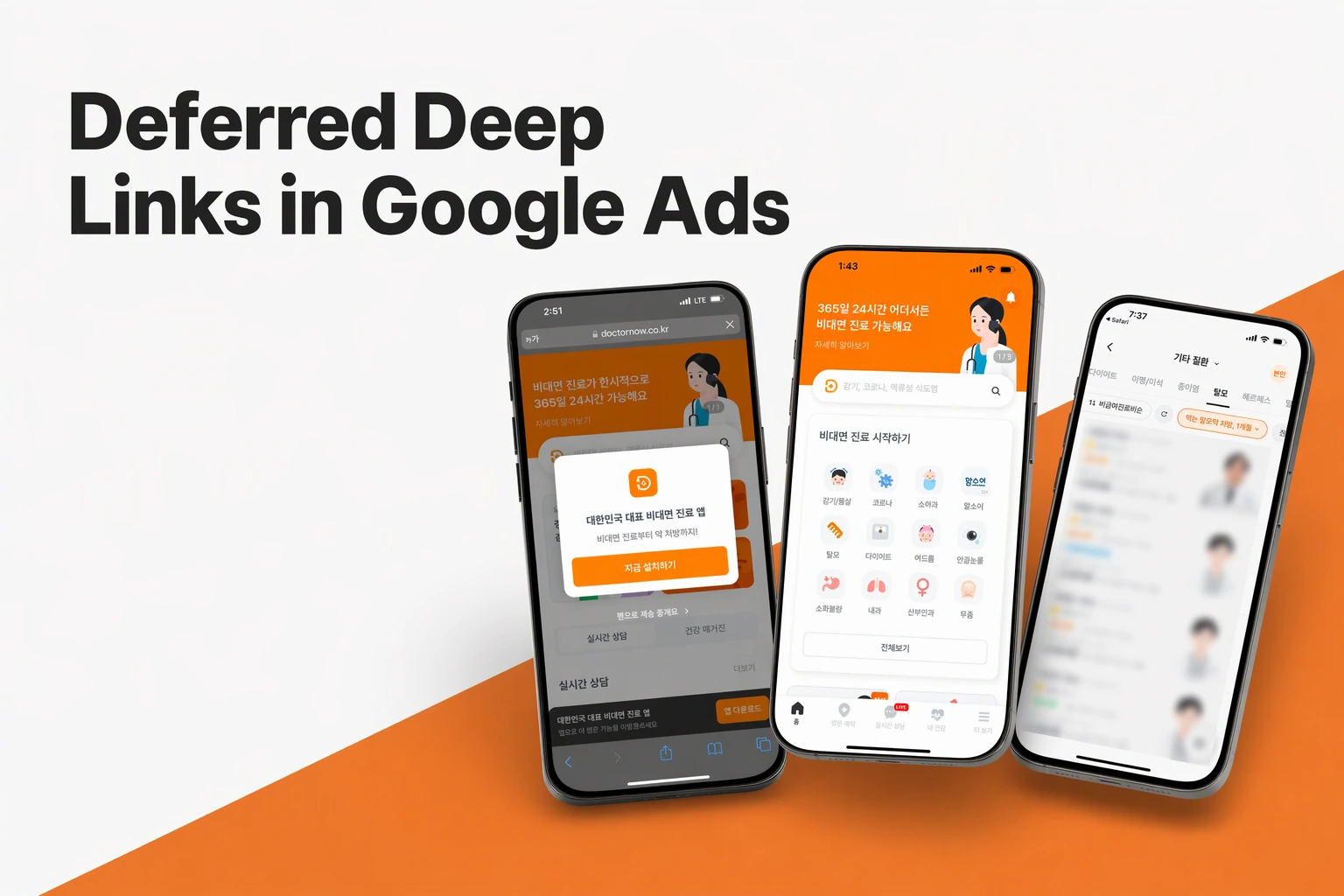
When you spend your marketing budget on Google Ads app campaigns to promote a specific subscription offer or feature, dropping a brand-new user onto a generic home screen creates unnecessary friction. You want the person who tapped an ad for a specific workout plan or a discounted trial paywall to land on that exact screen the moment they open the app for the first time. Deferred deep linking handles this case: a user without the app clicks your ad, installs it from the App Store or Google Play, and lands on the promised screen on first open.
Deferred Deep Linking in Google Ads
Google Ads notes that deferred deep linking (DDL) is designed for new app users who haven't installed your app yet. Without DDL, someone who clicks your ad and installs your app is taken to the home screen or start page of your app, according to Google Ads Help.
With ad group DDL, you designate the in-app page that users reach after they install and open the app. Instead of forcing new users to hunt through menus to find what your ad promised, your onboarding flow can start right where their intent is highest.
Airbridge Support and Google Ads Availability
Airbridge's Google Ads FAQ answers the question directly: deferred deep links work on Google Ads, and Airbridge supports deferred deep linking for the app URL entered into the Google Ads dashboard on both Android and iOS. Deferred deep links are included in the Core plan.
Airbridge deep links support URL scheme deep links, App Links, and Universal Links, and Airbridge automatically selects the most appropriate method based on the operating system, browser, app installation status, and more when the app opens. In your codebase, the deferred destination arrives through the deep link callback you register with the Airbridge SDK, as described in Airbridge's iOS and Android implementation guide.
Two conditions must be met for deferred deep links to work on Google Ads.
Condition 1: Complete the Google Ads Integration
The channel integration between Airbridge and Google Ads must be complete. Google Ads channel integration requires creating a Google Ads Link ID and submitting it to Airbridge, and then importing Airbridge events to Google Ads and setting them as conversion actions.
Once you have copied the Google Ads Link ID, log in to your Airbridge account, navigate to [Integrations]>[Ad Channel Integration], select Google Ads, and paste it into the corresponding link ID field. The link IDs for Android and iOS apps are different, so if you run both versions of your subscription app, check which platform's field you are pasting into.
Condition 2: Use the Registered URI Scheme as the App URL
The deep link URL that you enter as the app URL in the Google Ads dashboard should be the URL with the URI Scheme registered for that operating system on the [Tracking Link]>[Deep Links] page in the Airbridge dashboard.
In Google Ads, you edit an ad group's deferred deep link by updating the URL in the "App URL" field under "Advanced options," as described in Google's setup guide. Enter the URI Scheme URL for the platform the ad group targets. Google currently offers ad group deferred deep linking for AdMob and YouTube placements on Android only.
Testing Before You Spend Budget
Launching an ad group without verifying the post-install handoff can burn ad budget on broken routes. Airbridge's deep link testing guide walks through the Testing Console at Settings > Testing Console > Deep Linking, which includes a Deferred Deep Link scenario for users without the app. After the installed-app tests, click Check event in the report to open a preset Actuals Report and confirm the deep link worked.
FAQS
FAQ
Which events does Airbridge send to Google Ads by default?
Once you register the required credentials, Airbridge automatically maps and sends Install (App) as first_open, Re-install (App) as reinstall_open, Deeplink Open as session_start, and Deeplink Pageview (App) as airbridge.deeplink.pageview to Google Ads.
How do I know if my deferred deep link test worked in Airbridge?
For the installed-app tests, click Check event in the report to open a preset Actuals Report and confirm the result.
Related reading

Route new users right
Connect your Google Ads account and test deep links in the console.