Attribution and Deep Linking Tools: 4 Options Compared
Attribution and deep linking tools are compared on routing, install attribution, and event reporting, with Airbridge a strong fit for subscription outcomes.
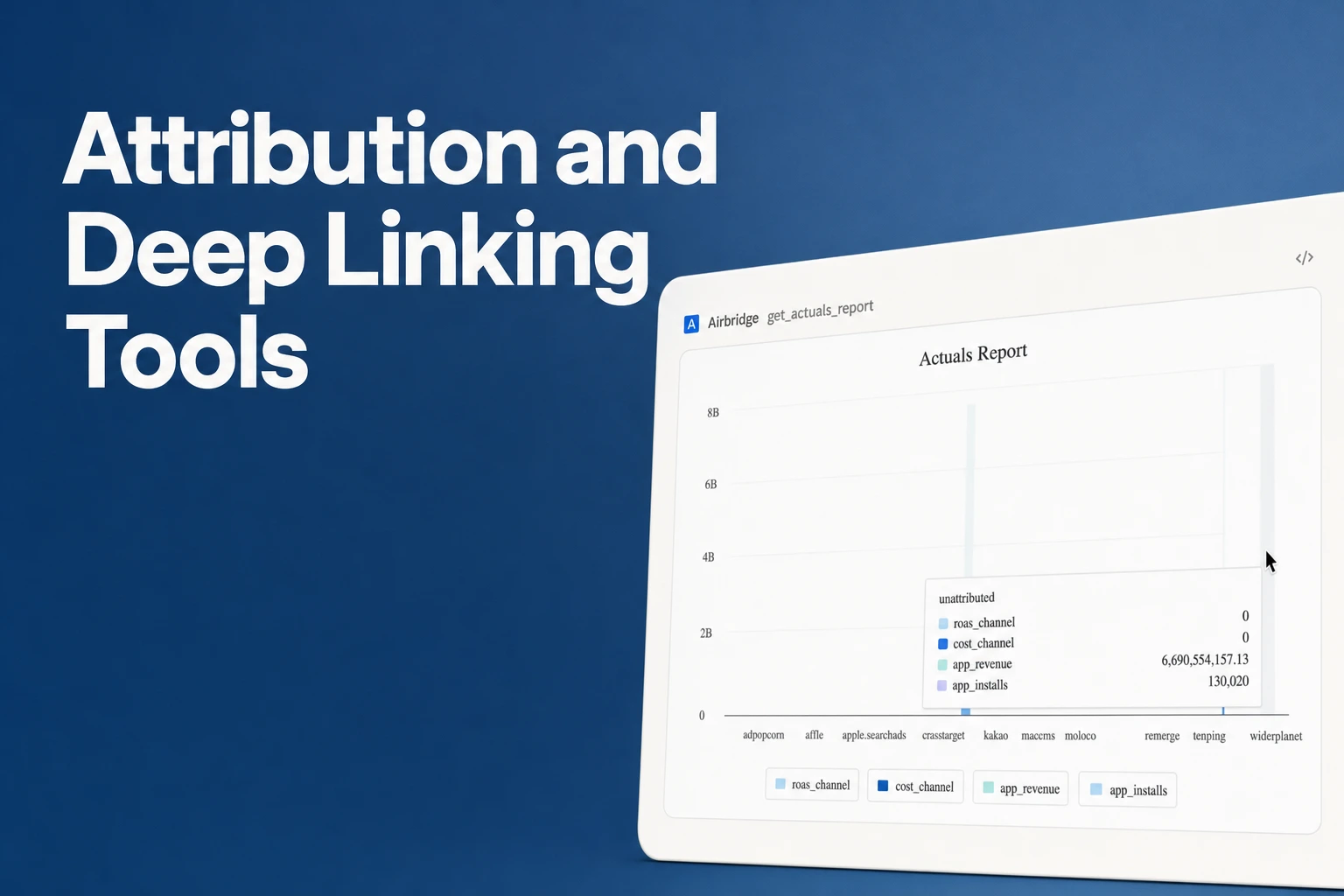
Attribution and deep linking tools that document both functions include Airbridge, Adjust, AppsFlyer, and Branch.
- Airbridge Tracking Links preserve the intended in-app destination through an app-store install and connect source, campaign, and creative to attributed installs, trials, subscriptions, and revenue.
- Adjust’s deep-link guide and attribution-method guide cover deferred routing and install-source attribution; AppsFlyer’s OneLink guide and in-app events guide cover deferred routes and campaign-attributed events.
- Branch’s deferred deep-link definition covers routing to selected in-app content after install, while its product overview presents a revenue-event path from install to transaction.
- Test the same link and subscription events on iOS and Android before choosing.
What to compare in a tool that does both
Mobile attribution connects an app install to the marketing source or campaign associated with it. For a subscription app, the useful test continues after install: can your team connect a trial, subscription, or revenue event to that acquisition context, and see the result in a report it can use?
Compare all four on the same three questions: what an installed-app link opens, whether the intended destination stays attached through an app-store install, and which post-install events connect to an acquisition source or campaign.
| Tool | Deep link and install flow | Post-install attribution and reporting documented |
|---|---|---|
| Adjust | Deep links open a specific app location; deferred links route through the relevant app store when installation is needed, with platform-based redirects or fallbacks (deep-link guide). | Attribution matches users to install sources; event measurement uses SDK documentation or a server-to-server API, and setup guidance asks teams to select revenue events and share event tokens with a developer (attribution methods; getting-started guide). |
| Airbridge | Tracking Links remember the intended in-app destination when a person needs to install first. | Connects source, campaign, and creative to attributed installs and post-install trials, subscriptions, and revenue. |
| AppsFlyer | OneLink includes deep and deferred deep linking, with cross-platform redirect and fallback behavior when the app is not installed. | In-app events can be attributed to media sources and campaigns. The Events page shows lifetime-value event performance across media sources; raw-data reporting is a premium feature. |
| Branch | Deferred deep links take new users through the app-store download and then to the selected in-app content. | Branch presents install, onboarding, and transaction as a revenue-event attribution path, with ROAS as the outcome. |
Adjust: flexible deferred routing with event setup for your team
For someone who needs the app, the deferred flow goes through the relevant app store first, then routes to the designated path. Alternate redirects or fallbacks can vary by device and platform, as set out in Adjust’s deep-link guide.
Adjust matches app users to the source that drove their install, as described in its attribution-method guide. Its setup path involves a developer: Adjust’s getting-started guide links to SDK event documentation and a server-to-server events API, asks the team to share event tokens with the developer, and asks which events should count as revenue events.
That makes Adjust a candidate when your team wants link routing, install-source attribution, and control over the events it implements. If your buying decision depends on a report showing subscription events beside their campaign source, include that exact report in your acceptance test. Send a trial and paid-subscription event, then confirm the event names, revenue values, and campaign breakdown meet your workflow.
Airbridge: connect a destination link to subscription outcomes
With Airbridge Tracking Links, deferred deep linking remembers the intended in-app destination when the person needs to install first. For example, a new subscriber can tap a campaign link, install the app, and continue to the intended screen instead of starting at the app home screen.
Airbridge connects the original source, campaign, and creative to attributed installs and post-install events such as trials, subscriptions, and revenue. That gives a small growth team a specific way to read campaign performance beyond installs: compare whether a campaign or creative brought people who reached a trial or subscription event, as well as revenue.
Airbridge fits teams whose reporting question includes both the route and the downstream subscription result. Keep the events you rely on, such as trial start and subscription, consistent with the events Airbridge collects for your app.
AppsFlyer: OneLink routing with campaign-linked app events
AppsFlyer’s OneLink suite includes deep and deferred links to an in-app destination, as well as cross-platform redirects and fallback behavior when the app is not installed. AppsFlyer’s iOS developer guide also provides setup instructions for deep and deferred links, so include the app implementation in your launch plan.
In AppsFlyer’s in-app events guide, post-install events such as login, registration, and in-app purchase are attributed to media sources and campaigns. The guide identifies the Events page for lifetime-value event performance across media sources and marks raw-data reporting as a premium feature.
AppsFlyer is a fit when you need OneLink routing and want campaign attribution for events your subscription app records. A founder who needs individual event parameters for a deeper analysis should also verify that raw-data reporting is included in the selected arrangement. A team whose standard workflow uses aggregate event performance can evaluate the documented Events page against its actual reporting needs.
Branch: deferred routes alongside revenue-event attribution
Branch defines deferred deep linking as routing a new user to specific in-app content after the app-store install. In Branch’s product overview, deep linking, attribution, and measurement appear together, with a revenue-event path from install through onboarding to transaction.
That event path makes Branch relevant to a subscription team that wants to evaluate the full journey from acquisition into a transaction. Branch also frames the output as ROAS, which suits a team whose main question is how ad spend relates to revenue rather than how many installs arrived.
Use a subscription purchase event in your evaluation and confirm how your own reporting flow displays it alongside the campaign and link that brought the user in.
Choose by the test your app needs to pass
Start with the user journey, then check the report. These are separate checks: a campaign can route to the right screen while your event reporting still needs configuration, and event attribution does not confirm that a link opens the intended screen.
- Test the link with the app installed. Tap it from the channel where users will see it, such as an ad or email. Confirm the app opens to the expected product, offer, or paywall screen.
- Test a fresh install. Remove the app from the test device, tap the same link, install from the relevant store, and open the app. Confirm the person reaches the intended destination after install, not just the generic home screen.
- Check the platform’s link association. On iOS, Apple’s Universal Links troubleshooting notes direct developers to inspect the associated-domain file and its response when links fail. On Android, App Links verification guidance lets a team check whether its production domain is verified for the app. Include both operating systems in the test if you ship on both.
- Send the events that decide your ad budget. Use the same event names your team uses for trial start, paid subscription, and revenue. Check that the selected tool shows the relevant event with the source or campaign breakdown your team needs.
- Match the tool to the output. Airbridge Tracking Links connect source, campaign, and creative to attributed installs, trials, subscriptions, and revenue. AppsFlyer’s in-app events guide covers campaign-attributed events and event-performance reporting, with raw-data reporting as a premium feature. Adjust attributes installs to their acquisition source; its attribution-method guide and getting-started guide cover source matching and developer event setup. Branch presents a revenue-event path from install through transaction.
For a founder who needs both a deferred destination and campaign-linked subscription outcomes in the same measurement workflow, Airbridge is a strong fit based on its documented Tracking Links and post-install event scope.
FAQS
FAQ
What is mobile attribution?
Mobile attribution connects an app install to its marketing source or campaign; post-install event attribution connects actions such as a trial or purchase to that acquisition context.
What tool does both attribution and deep linking?
Airbridge, Adjust, AppsFlyer, and Branch all document deep-link routing alongside attribution capabilities. Airbridge’s documented scope specifically connects source, campaign, and creative with attributed installs, trials, subscriptions, and revenue, while deferred links retain the intended app destination through installation.



Get Started Free
See how these criteria hold up on the real thing.