Analytics Tracking Plan: Versioned Events and Release QA
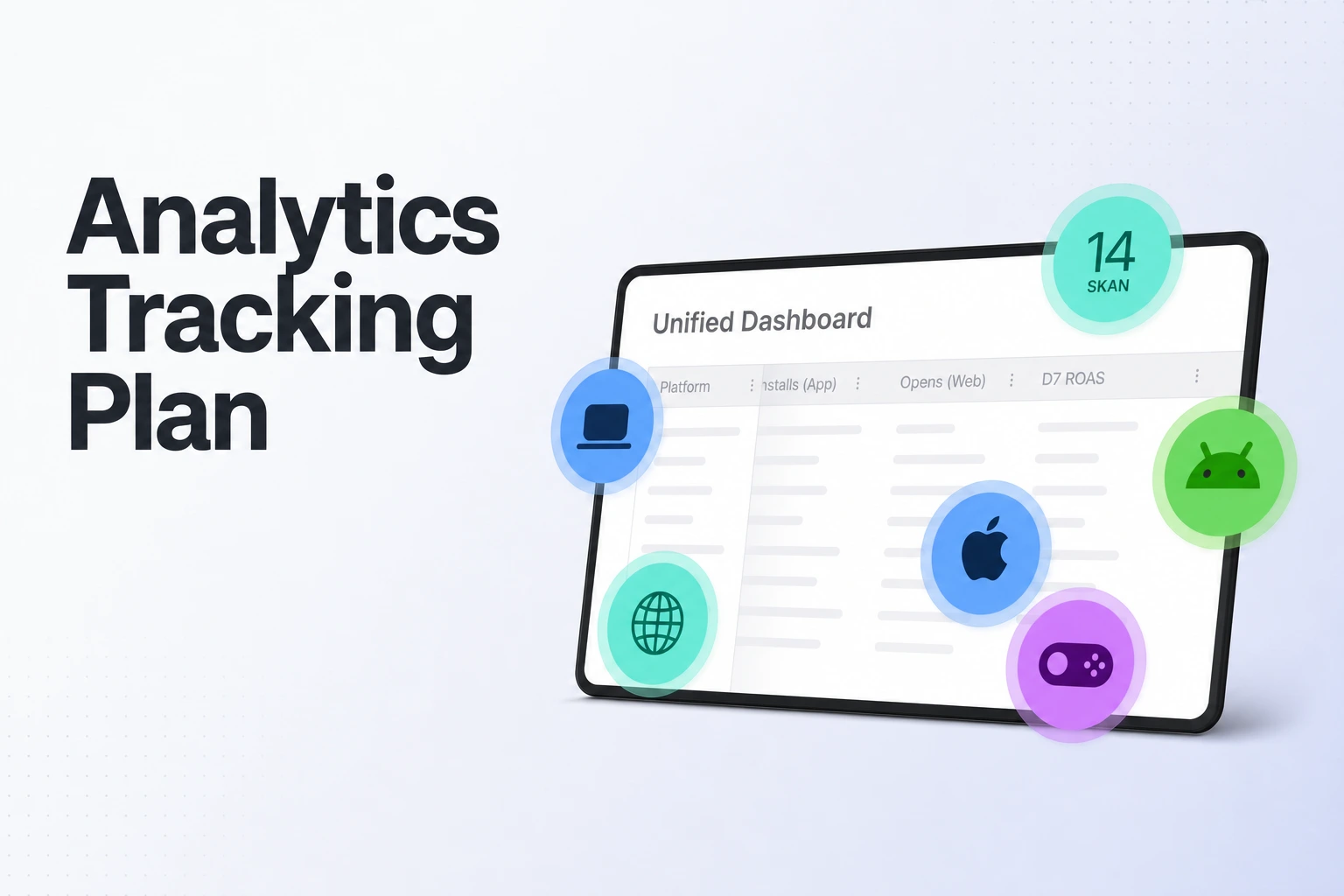
Analytics tracking plan stays current through release versioning, event QA, and app-version funnel checks that distinguish tracking changes from user behavior.
Answer: Keep a versioned analytics tracking plan with every signup-flow release.
- Define funnel steps by outcomes, such as account creation and trial start.
- Record each event’s trigger, properties, owner, definition version, and reports that depend on it.
- Test success and failure paths before release, then compare events by app version afterward.
- Use Airbridge’s preconfigured subscription events and Funnel Report as measurement tools, while your team owns event definitions and release changes.
An analytics tracking plan stays current when the product team treats it as a release artifact, rather than a list created once during launch. Keep signup and trial milestones tied to outcomes that remain meaningful when screens change, and update the event contract alongside the code that changes those outcomes. This lets a lean growth team see whether a changed funnel reflects customer behavior or instrumentation.
Keep funnel steps tied to customer outcomes
Start by writing down the business question the funnel answers. For a subscription app, a useful sequence might be account_created → trial_started → subscription_started; each step represents a completed milestone, not a particular screen layout.
Amplitude’s event taxonomy guidance recommends outcome-driven events connected to business goals, and suggests using properties to describe minor variations instead of creating a separate event for each variation. For your signup flow, trial_started can remain the same milestone when you redesign the paywall, while a property such as flow_variant records which experience the user saw.
Define a trigger that engineering can verify. For example, fire account_created after the app receives confirmation that account creation succeeded. Likewise, tie trial_started to confirmation that the subscription service began a trial, rather than to opening a plan-selection screen.
Map the live journey to those outcomes before editing reports. A short flow could be: account creation succeeds, the user sees an offer, a trial begins, and the first paid subscription starts. Record offer views or button taps as supporting behavior when they answer a separate question; keep the main funnel focused on the milestones growth uses to assess signup and monetization.
Put the event contract where the team can maintain it
Keep one concise record for each event in the project’s shared tracking plan. In its event documentation, Avo lists a descriptive event name, description, trigger, source, associated actions and properties, owner, and stakeholders as useful parts of an event definition. The following fields turn that type of contract into a practical working table for a small product team.
| Tracking-plan field | What to write | Signup or trial example |
|---|---|---|
| Event name and definition | Canonical name and the outcome it represents | trial_started: the subscription provider confirms that the user’s trial has begun |
| Trigger and source | The exact success condition and system that confirms it | Confirmation from the subscription service after trial activation |
| Funnel stage and purpose | Where the event sits and which decision uses it | Trial start; compare completed trials by signup flow |
| Required properties and types | Required context, with an expected type for each field | app_version (string), flow_variant (string), offer_id (string) |
| Owner and stakeholders | Team responsible for the definition and people who rely on it | Product owns meaning; engineering instruments it; growth uses the funnel |
| Definition version and status | Version, effective app release, and active or retiring status | Definition v2, active from release 4.8 |
| Report dependencies | Funnels, dashboards, and decisions that use the event | Signup-to-trial funnel and weekly acquisition review |
Use this table as the event’s contract, not as paperwork for its own sake. The trigger helps engineering know where to emit the event; types and required fields let QA compare actual payloads with the agreed definition. An owner gives the team a clear person to contact when the flow or metric changes, while report dependencies show which analysis needs review before a release.
Keep the required property set small enough that someone can check it during review. Properties such as app version and flow variant can help explain a change in performance. The Federal Trade Commission’s business guidance advises app developers to access only the data and functionality an app needs, and advises businesses to avoid collecting and retaining personal information unless it is integral to the product or service. Apply that principle to event properties: give every field a measurement purpose, and leave out personal details that the analysis does not need.
Version changes according to what changed
Classify an event edit before shipping it. Adding an optional property such as flow_variant usually preserves the event’s meaning. Changing the event’s success trigger, changing a property from a number to text, or using the same name for a different milestone changes the contract that reports consume.
Confluent’s schema-evolution documentation explains compatibility as changing a schema while maintaining compatibility with existing producers and consumers. It describes adding optional fields as a common backward-compatible change in its schema-registry setting. For product analytics, use the same care with downstream reports: an extra optional property is a smaller change than redefining what an existing funnel step means, and the actual impact depends on how your events and reports are built.
Use this release path for a definition change:
- Propose the change with its reason. Name the product-flow change, the metric question it affects, and the events and reports that depend on it.
- Choose additive or breaking. Use a distinct event name when its business outcome changes, and increase the definition version when the outcome stays the same but its payload contract changes.
- Set the first release that emits the new definition. Add the definition version and first app release that emits it to the tracking plan. Keep the previous definition and its dates available for report interpretation.
- Keep old and new app versions distinguishable during overlap. If older app versions continue emitting the old event while new versions emit the revised one, keep the event or definition version distinguishable. Set a transition rule for which definition each report includes, so one user journey does not count as two equivalent milestones.
- Update implementation and analysis together. Review the changed trigger and properties in code, then update the funnel steps, filters, and notes that use them.
QA the event contract before the flow ships
Review the tracking-plan row with the product change and exercise the instrumented flow in a test environment. Google Analytics’ Measurement Protocol guide describes validating event requests before production with its validation server or Event Builder. The server returns details such as the field path and validation issue; events sent there do not appear in reports. This is a GA4-specific example of payload validation, so use the equivalent test process for the analytics setup in your own app.
Use a short QA pass for each changed signup or trial path:
- Confirm the trigger. Complete signup, trial selection, and any changed handoff. Confirm each canonical event fires at the success point written in the plan.
- Exercise a failed path. Test a rejected or abandoned step and confirm the success milestone remains tied to actual completion. Check that any failure event answers a separate debugging question.
- Match the payload to the event contract. Compare the emitted event name, required properties, value types, app version, and flow variant with the tracking-plan row. Review optional fields for unexpected personal data.
- Check event count and identity. Complete the flow once and confirm one canonical success event per successful milestone, associated with the intended app user or pseudonymous identifier.
- Review the build reference. Record the release candidate and definition version tested, plus any change made after the test.
Airbridge Core Plan’s Test Console validates SDK setup before go-live. That gives a team a way to validate setup in the Airbridge flow; the separate tracking-plan review above defines what each event means and what its payload should contain. Together, setup validation and event-contract QA cover two different release checks.
Check production data before calling a funnel change real
After release, compare emitted events with the contract before interpreting a conversion shift as customer behavior. Segment the check by app version and release date, then compare the expected event names, properties, and event counts across the old and new flow. Check whether a step disappeared, arrived with a different property type, or began firing at a different point in the journey.
Build the same milestone funnel for the release cohort. Amplitude recommends testing a taxonomy by building key funnels and checking whether the events capture the intended journey. Review the path from account creation to trial start, and then to paid subscription, using the same cohort and conversion window for each app version. If counts or step progression change sharply at the release boundary, first confirm that the relevant events still arrive and mean what the plan says; then assess the user conversion result.
Airbridge’s Funnel Report documentation describes analysis of a cohort converting through an event sequence you define, including the time each conversion takes. It aggregates how many users who entered the first step proceeded to later steps, helping teams locate drop-off points. Any Airbridge event can be selected as a step, and a report supports two to 40 steps. For a lean signup audit, a focused three-step sequence is often enough to compare account creation, trial start, and subscription start.
Keep cohort, entrance-date range, funnel steps, and conversion window consistent when comparing releases. The Funnel Report setup guide lists the cohort, funnel entrance date range, steps, conversion window, and GroupBy as report configuration choices. A brief release note alongside the chart should identify the app version, event-definition version, and any change to the funnel configuration.
Use standard subscription events as a starting point
Airbridge Core Plan includes 25 preconfigured standard events, including Install, Sign-up, Start Trial, Subscribe, Unsubscribe, and Order Complete (Core Plan overview). A preconfigured event can save setup work while leaving the team responsible for deciding when its own product has reached that milestone.
Keep the measurement stack neutral to the subscription platform. Write down which system confirms that a trial or paid subscription began, and define how the app sends that milestone into the analytics workflow. Then test that the event appears once with the properties needed for the funnel, regardless of which subscription service the app uses.
Retire old definitions without rewriting the story
Close a schema change by recording the old and new definitions, the releases that emitted each one, the owner, and the reports updated. Mark the prior event or definition as retiring, then set the release or transition condition that ends its use. Keep old and new periods distinguishable in dashboards and analysis so a chart does not treat different meanings as one uninterrupted series.
Redefining an Airbridge event leaves previously collected data under its earlier definition and can lead to data discrepancies (event taxonomy guide). When an event’s meaning changes, preserve its historical definition and treat post-change data as a new reporting period or version. Plan the transition in the tracking plan, update each affected funnel, and label the cutoff in the report.
Before closing the release task, confirm four items: the new event definition has an owner, the shipped version matches the plan, dependent funnels use the intended event version, and the reporting cutoff is documented. That small handoff keeps the next signup redesign from inheriting a two-year-old event definition by accident.
Get Started Free
See how these criteria hold up on the real thing.