Adapty attribution integrations: options and setup for campaign revenue
Adapty attribution links subscription events to Airbridge campaign reports; compare event routes and configure IDs, events, currency, proceeds, and history.
Where Adapty subscription revenue should appear
- Choose Airbridge when you want Adapty subscription events tied to campaigns in Airbridge reports.
- Airbridge sends subscription-related events from Adapty into Airbridge; its return path to Adapty sends install events only.
- Choose and configure events, currency, proceeds, trial price, and historical-event handling before you compare revenue.
- Match User IDs in both SDKs so subscription events can be associated with the same user.
Adapty attribution can put campaign-linked subscription revenue in Airbridge reports when Airbridge imports Adapty subscription events. Airbridge publishes this guide: its Adapty integration guide documents subscription-event imports into Airbridge and an install-event return path, while the Singular subscription-event guide describes forwarding selected Adapty events to Singular.
Choose the destination for campaign revenue
Start with the dashboard where you want to answer, “Which campaigns brought in paying subscribers?” Airbridge fits teams that want subscription revenue beside campaign performance in Airbridge. A Singular path fits teams evaluating delivery of selected Adapty subscription events to Singular.
| Integration path | Documented event direction | Reporting destination and setup focus |
|---|---|---|
| Adapty + Airbridge | Adapty subscription-related events go to Airbridge; Airbridge sends install events to Adapty. | Use Airbridge reports for subscription revenue and campaign analysis. Align User IDs across both SDKs. |
| Adapty + Singular | Selected Adapty subscription events are forwarded to Singular. | Singular; select which events to forward. |
Adjust is another documented route. The Adjust Adapty partner listing says Adjust can send all events directly to Adapty, and describes iOS and Android subscription-event delivery with no code. This route sends events into Adapty, while Airbridge connects Adapty subscription events to campaign reporting in Airbridge.
The Airbridge Adapty integration documents both event directions. Airbridge Core Plan ties configured Adapty trial conversions, first payments, renewals, and refunds to the campaign that brought the user in, as described on the Core Plan page.
Singular is a separate destination for selected Adapty subscription events, giving teams another event route to evaluate.
Singular’s documented setup sequence is to configure the app in Adapty, add Singular credentials under Integrations, select subscription events to forward, and verify that they arrive in Singular.
When Airbridge fits an Adapty subscription stack
In Airbridge reports, GroupBy is the option for splitting results into groups by a chosen field, such as subscription event.
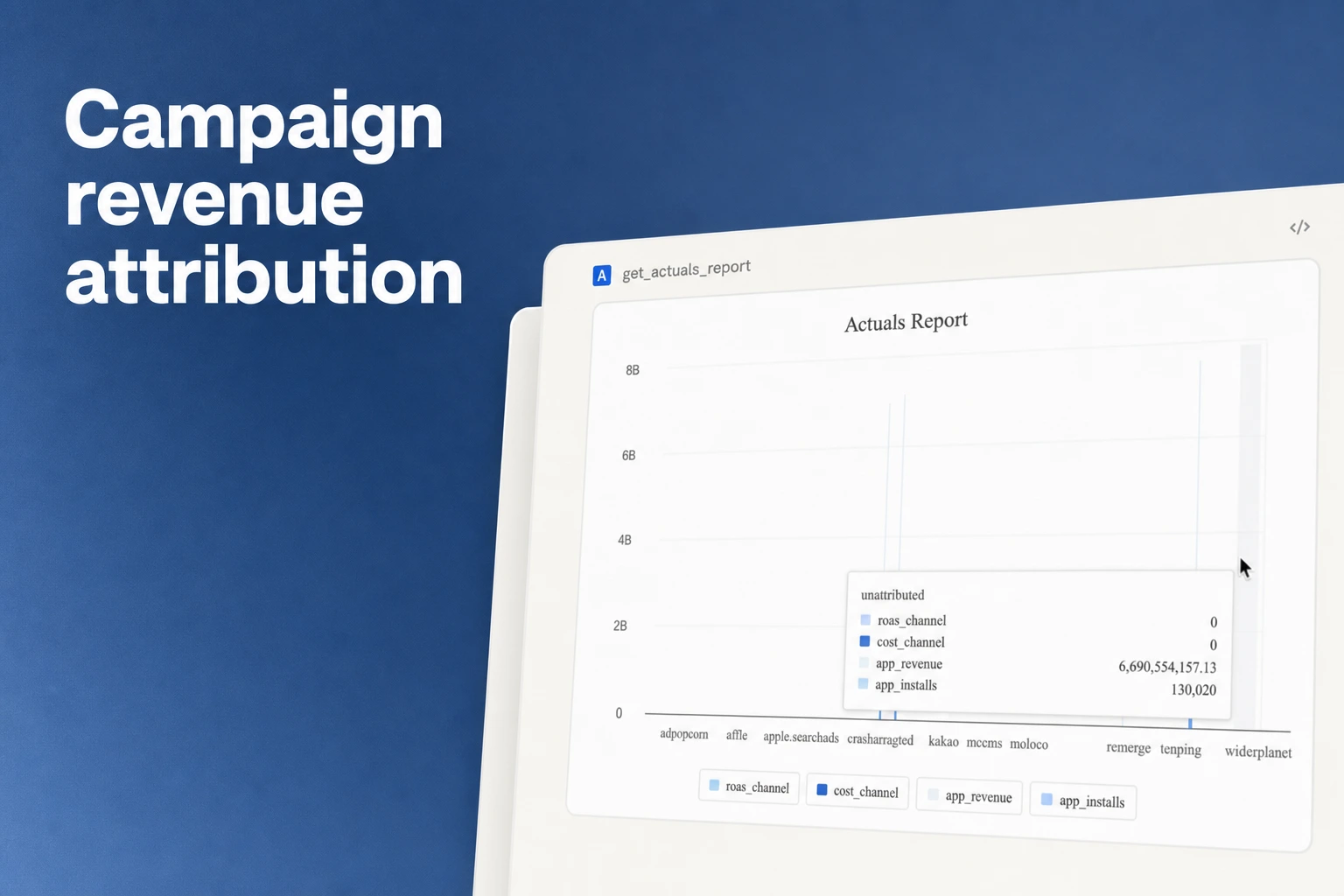
Airbridge is a fit when the decision you need to make is campaign-level subscription revenue inside Airbridge. Once Adapty events arrive, Airbridge reports can use Subscription Revenue (App) as the metric, and Adapty events are also available as report metrics and GroupBy options. That lets a small team examine subscription revenue by campaign and group the report by Adapty event.
The Core Plan connects configured Adapty trial conversions, first payments, renewals, and refunds to the campaign that brought the user in. For a subscription app, that means you can review more than the first install or trial start: the event stream can include later payment and refund activity in the same campaign context.
Map the events you enable to the question your team will review. To compare campaigns on trial starts and trial conversions, include the relevant events from the Trials group. To see paid conversion and later revenue, include the relevant Subscriptions events, such as first payments and renewals; include refunds when they belong in your revenue review. Adapty’s event selector offers Subscriptions, Trials, and Issues groups, with toggles for individual events; on Airbridge Core, only events that map to the standard Start Trial, Subscribe, and Unsubscribe events are usable, so Issues events such as billing problems arrive as custom events and require Growth.
Use the report’s campaign dimension for the acquisition question and an Adapty event as a GroupBy when you need to separate those event types. For example, a campaign that brings many trial starts and a campaign that brings first payments answer different growth questions. Reading the event breakdown alongside campaign revenue helps a small team decide which result should guide the next budget change.
Campaign reporting also depends on the ad-channel connection. Airbridge’s ad-channel integration guide says self-attributing networks require integration setup instead of tracking links; campaign data updates in real time, and integration status updates hourly.
Configure the Adapty and Airbridge connection
Follow the event flow in order. Adapty events have to reach Airbridge before the Adapty API token becomes available for the return connection.
-
Align user identity in both software development kits (SDKs). Log the same User IDs in the Airbridge SDK and Adapty. Add code to the Adapty SDK to fetch the Airbridge Device UUID. When Airbridge cannot find a matching User ID in Adapty, it generates a random User ID, which can raise displayed subscription-event user counts above the actual total.
-
Enable the Adapty-to-Airbridge event flow. In Adapty, open Integrations and select Airbridge. Enter the Airbridge App Name and Airbridge API token from your Airbridge dashboard. In Events names, choose the subscription-related events to send. The available event groups are Subscriptions, Trials, and Issues, and toggles control which events are sent.
Airbridge maps Adapty’s trial_started event to Start Trial. It maps trial_converted, subscription_initial_purchase, and subscription_renewed to Subscribe, and auto_renew_off_subscription to Unsubscribe.
-
Choose revenue settings for the report. Enable Report proceeds to report amounts after App Store or Google Play Store fees. Enable Report user’s currency to use the user’s chosen currency; when it is unchecked, revenue is reported in USD. Enable Send trial price to include revenue generated from trials. For free trials, set the trial price percentage to 0%.
-
Set the historical-event rule. With Exclude historical events enabled, Adapty events from before the Adapty SDK installation are excluded from reporting. When historical events are included, events from before the SDK was applied or updated receive modified event dates within 24 hours of sending. Choose Exclude historical events when the original event date matters for your report.
-
Add the Airbridge-to-Adapty return path. After Airbridge receives subscription events, the Adapty API token appears in the Adapty dashboard. In Airbridge, go to Integrations > Third-party Integrations, select Adapty, enter that Adapty API token, and click Done. This completes the install-event return path to Adapty.
Verify subscription revenue in the intended report
Compare an unexpected Airbridge subscription-event user count with the corresponding Adapty event totals before changing report settings.
Keep event options, revenue settings, and the report period consistent across campaign comparisons so the totals use the same measurement basis.
Set the report’s date range to the subscription period you want to compare, especially when it crosses an Adapty SDK installation or update. For older subscription activity, compare the dashboard date with the original event date before counting it in a reporting period.
In Airbridge, create or open a report and select Subscription Revenue (App) as the metric. Use an Adapty event as a GroupBy option to split the report results by subscription lifecycle event.
Run a known test subscription through the configured flow: enable its Adapty event, confirm that event appears in Airbridge, and compare the revenue using the selected proceeds, currency, and trial-price settings. Validate the return path separately in Adapty, where Airbridge sends install events. Keeping the two directions as separate checks makes it easier to tell whether a subscription-import issue or an install-postback issue needs attention.
Get Started Free
See how these criteria hold up on the real thing.